

Magento to Bigcommerce Migration Service
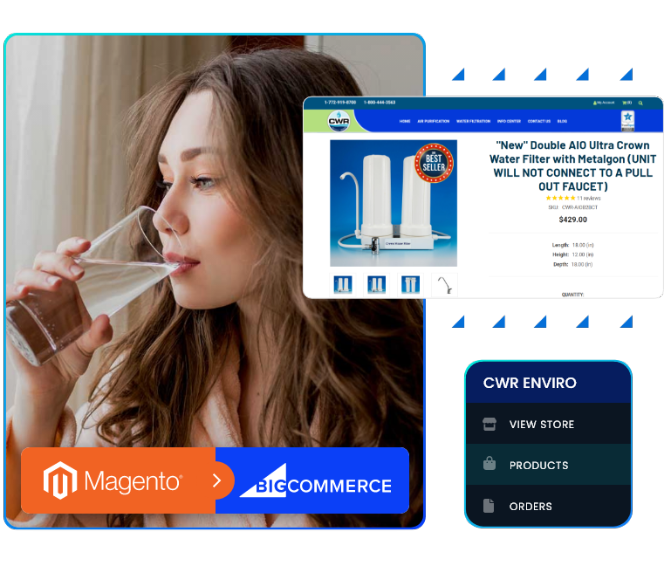
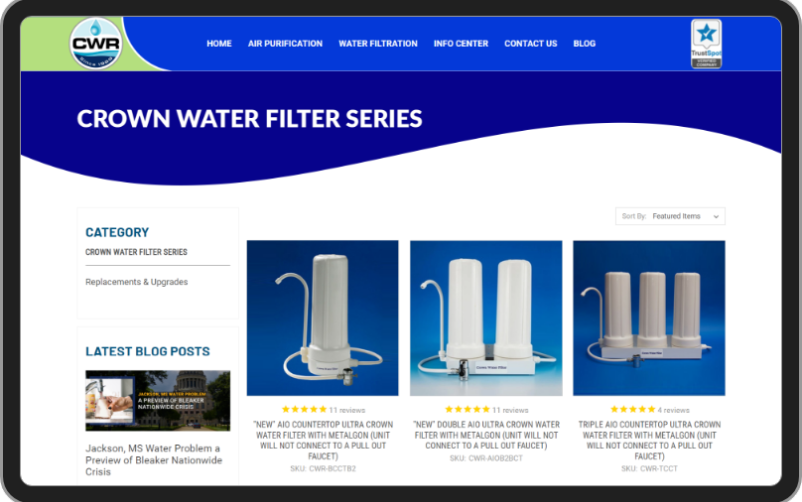
Planning to switch platforms? We make migration manageable at Always Open Commerce
We provide compelling reasons for you to make the big switch for your online store. Aside from Magento to BigCommerce migration, we also perform other services like digital marketing, designing product catalogs, cloud-based product information management, and providing a support team for shorthanded clients.
How our experts perform
As investors continue to explore new options for the best e-commerce platform for their business, Always Open Commerce strives to rise to the challenge of making data migrations manageable. At the forefront of our services are our data experts and developers, tasked to safely transfer your store data from the old to new. Our tech and support team will keep you informed about the latest in your journey. Let’s start!
Step 1
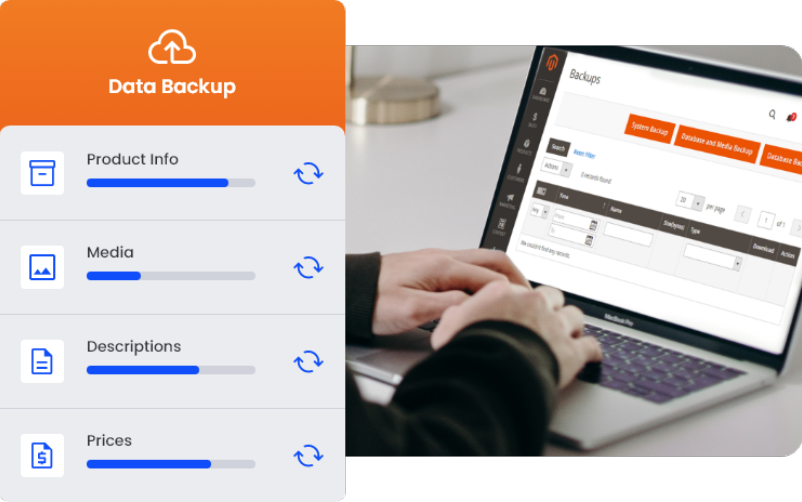
Prepare backup for your online store’s data
It is nearly mandatory to back up information such as product and customer data, existing items in your customers’ shopping carts, inquiry forms, and other essential variables. Backing up will prevent data loss due to unexpected interruptions during the migration process.
Step 2
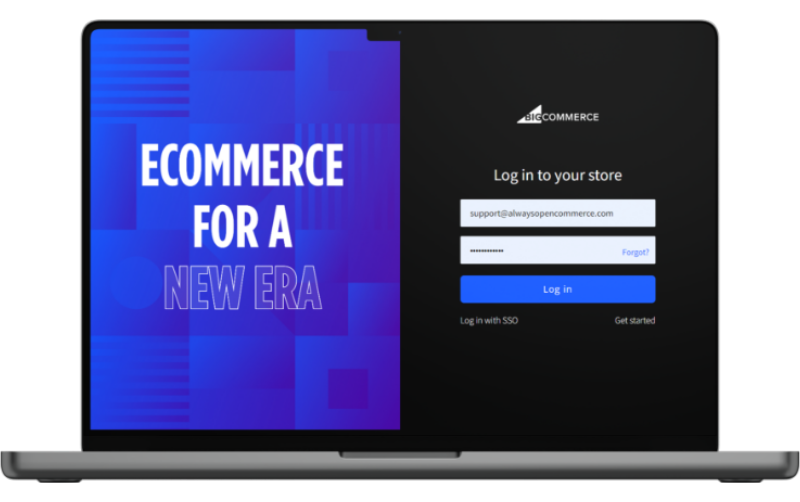
Launch and connect your BigCommerce Store
Sign up for an account with BigCommerce. Input your existing online store name, a brief of general information related to your e-commerce business, and company profile or history. Provide a Username/Client ID, API token, and API path for your new BigCommerce store. Our support team will assist you on this.
Step 3
Select additional options for a demo migration
Before transferring Magento data, carefully review additional options our experts may provide you. Entities such as product IDs, HTML tags, or product filters may be preserved and migrated to the Target Store. After reviewing, a demo migration will help identify and address potential risks.


Step 4
Full migration and data validation
The outline depends on data volume, custom element complexities, and third-party application compatibility. The initial data transfer estimate covers the movement of core data; the true project duration begins after data integrity is verified.
Step 5
Store design and development
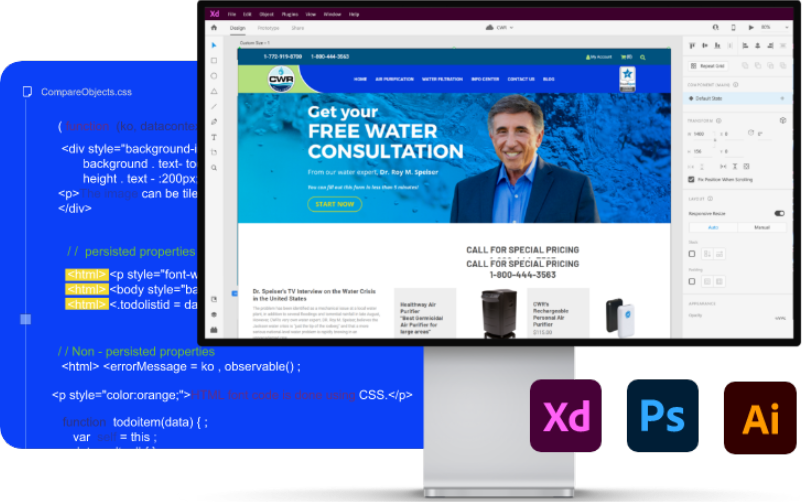
After completing the primary task of migrating data, it’s time to design and develop the look of your new site. Our designers may help you in choosing a theme and our developers will conduct tests regularly to polish the UX.

Step 6
Going live with your new store
After checking that all third-party APIs are functioning without issues, our developers will notify you that your domain (the home of your new store) is ready to go live and can now accept internet traffic. Periodic tests will still be conducted to ensure site stability and a smooth UX for site visitors.
Disclaimer: When online stores migrate, actual process flows vary depending on the 3rd-party tools and applications used in transferring data. Our data administrators and developers will discuss this with you during onboarding. The above information is a general system most data migrations follow.
What data can be migrated from
Magento to BigCommerce
Products
- Product name, product ID, and SKU
- Product Description, Manufacturing Details, Physical Dimensions, Warranty Policies
- Product Description, Manufacturing Details, Physical Dimensions, Warranty Policies
- Suggested retail price, sale price, tier price, etc.
Orders
- Orders by date of placement
- Price, Discount, and Payment Methods and Channels
- Interaction data – page views, subscriptions, downloads, social media shares, demo requests, and email inquiries
Customer Data
- Basic data – customer names, contact details, customer group demographics such as gender and income range
- Behavioral data – free trial sign-ups, logins, deactivations, license purchases, upgrades and downgrades, ratings, reviews, and surveys
- Interaction data – page views, subscriptions, downloads, social media shares, demo requests, and email inquiries
Other Online Store Assets
- Existing Collections and Categories
- Images, photos, and layouts from the manufacturer or distributor
- HTML tags and product filters.
Is Your Data Secured During Migration
According to migration experts, the most common cause of a security breach when a store migrates is when several parties are involved. These ‘parties’ may have the capacity to transfer sensitive product and customer data between themselves, compromising information security and integrity. To prevent this, Always Open Commerce implements measures that protect your online store’s data until the full migration process is complete.
Magento to BigCommerce
Migration FAQs
Find answers to your concerns about migration.
Magento 2 is a great 2nd generation e-commerce platform, so you’re in a good spot. But you being here on this page means you’re already considering migrating to BigCommerce – which is, by its own right, an excellently intuitive platform. To put simply, when you migrate to BigCommerce, you eliminate all immediate security risks found in sites still running Magento 1.
Exportation of existing order forms from Magento platform to BigCommerce are done during the actual migration. You can include orders placed in Magento (source store) as part of the data to be migrated over to the target store. BigCommerce highly recommends exporting orders to hold onto as reference for future inquiries or for tax purposes.
Yes. The purpose of Magento to BigCommerce migration is to export or transfer a part or all existing data from an old source store (Magento) to a newer target store (BigCommerce). Successfully migrating to a newer e-commerce platform often results in better web visibility and searchability in search engines like Google.
Not possible. You cannot migrate customer passwords to BigCommerce as it has its own password encryption protocols and peculiarities. Moreover, BigCommerce is a hosted e-commerce platform. Hence, migration tools frequently used by data administrators and migration experts like LitExtension cannot penetrate BigCommerce’s database to link password encryptions with Magento 1.
Yes, and it’s even easier to transfer assets like images thanks to powerful platform migration tools that do the job in one sweep. Our Magento to BigCommerce migration experts utilize these applications to transfer images from product descriptions, categories, and blog entries and then check them to see if they’re exactly where they have to be in the target store.
Yes. Through the use of powerful migration tools, you can migrate product reviews from your old Magento store to your new BigCommerce store.
During the actual data migration process, data loss may occur. When the data is migrated or transferred to the target store, some of the data may not migrate over from the source store. To minimize the risk of losing necessary information during this extremely crucial part of the process, we conduct tests or demo migrations to help identify these risks and, if possible, eliminate them completely.
As with any major change in a website’s architecture, platform migration significantly affects site speed, SEO customization, and may result in a temporary loss of traffic. But the potential benefits of a Magento 1 to BigCommerce migration far outweigh these minimal setbacks. Migrating for the right reasons can create a better overall experience for visitors and customers.
Yes. Most Magento to BigCommerce migrations support exportation of attributes along with product and customer data, product SKUs, images (product photos, thumbnails, and additional assets), product image URLs, short- to full-length descriptions, among other entities, from the source store to the target store.
Yes. Most Magento to BigCommerce migrations support exportation of product SKUs along with product and customer data, attributes, images (product photos, thumbnails, and additional assets), product image URLs, short- to- full-length descriptions, among other entities, from the source store to the target store.
Yes, it is possible to migrate order IDs, as most migration tools include an option to preserve original order IDs during configuration, ensuring complete continuity in your store’s historical order management and record-keeping.
You cannot migrate this entity from Magento to BigCommerce. Oddly enough, a transfer of order statuses is possible if it’s a BigCommerce to Magento
Always Open Commerce: Your Migration Partner
Online store migrations are often complex and challenging. It is, after all, one of the most convoluted processes in the world of data and e-commerce. Migration is not a one-step procedure.
As always, Always Open Commerce is here to make it easy for every business owner who wants to migrate from Magento to BigCommerce. Our team of migration experts and developers are highly skilled and trained to ensure that your online store works perfectly after the switch.
Migrating to the BigCommerce platform with Always Open Commerce also comes with big perks:
- A professional support team that assists you from the start to the end of the migration process.
- Class-leading migration tools and protocols that keep your data safe and secure
- Highly-skilled product and customer data handlers to also facilitate migration
We will also prepare a checklist that can be used both as a guide and a blueprint for migrations of any type.
Get Started Today
We offer a risk free month trial for qualified new clients. No upfront payment required.