
























































Matrixify
Manage Shopify data in bulk without treating every catalog change as a manual admin task. Always Open Commerce helps teams plan, prepare, validate, and troubleshoot Matrixify workflows for migrations, imports, exports, bulk updates, and connected product-data operations.

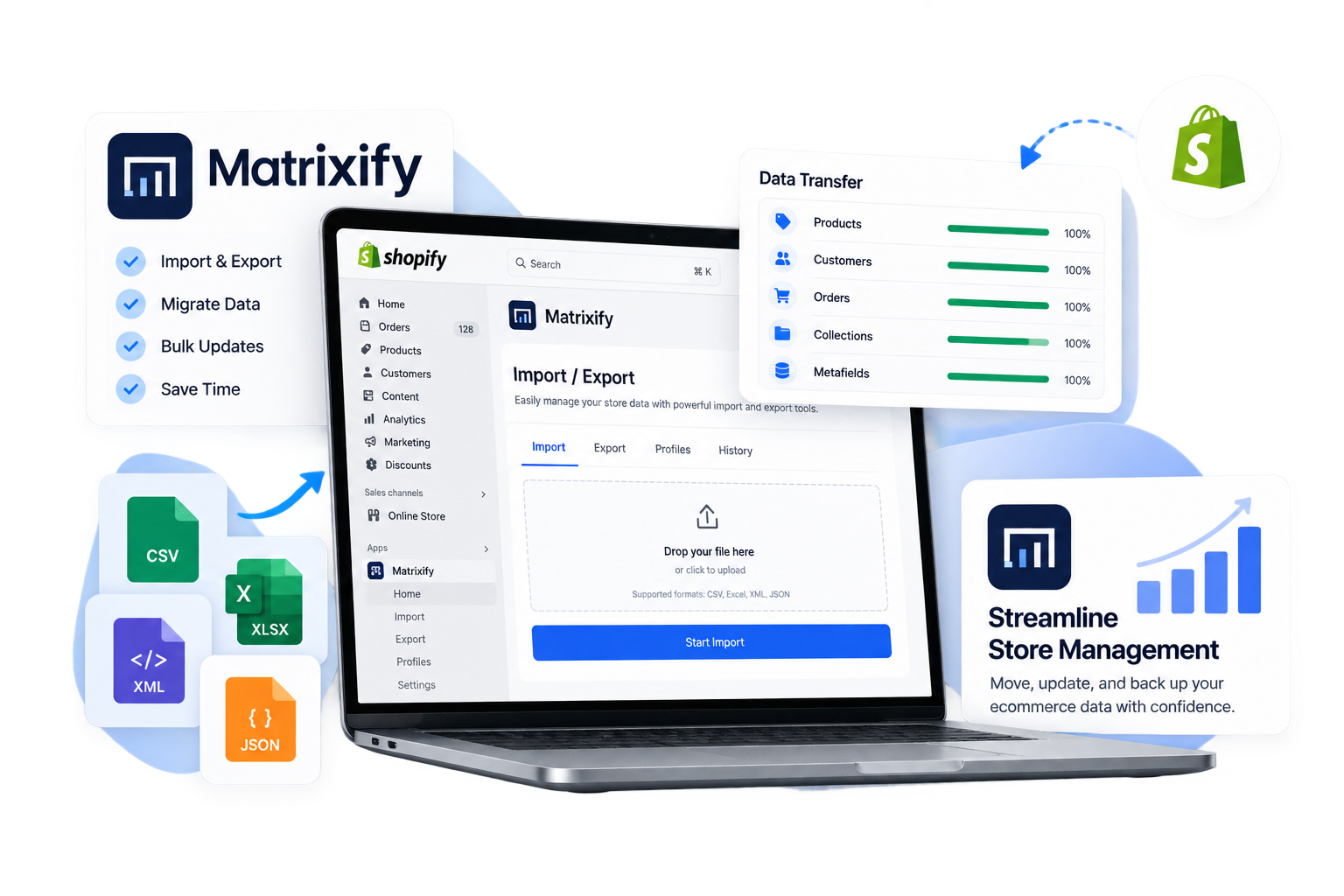
Use Matrixify When Shopify Is the Data Destination or Operating Hub
Matrixify handles bulk Shopify data work through structured import, export, update, and migration workflows. It is useful when the team needs to review or change large amounts of Shopify data without relying on repetitive record-by-record administration.
Always Open Commerce can help determine when Matrixify is appropriate for a Shopify migration, a large catalog update, a store-copy task, or recurring data administration. The decision should start with the records that need to move or change, the source of truth for those records, and whether the work belongs in Shopify or another system.
Make the Data Reviewable Before You Import It
One of Matrixify’s practical distinctions is that store data can be exported, reviewed, adjusted, and imported through structured Excel and CSV workflows. For migrations into Shopify, source data can be prepared, mapped to the required format, reviewed, corrected, and then imported.
That visibility is useful only if the spreadsheet becomes a controlled data step rather than another uncontrolled copy of the catalog. Always Open Commerce can help organize field mapping, cleanup rules, identifiers, variants, collections, redirects, metafields, and other required records before the import is treated as ready.
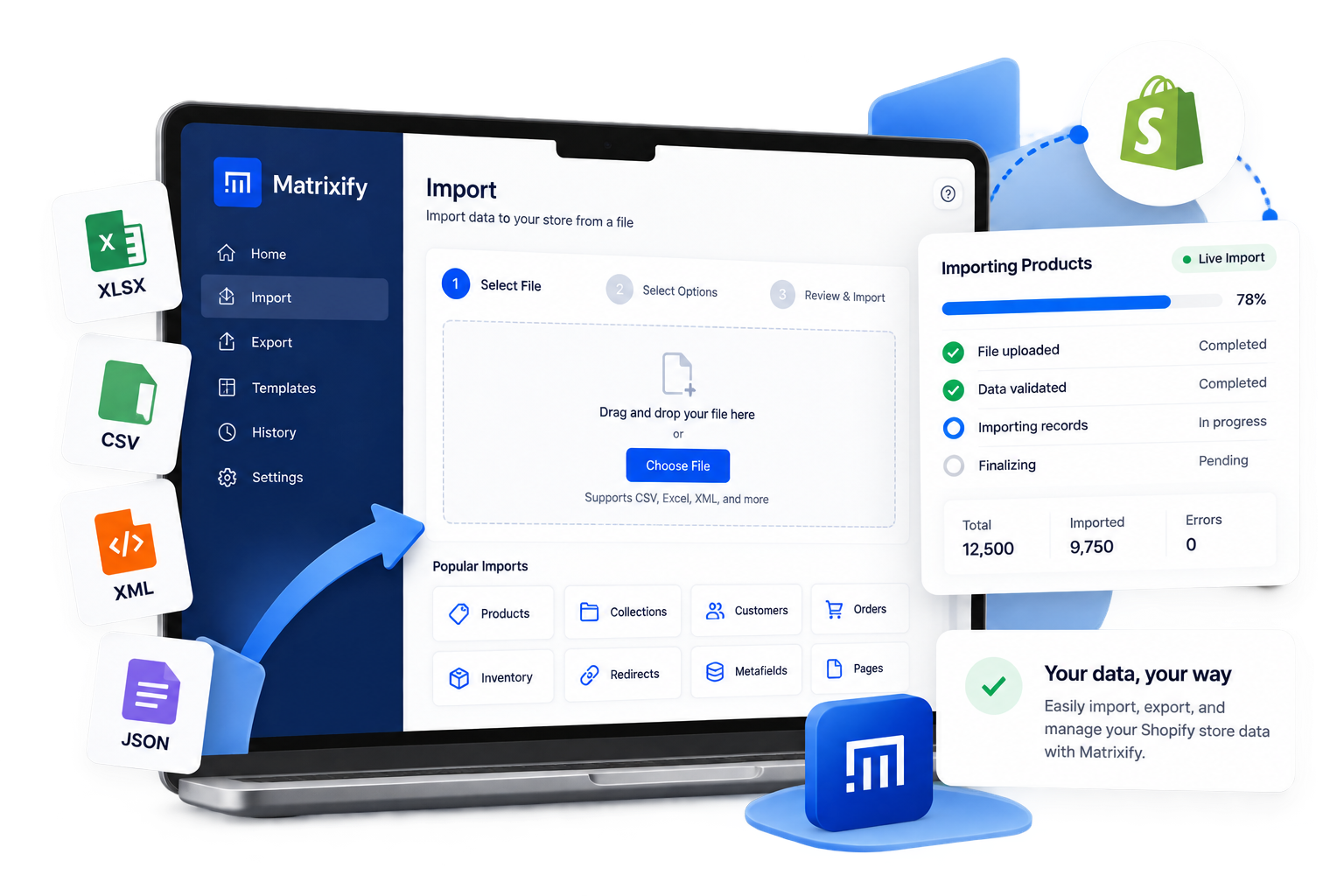
Matrixify Work We Can Support
Support can focus on the Shopify data task that needs attention, from migration preparation to recurring bulk administration, while keeping source-system ownership and technical constraints clear.

1
Shopify Migration Data Preparation
Prepare and review source exports, field mappings, data transformations, and Matrixify-ready files for products, customers, orders, content, redirects, metafields, and other supported Shopify records.
2
Bulk Catalog Updates
Coordinate large product, collection, pricing, inventory, tag, metafield, or other approved data changes so teams can update selected fields without relying on repetitive manual edits.
3
Supplier & External Data Inputs
Review supplier files, custom exports, or recurring data feeds that need to be transformed for Shopify, with exact automation and integration feasibility validated where required.
4
Import Validation & Troubleshooting
Check Matrixify job results, compare imported records with the approved source, identify mapping or formatting problems, and coordinate corrections or reruns within the agreed scope.
Separate One-Time Migration From Ongoing Shopify Data Operations
Matrixify can support more than a single replatform. Define whether the job is a one-time transfer, an ongoing bulk-management workflow, or part of a larger data process before building repeatable imports and exports around it.
1
Migration Into Shopify
Use Matrixify where source data can be prepared for Shopify and reviewed before import. Theme work, apps, integrations, SEO preservation, and launch planning remain separate migration responsibilities.
2
Bulk Import, Export & Update
Use spreadsheet-based jobs for large Shopify data changes when the business needs controlled updates across many records rather than item-by-item administration.
3
Store Copies & Data Backups
Exports can support store copies, analysis, or backup-oriented workflows. Restoration scope and data coverage should be checked against the applicable Matrixify and Shopify capabilities before relying on them operationally.
4
Recurring Data Workflows
Scheduled exports, supplier inputs, or repeated imports may support ongoing operations, but ownership, file transformation, validation, and failure handling should be defined before the workflow is treated as dependable.
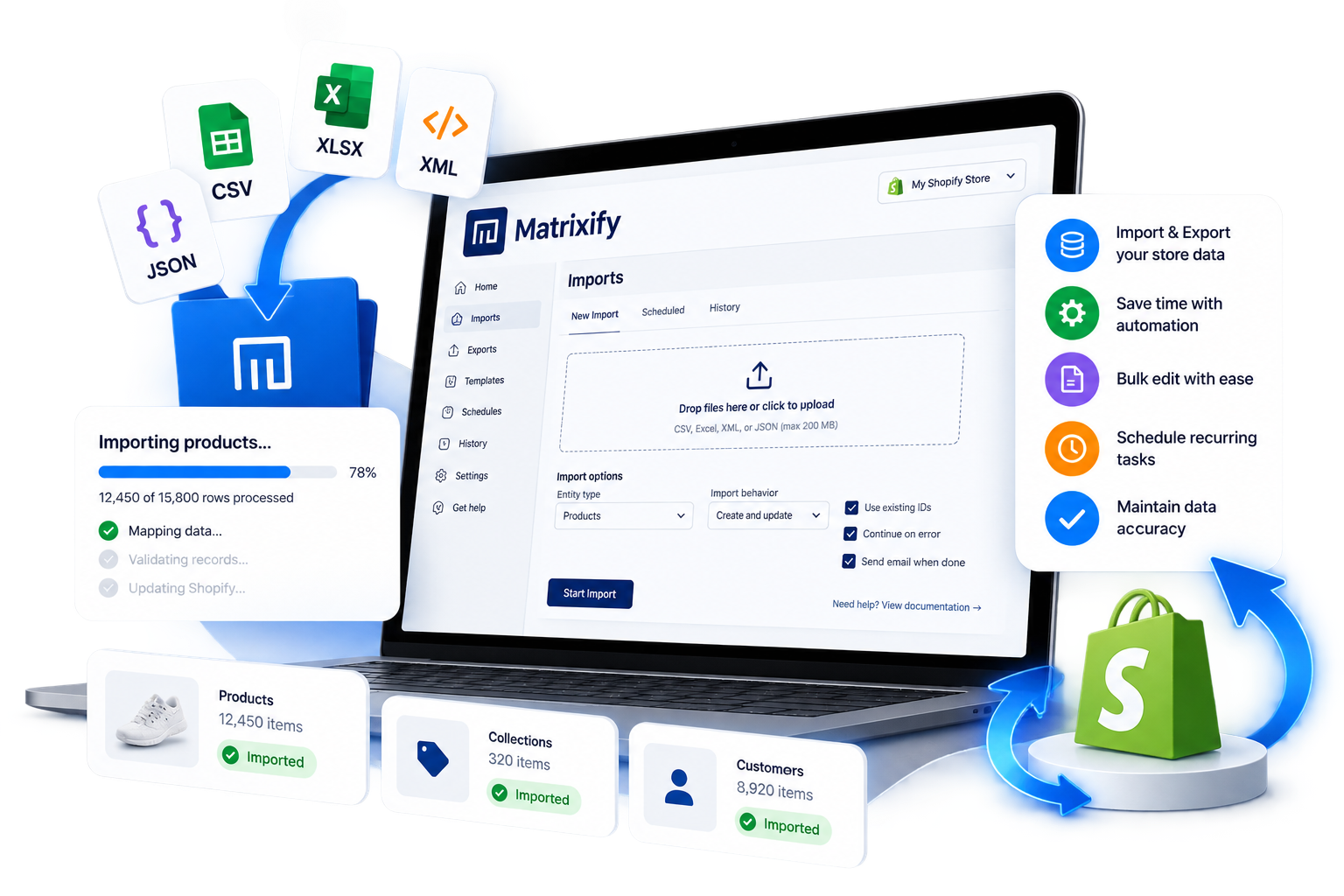
Matrixify FAQs
Matrixify is used for controlled bulk Shopify data work, including migrations, imports, exports, large-scale updates, and recurring data administration. The useful distinction is that teams can prepare and review structured data before it reaches the store.
Yes, when the source data can be mapped and prepared for Shopify. Some migrations can follow a defined source-platform path, while others require source exports to be transformed into the required import structure. Exact data coverage and transformation requirements should be verified for the project.
No. Cart2Cart is designed as an automated transfer service across many source and target ecommerce platforms. Matrixify is Shopify-centered and combines migration with ongoing bulk import, export, update, and spreadsheet-based data-management workflows.
Always Open Commerce offers Data/Catalog Migration, App Setup, PIM Setup & Support, API Integrations, and related Shopify implementation services. Matrixify can be used within that kind of work when it fits the approved scope, with exact configuration and technical feasibility verified for the store.
Review identifiers, product and variant relationships, field mappings, required values, collections, metafields, redirects, and any records that could overwrite live data. Test results should be checked before a large change is treated as production-ready.

 USA
USA
 Philippines


