




















































App Setup
App setup should solve a defined store requirement without creating another disconnected part of the tech stack. Always Open Commerce configures essential apps around storefront behavior, data, permissions, dependencies, and launch readiness while separating standard setup from custom development and advanced troubleshooting..


Add Apps Around the Store, Not Around a Feature List
Ecommerce apps can add important capabilities without requiring every feature to be built from scratch, but installation is only one part of making them useful. An app may affect storefront behavior, customer flows, product or order data, permissions, tracking, or other systems that already depend on the store.
App Setup focuses on the work required to make an essential app fit the business need it is meant to support. Always Open Commerce can help clarify the requirement, coordinate the in-scope setup, and identify dependencies before the tool becomes another isolated part of the stack.
App Fit, Configuration, Dependencies, and Launch Checks
The exact setup depends on the app and the store, but the work should make clear what the tool is expected to do, how it connects to the ecommerce environment, and what needs to be ready before launch.

App Requirements & Fit
App Setup
Define the business requirement the app needs to support and review the role it should play in the storefront or operation before configuration begins.

Installation & Access Coordination
App Setup
Coordinate the in-scope installation, account access, and permissions needed for setup while keeping ownership of third-party accounts clear.

Configuration & Storefront Behavior
App Setup
Configure the approved settings and customer-facing behavior included in the project so the app supports the intended store experience.

Data & Integration Dependencies
App Setup
Identify the in-scope data, platform connections, or related systems the app depends on so those requirements are considered during setup rather than discovered at launch.

QA & Launch Readiness
App Setup
Review the app within the relevant customer or operational flows and address in-scope setup issues before the functionality is relied on in the live store.
Check the Dependencies Before the App Goes Live
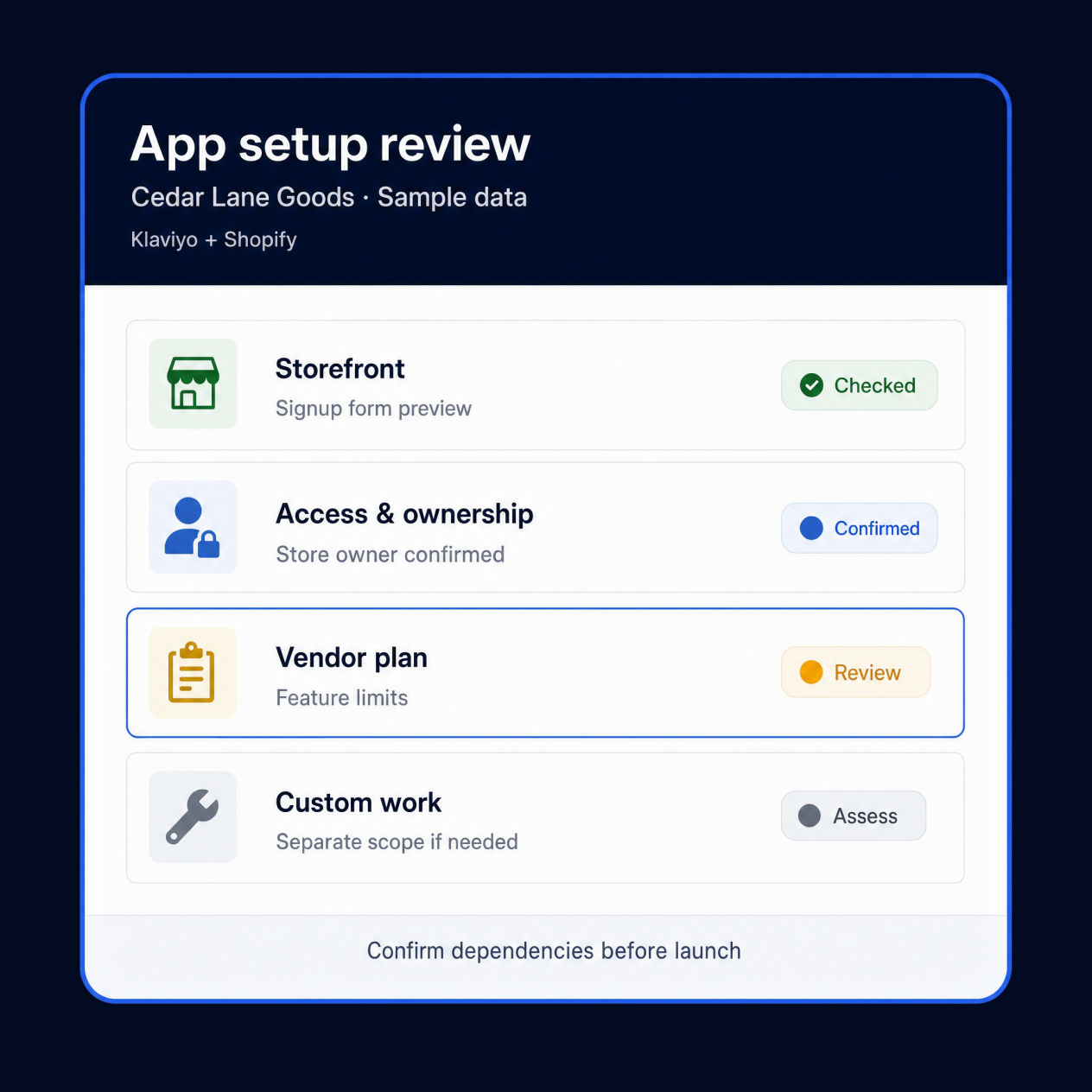
Apps rarely operate in isolation. Before launch, confirm where the tool changes the customer experience, what data or permissions it needs, what the vendor account requires, and where standard configuration stops.

Storefront & Checkout Impact
Understand where the app changes customer-facing behavior and whether those changes affect product pages, cart, checkout, account experiences, or other important flows.
Data, Permissions & Ownership
Confirm what data the app accesses or exchanges, which account permissions are required, and who owns the vendor account and ongoing settings after launch.
Vendor & Plan Constraints
Confirm the plan, feature availability, account requirements, and third-party limitations relevant to the intended use without assuming unsupported functionality.
When Custom Work Is Required
If the requirement depends on custom data exchange, nonstandard storefront behavior, or deeper troubleshooting, separate API Integrations, Custom Development, or Bug Fixes & Diagnostics from standard App Setup.

Make App Setup Part of the Ecommerce System
An app is useful when it solves a defined need and works with the rest of the ecommerce environment. Adding tools without coordinating their settings, data, storefront impact, and ownership can make the stack harder to manage even when each app works as intended.
Always Open Commerce can coordinate the approved App Setup with relevant storefront, development, integration, and optimization workstreams. Essential installation, configuration, and launch checks can stay within App Setup, while custom development, advanced diagnostics, and third-party vendor work remain separate unless specifically scoped.
App Setup in Practice

ShipperHQ
The Free Range Butcher Cuts Through Shipping Challenges with a Tailored ShipperHQ Optimization
Migration
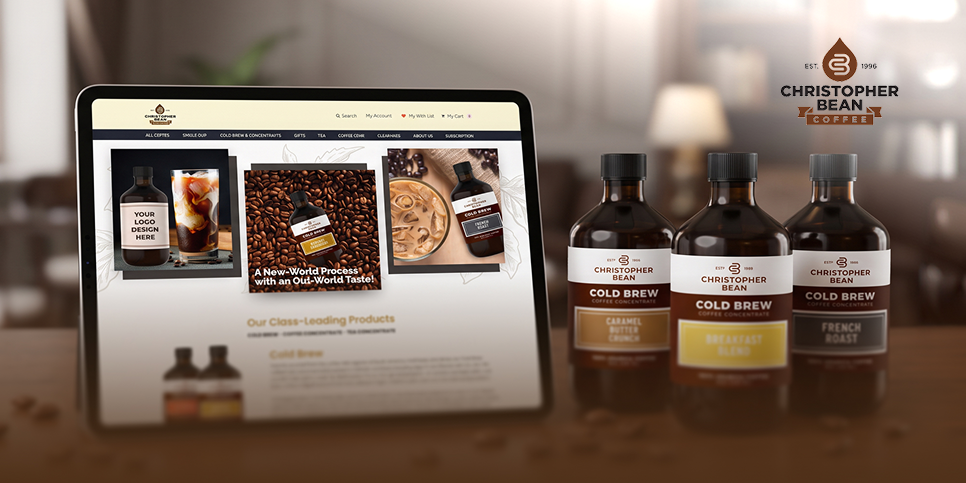
Christopher Bean Coffee Boosts Conversions With a BigCommerce Migration and Recharge Subscription
Apps & Technologies We Work With


Frequently Asked Questions
The setup can cover essential apps that support defined storefront, customer, data, or operational requirements within the approved scope.
Yes. App requirements and fit can be reviewed so the tool’s role is clear before configuration begins.
Yes. In-scope installation, access, permissions, approved settings, storefront behavior, QA, and launch readiness can be coordinated.
In-scope data and platform dependencies can be identified. Custom data exchange or deeper integration work is scoped separately.
Custom Development, API Integrations, or Bug Fixes & Diagnostics should be separated from standard App Setup when required.
Confirm the business requirement, storefront impact, data access, permissions, account ownership, plan features, and vendor constraints.

 USA
USA
 Philippines


