


















































Bug Fixes & Diagnostics
When something breaks in your ecommerce store, finding the cause comes before applying a fix. Always Open Commerce investigates the affected feature or customer flow, documents what can be confirmed, and implements approved corrections when the cause is within scope.

Start With the Symptom, Not the Assumption
A broken button, missing content, checkout error, app conflict, or layout issue may originate elsewhere in the storefront. Theme code, scripts, integrations, browser conditions, and recent changes can all affect what customers experience.
Bug Fixes & Diagnostics starts by clarifying expected behavior and reproducing the problem where possible. Always Open Commerce investigates the cause, documents supported findings, and implements an approved correction when it is within scope. Vendor-controlled issues and unrelated feature requests remain separate.
Reproduce, Isolate & Validate the Issue
The diagnostic approach depends on where the issue occurs, what recently changed, and the evidence available across your storefront, apps, and integrations.

Reproducing the Issue
Bug Fixes & Diagnostics
Confirm the steps, conditions, account state, device, browser, or data needed to reproduce the problem consistently enough to investigate.

Browser & Frontend Inspection
Bug Fixes & Diagnostics
Review relevant console errors, network activity, scripts, markup, styling, or interaction states when the evidence points to the storefront layer.

Theme, App & Script Conflicts
Bug Fixes & Diagnostics
Investigate whether customizations, legacy code, apps, or third-party scripts are interacting in a way that changes the expected behavior.

Data & Integration Checks
Bug Fixes & Diagnostics
Review relevant data flow or connected-system behavior when the symptom may come from an API, feed, app connection, configuration, or unexpected input.

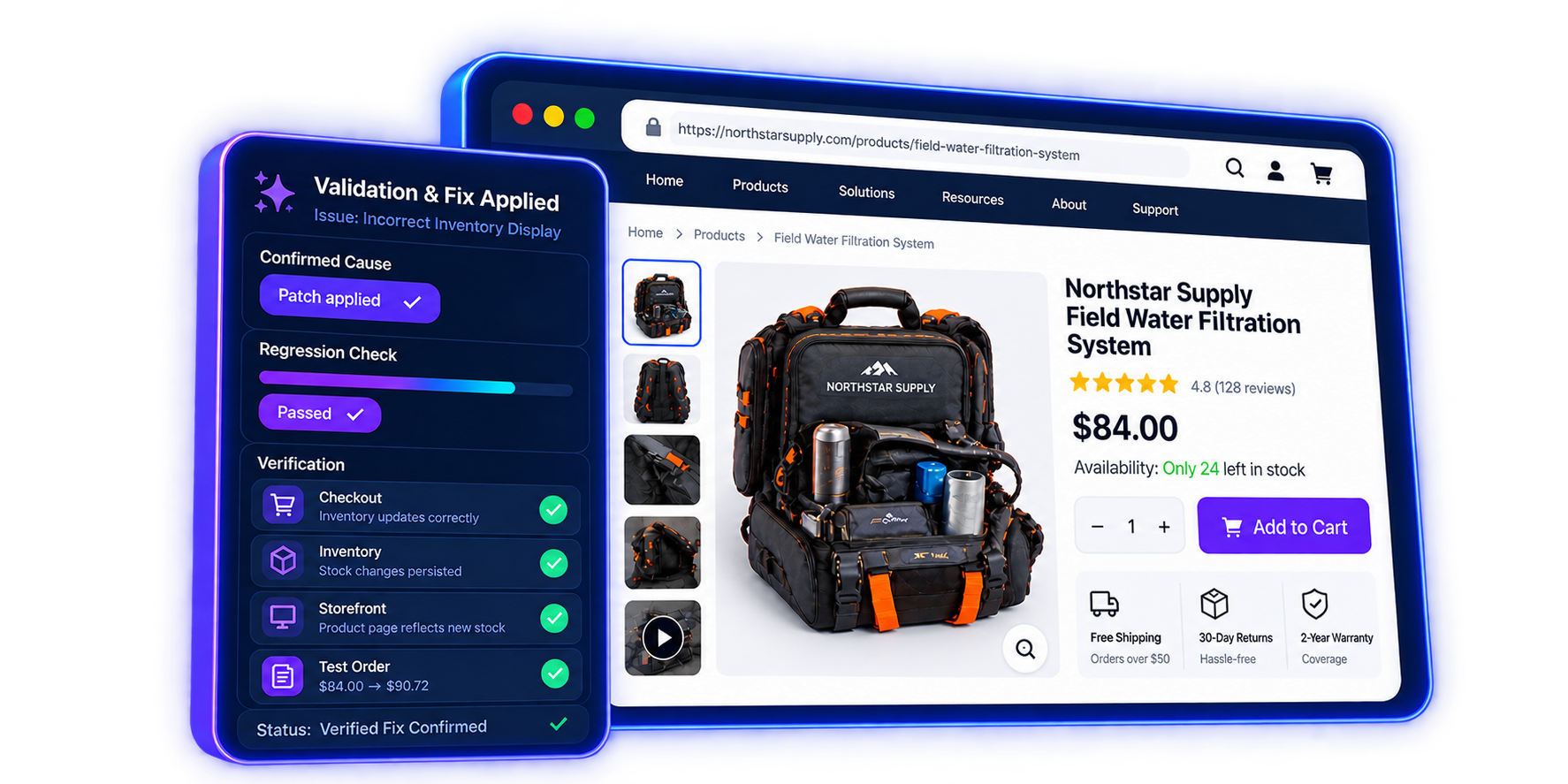
Scoped Fix & Validation
Bug Fixes & Diagnostics
Implement an approved correction when the cause is within Always Open Commerce control, then validate the affected behavior and relevant regression risk.
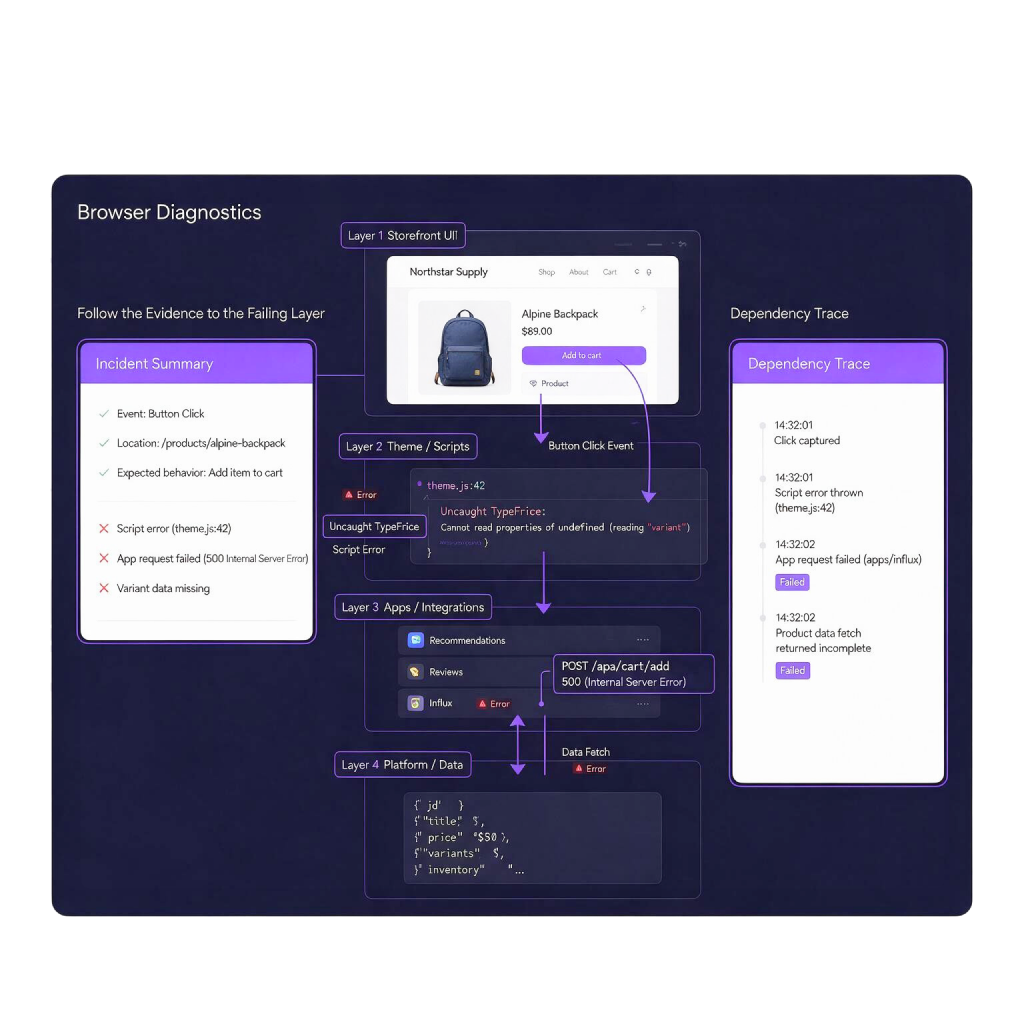
Follow the Evidence to the Failing Layer
Four key questions help narrow the investigation, distinguish confirmed defects from other issues, and determine what can be addressed within the available environment.

What Should Have Happened?
Define the expected result first so a defect can be distinguished from a configuration choice, platform limitation, or new feature request.
What Changed Before the Issue Appeared?
Recent theme, app, configuration, deployment, data, or vendor changes can narrow the investigation without assuming they caused the problem.
Where Does the Evidence Point?
Console messages, network responses, affected templates, logs, data, or comparison testing can help isolate the failing layer.
Is the Cause Within Our Control?
A diagnosis may identify a platform or vendor limitation outside Always Open Commerce control. In those cases, document the finding and separate the next step from an unsupported promise.
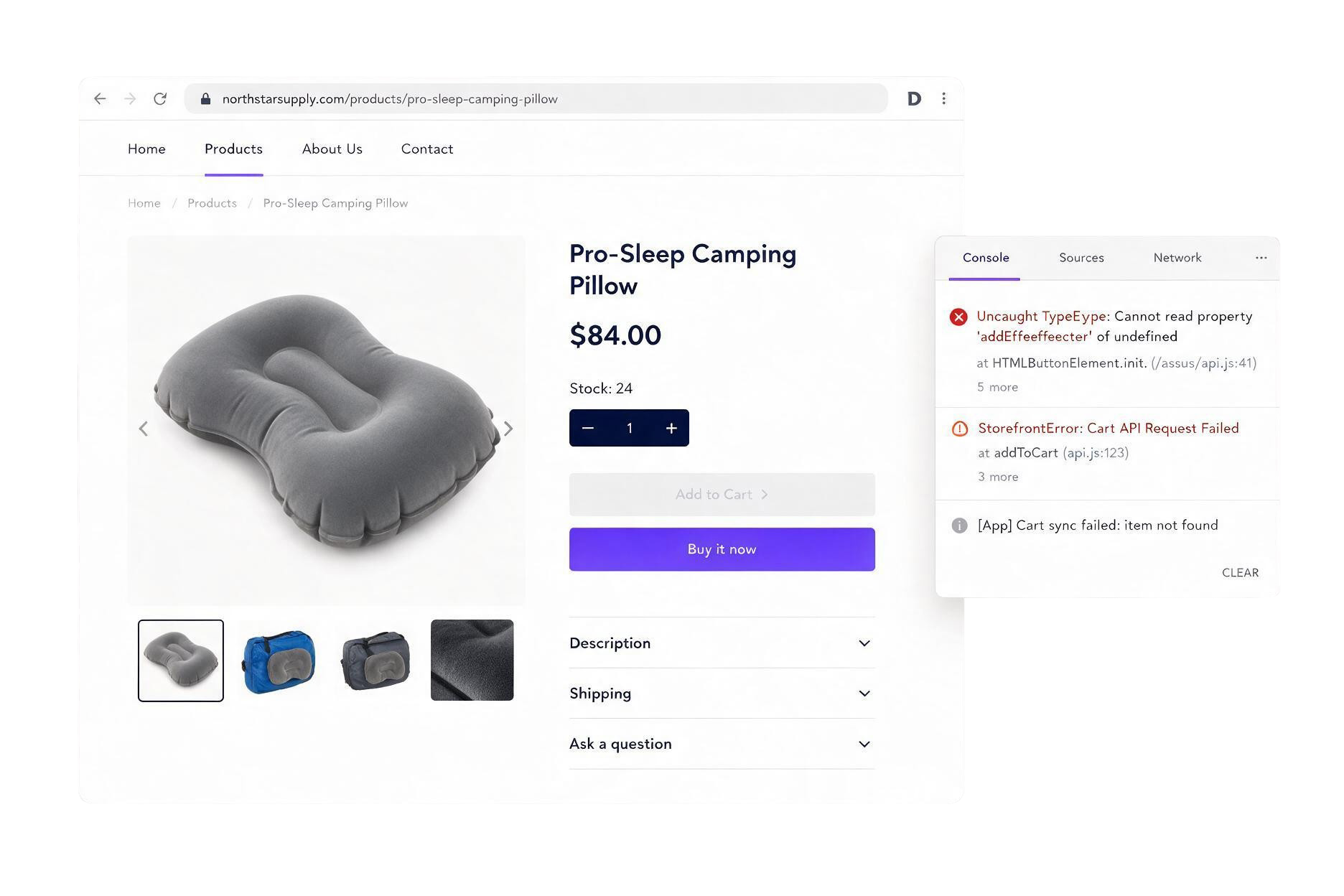
Fix What the Evidence Confirms
Diagnostics are valuable because they establish what the evidence supports before another workaround, unrelated change, or unsupported fix is added to the storefront.
When an issue requires Custom Development or API Integrations, Always Open Commerce can coordinate the next step under a separate approved scope. The approach depends on the evidence, platform limitations, and regression risk. Unrelated enhancements, vendor-controlled fixes, and Ongoing Maintenance are not automatically included.
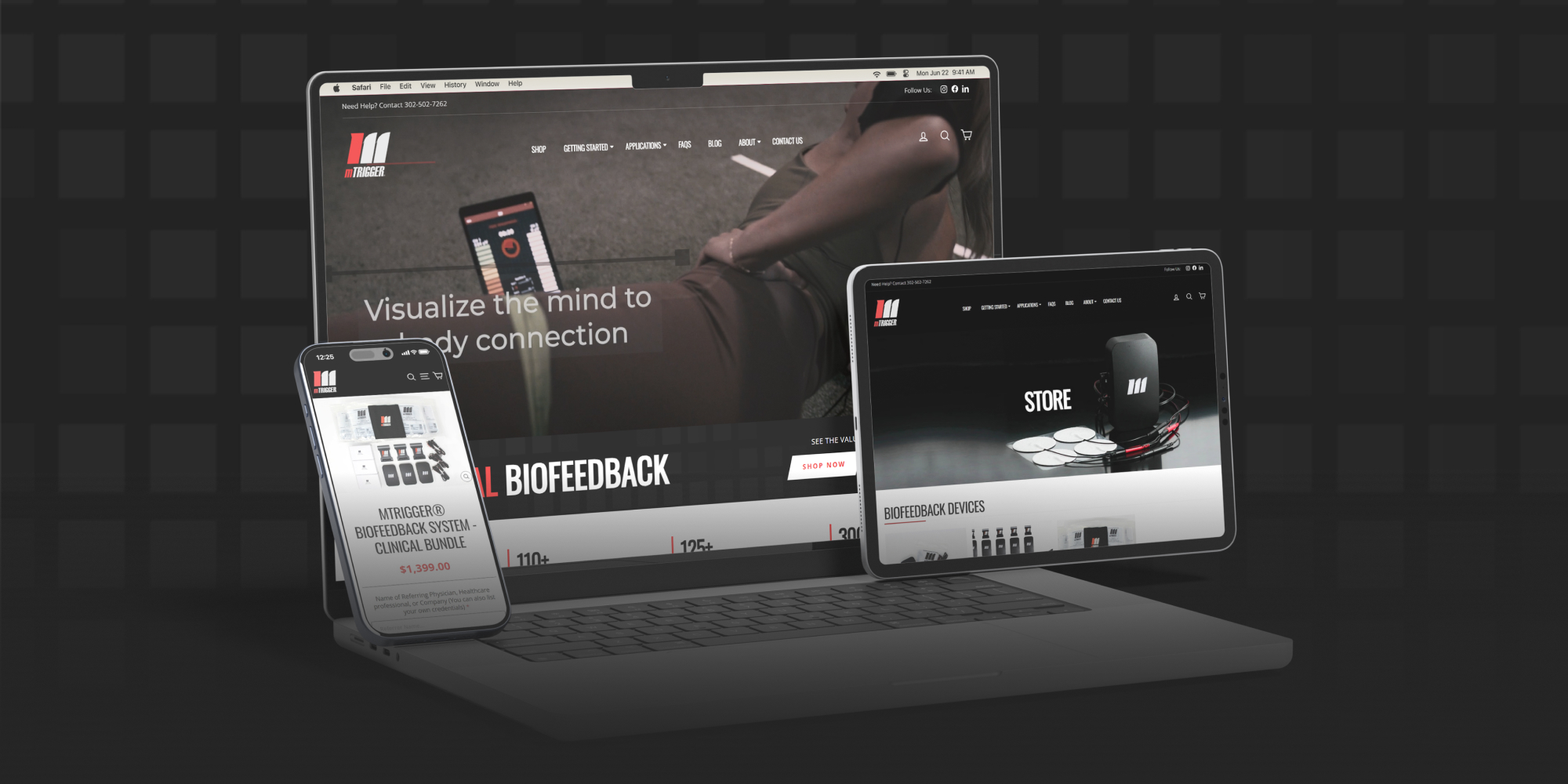
Diagnostic Work in Practice


Related Technical Support


Frequently Asked Questions
It can include reproducing an issue, inspecting likely causes, documenting findings, implementing an approved fix, and validating the affected behavior within scope.
A reproducible issue usually provides stronger evidence for diagnosis and validation. Some intermittent problems require logs, screenshots, recordings, timing details, or other evidence before the cause can be narrowed down.
No. Browser-console errors can provide useful clues, but they are only one source of evidence. The visible issue may involve theme code, data, an app, an integration, configuration, or another layer.
Only when the required change is within an approved environment and technical review confirms it can be implemented. Vendor-controlled defects or platform limitations may require vendor support or another next step.
Not automatically. Additional issues or improvement opportunities can be documented, but unrelated feature work requires separate scope approval.
The affected behavior and relevant regression risk should be reviewed after the change. The exact QA coverage depends on the issue, platform, scope, and technical risk.

 USA
USA
 Philippines


