













































UX / UI Design
Always Open Commerce designs ecommerce experiences around the decisions shoppers need to make. Navigation, page structure, product presentation, visual hierarchy, and shopping flows work together so customers can understand where they are, what matters, and what to do next.
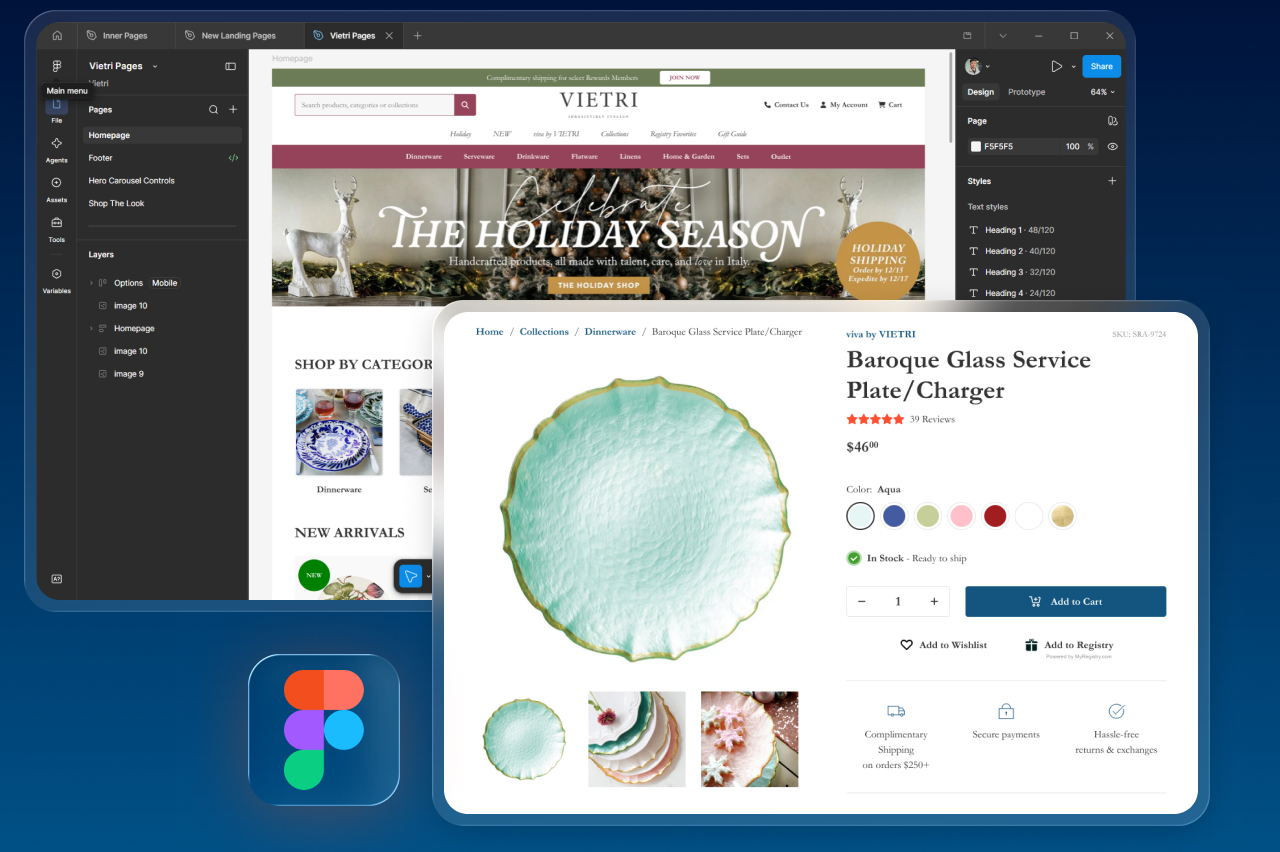
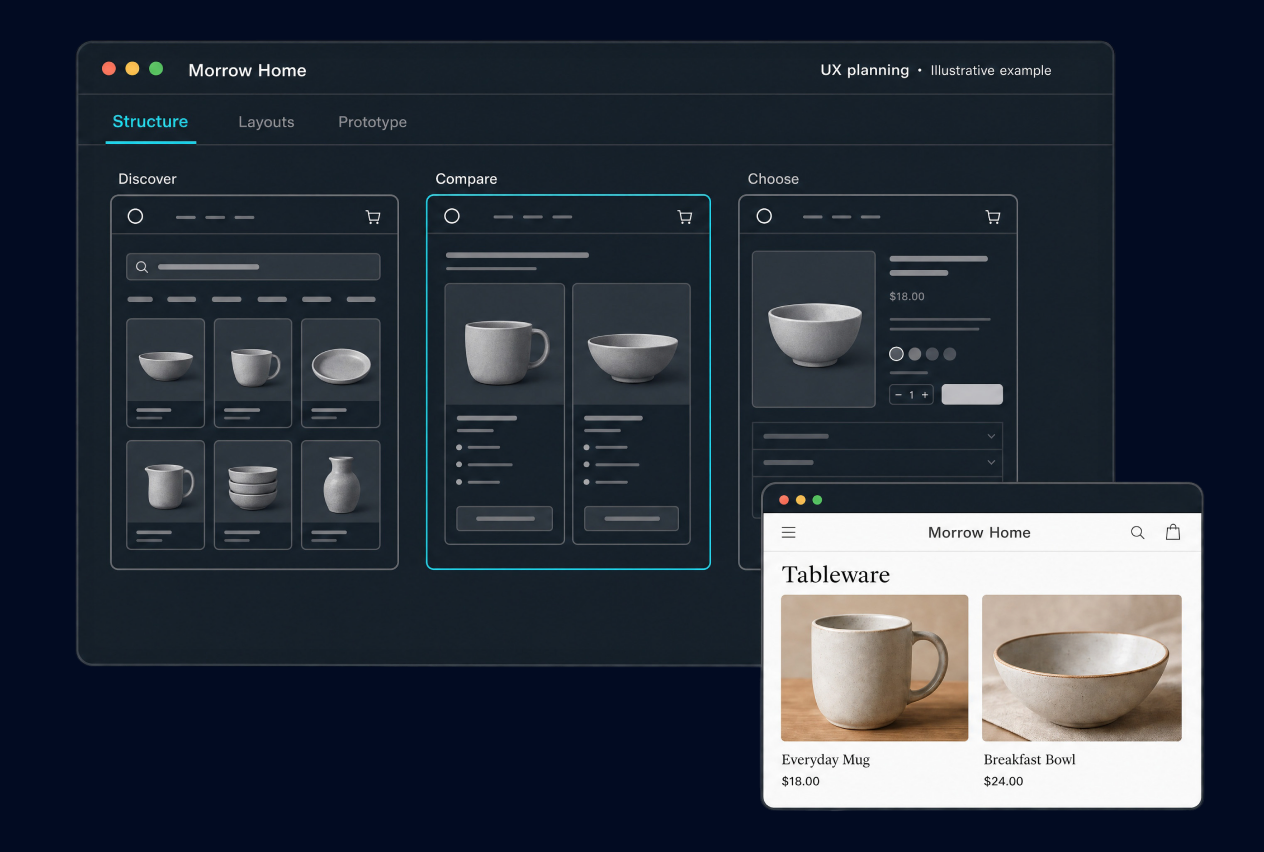
Plan Around How Shoppers Actually Use the Store
Ecommerce design has to do more than create a polished visual layer. Shoppers need to understand what the store sells, move through categories and navigation, compare options, evaluate products, and recognize what to do next. When those decisions are harder than they need to be, confusion starts well before checkout.
UX/UI Design focuses on those customer-facing decisions. Always Open Commerce can help reshape layouts, flows, navigation, product presentation, and visual hierarchy so the storefront communicates more clearly and gives development a more intentional experience to build. A full brand identity, copywriting, or development effort is separate unless included in scope.
Navigation, Layouts, Product Presentation, and Shopping Flows
The exact design scope depends on the storefront and the problem being solved. These are the areas that commonly shape an ecommerce UX/UI engagement.

Navigation & Information Architecture
Organize menus, categories, labels, and pathways so shoppers can understand where products live and move through the catalog without unnecessary guessing.

Page Layout & Visual Hierarchy
Structure pages so important information, actions, and supporting content have a clear order instead of competing for attention.

Product Presentation
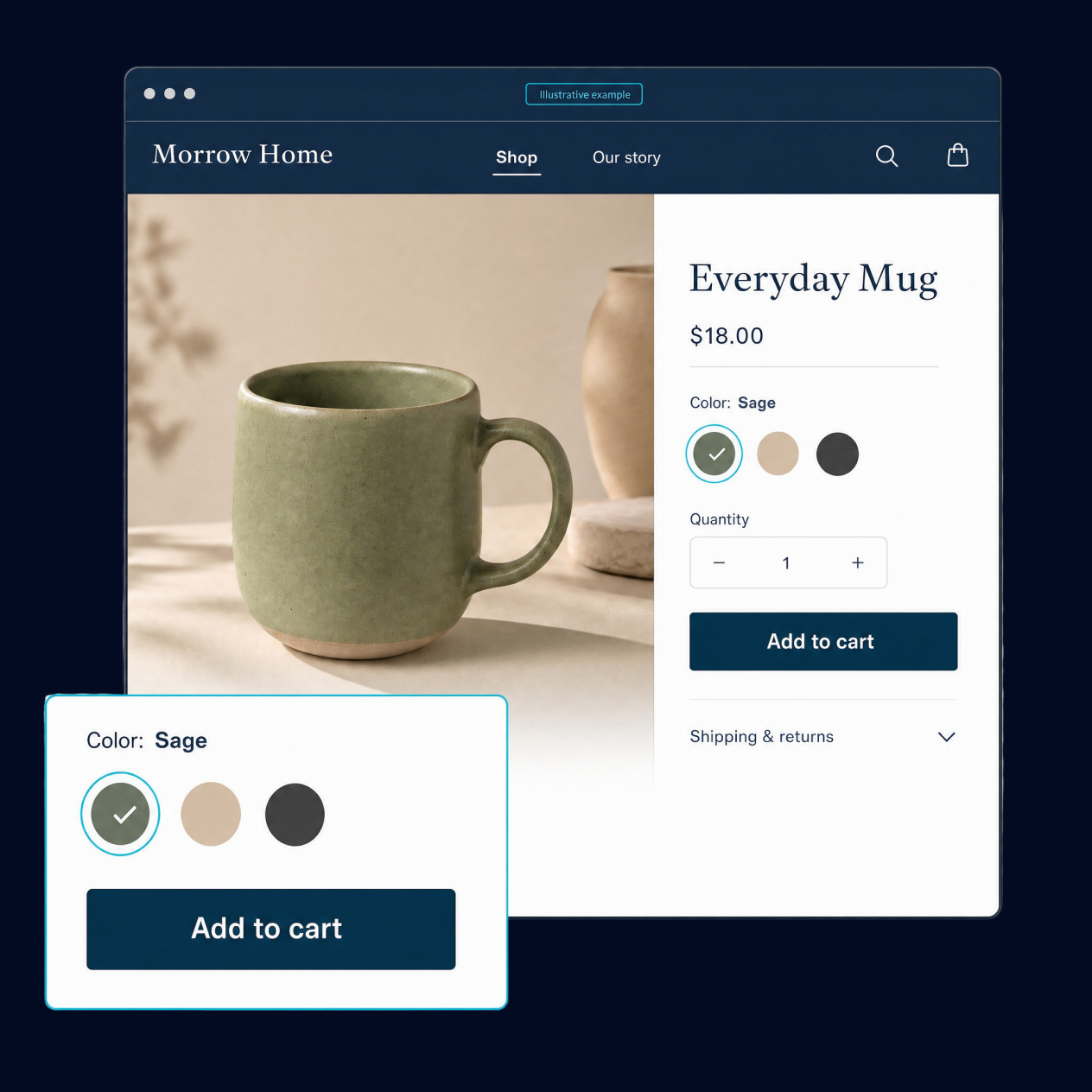
Design how products, options, imagery, supporting details, and related information are presented so shoppers can evaluate what they are considering.

Customer Flows & Key Actions
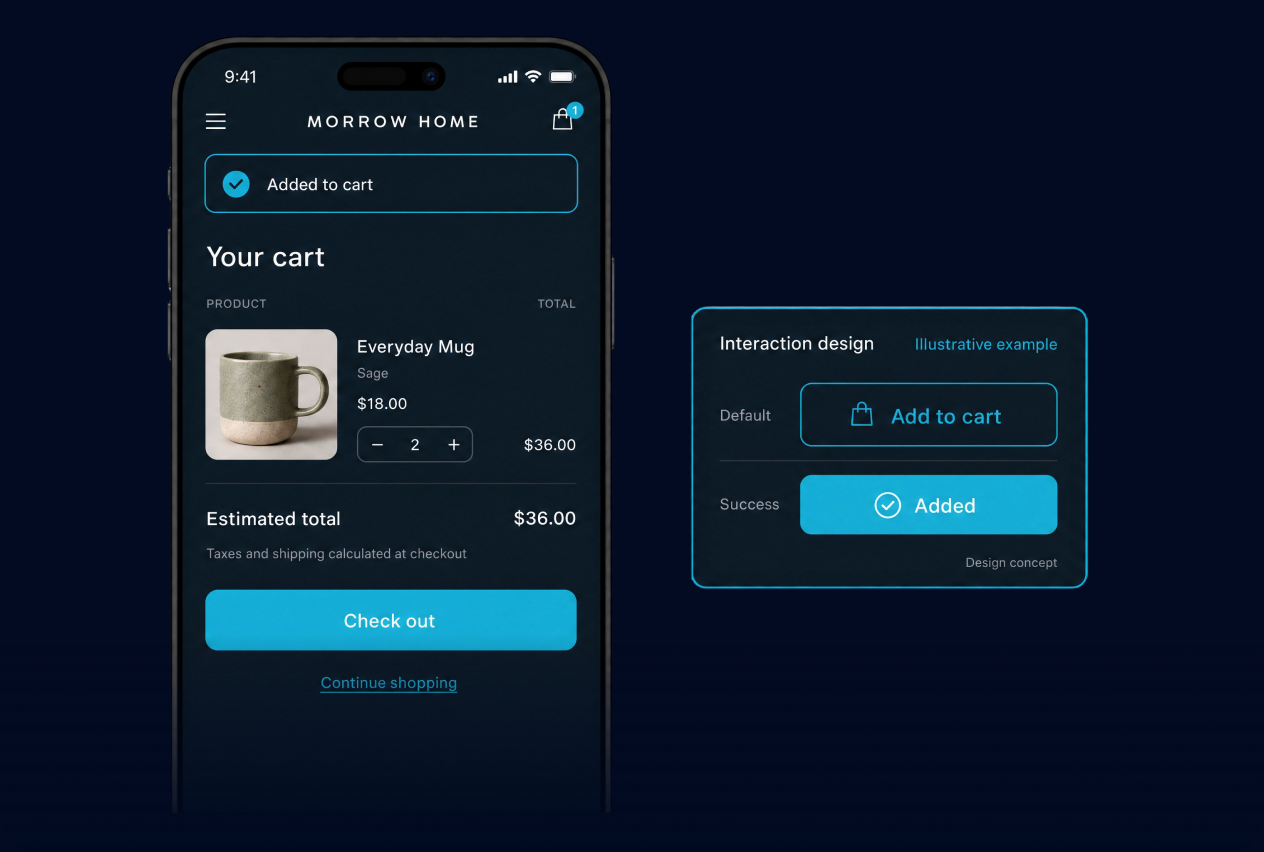
Review and design the paths shoppers use to browse, evaluate, select, add to cart, or complete another important storefront action.

Responsive Design Direction
Plan how the approved layouts and interactions should adapt across screen sizes so the experience remains understandable beyond one desktop composition.
Make the Important Shopping Decisions Easier
Good ecommerce UX comes down to a series of shopper decisions. The design should make those decisions easier to understand without hiding important information or adding interface complexity that does not serve the journey.

Can Shoppers Find the Right Path?
Navigation, category structure, search entry points, and page pathways should help shoppers recognize where to go next rather than forcing them to learn the site.
Does Each Page Explain What Matters?
Pages should surface the information shoppers need to understand products and compare options, with hierarchy that makes the most important details easier to scan.
Are Choices and Actions Clear?
Buttons, selections, states, labels, and feedback should make it clear what an action will do and whether the shopper’s action was successful.
Does the Experience Stay Consistent?
Related pages and customer flows should feel connected enough that shoppers do not have to relearn how the store works as they move from discovery toward purchase.
A Better Interface Should Support Better Decisions
The business value of UX/UI Design is not a new visual treatment by itself. It is a clearer way for shoppers to move from arrival to product discovery, evaluation, cart, or another intended action without the interface competing with the decision.
Always Open Commerce can connect UX/UI work with Conversion Rate Optimization and Custom Development when those services are part of the approved engagement. That keeps design decisions grounded in ecommerce behavior and implementation realities while preserving scope boundaries. UX/UI Design does not automatically include brand identity, copywriting, implementation, or guaranteed conversion improvement.
UX/UI Design in Practice
Conversion Rate Optimization
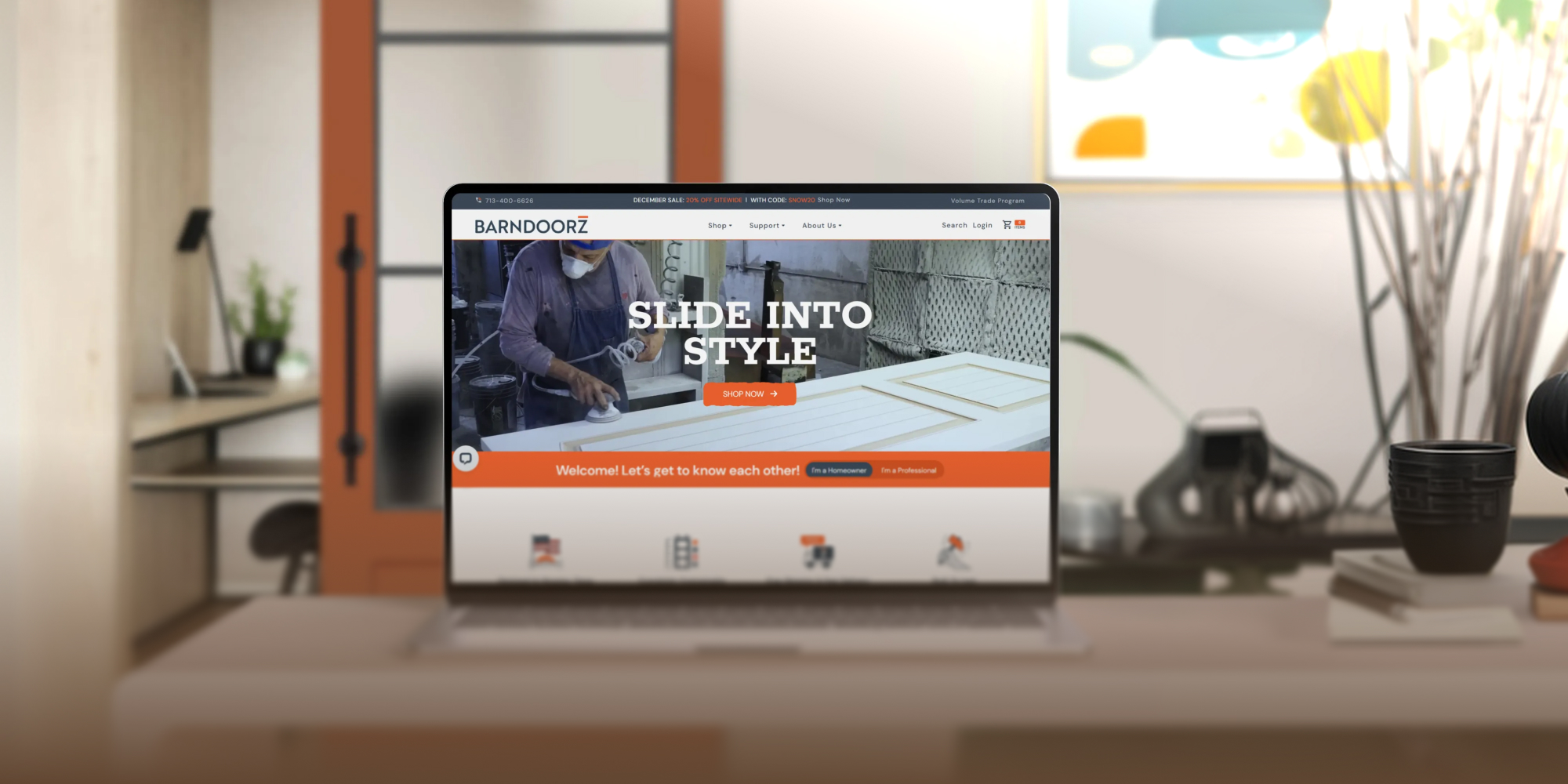
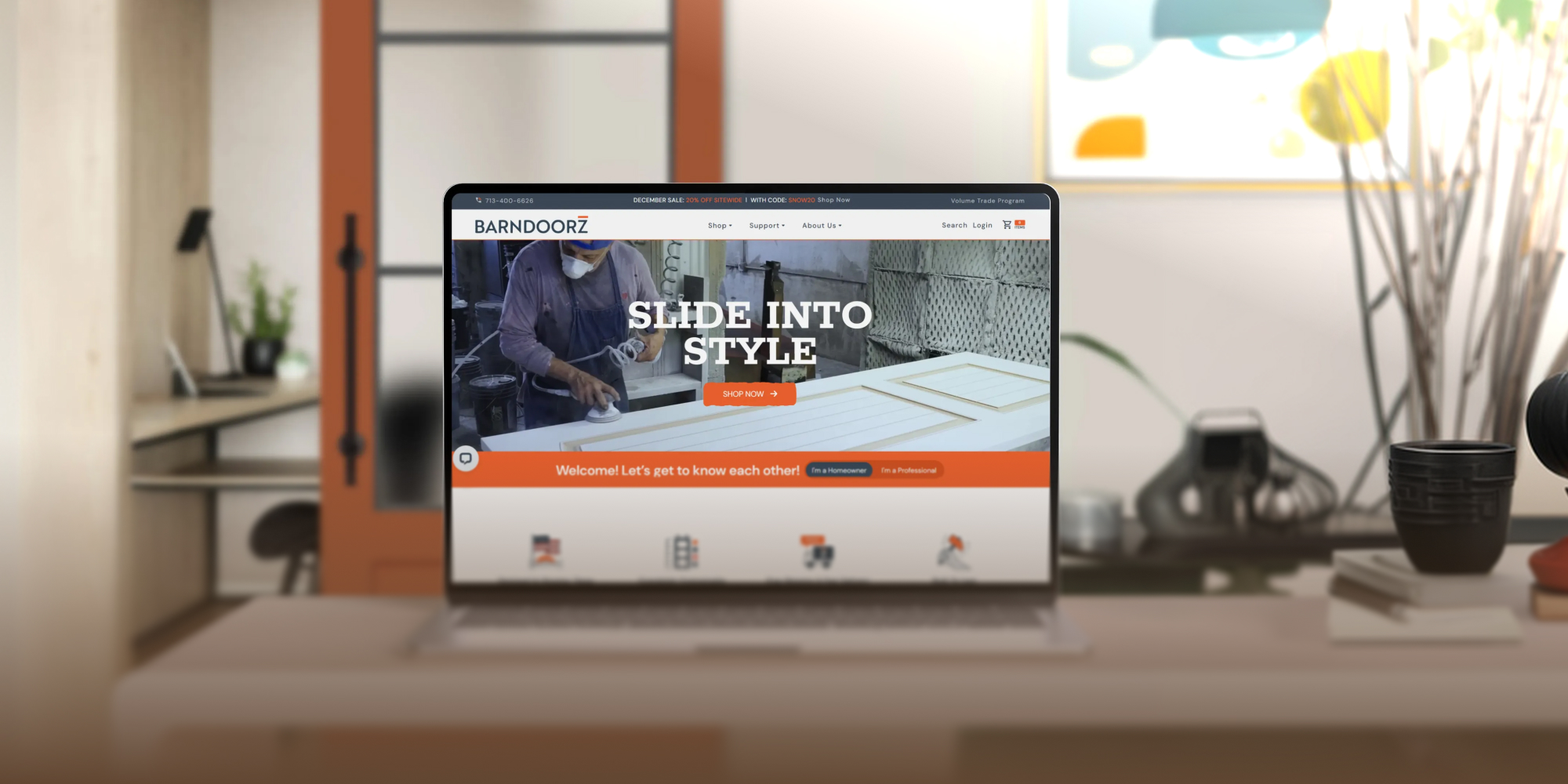
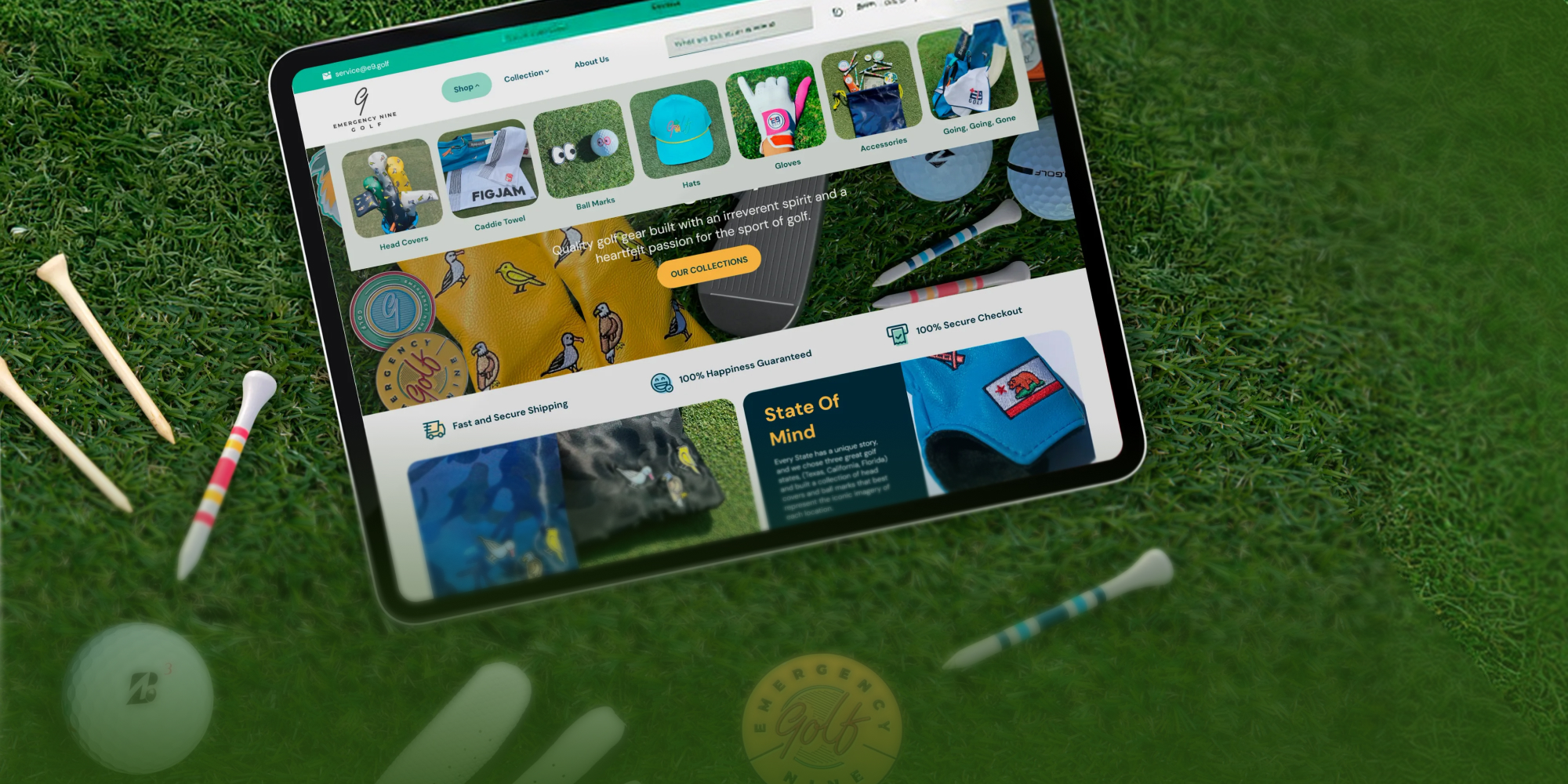
BarnDoorz Slides Open Higher Conversions with a Strategic UX/UI Overhaul
Conversion Rate Optimization


Frequently Asked Questions
UX/UI Design can include ecommerce page layouts, customer flows, navigation, product presentation, visual hierarchy, and other customer-facing experience work defined in the approved scope.
Not necessarily. UX/UI work can focus on defined pages, flows, navigation, product presentation, or hierarchy when a targeted engagement is the better fit. A full redesign is only one possible scope.
Not automatically. Design and development can be coordinated when both are part of the approved project, but development remains separate unless it is specifically included.
UX/UI Design focuses on designing the customer-facing experience, including layouts, flows, navigation, product presentation, and hierarchy. CRO focuses on identifying friction and recommending improvements around shopper engagement and purchase completion. The two can work together when scoped that way.
Responsive behavior can be considered within a broader UX/UI project. When the primary problem is mobile-specific usability, layout, tap targets, navigation, or page flow, Mobile Optimization may be the more focused service path.
No. UX/UI Design can make the experience clearer and easier to use, but conversion performance depends on many factors. Always Open Commerce does not guarantee a conversion lift from design changes.

 USA
USA
 Philippines


