




































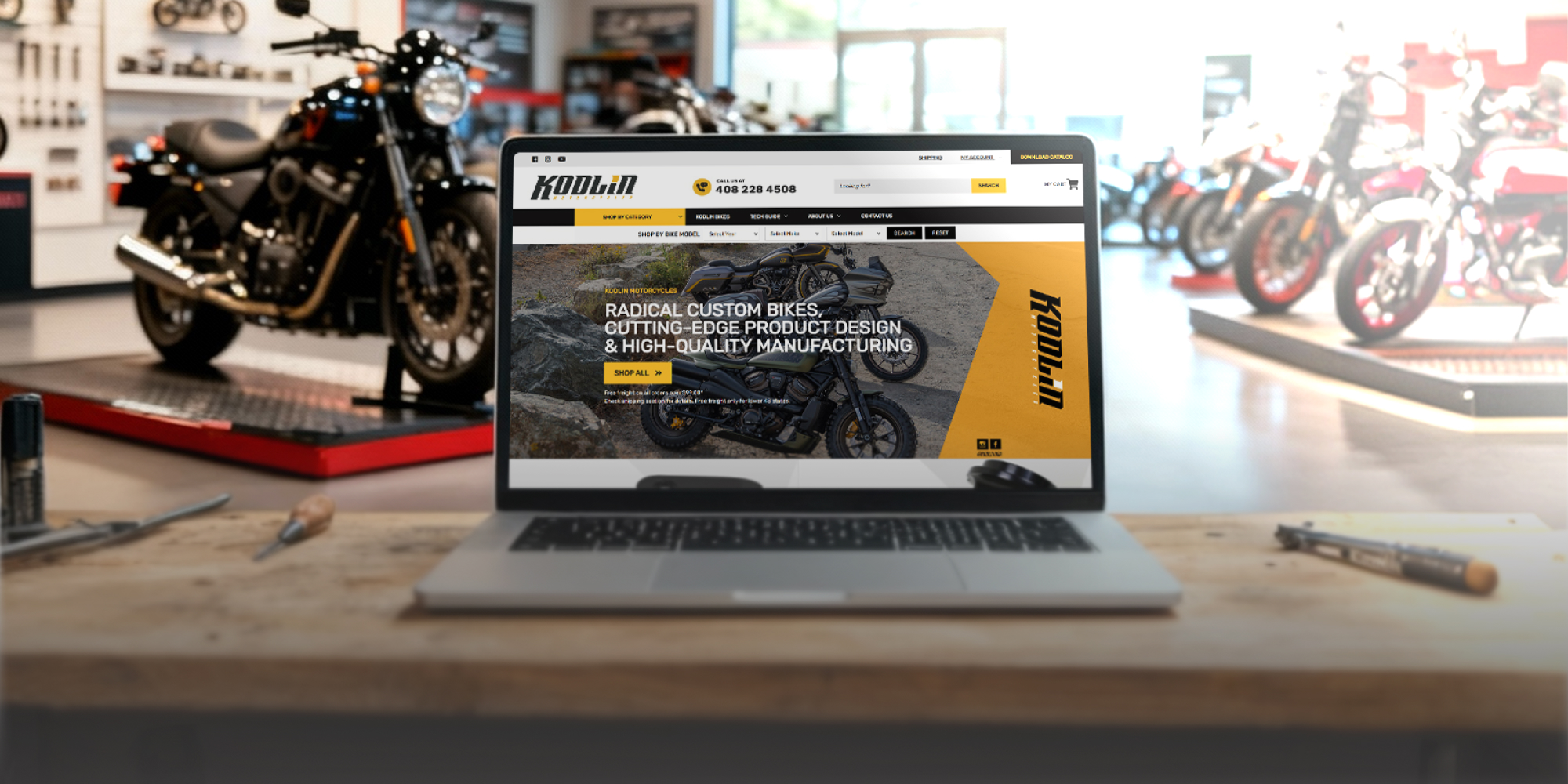






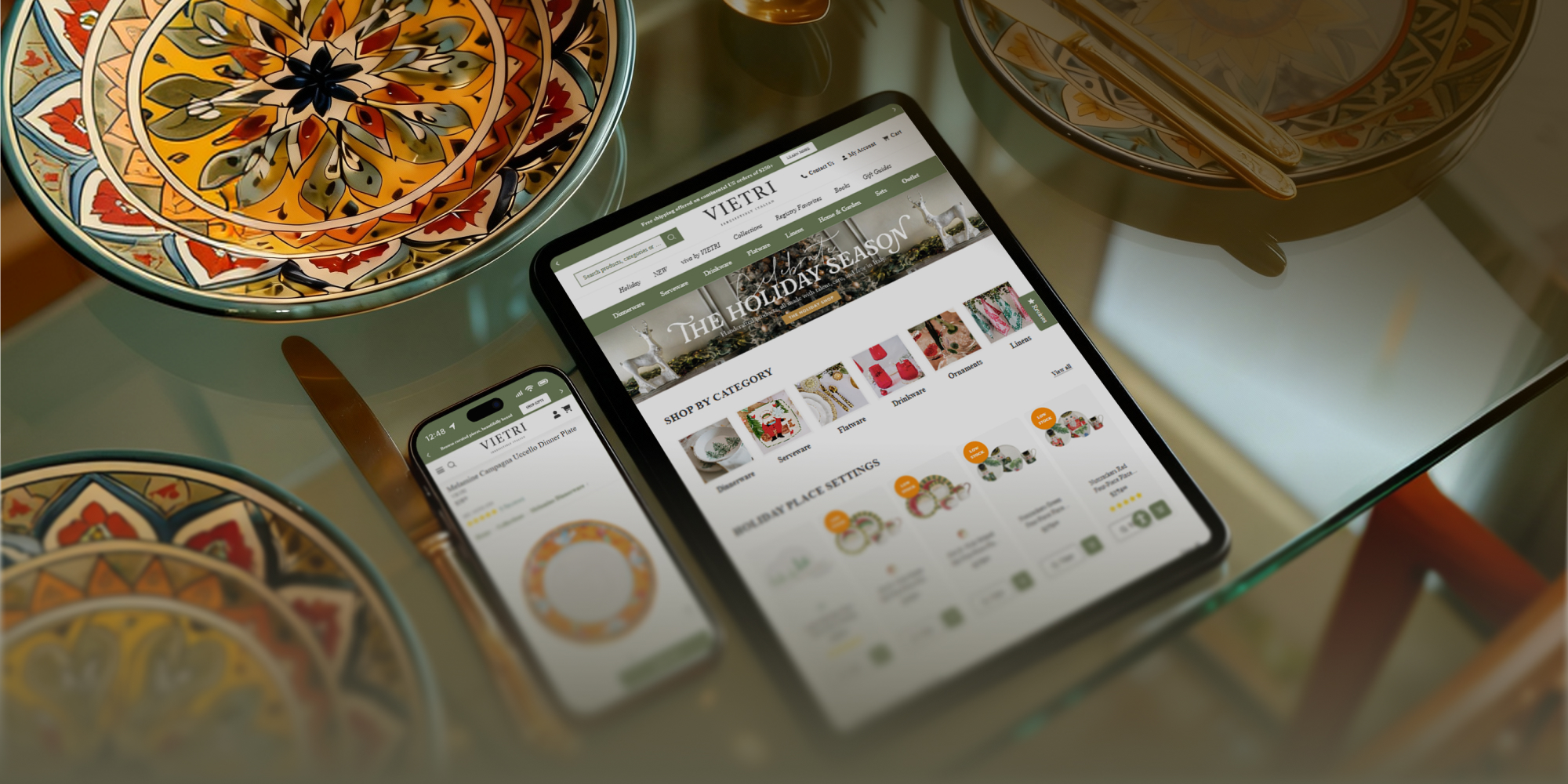

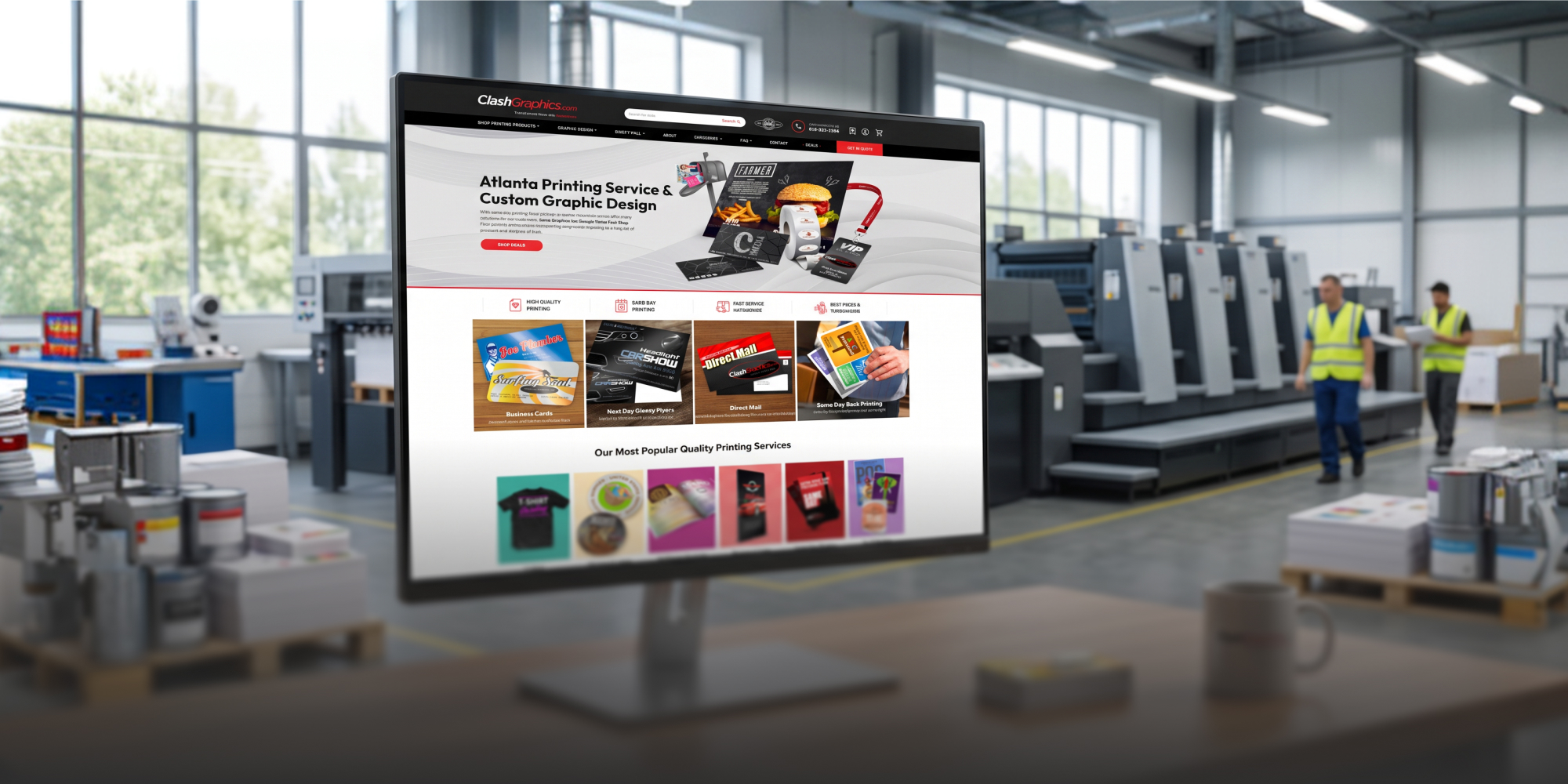

Theme Updates & Migration
If your ecommerce platform still works but the theme is becoming difficult to maintain, a focused update may be the better move. Always Open Commerce can help assess what stays, what changes, and how to coordinate QA and release.
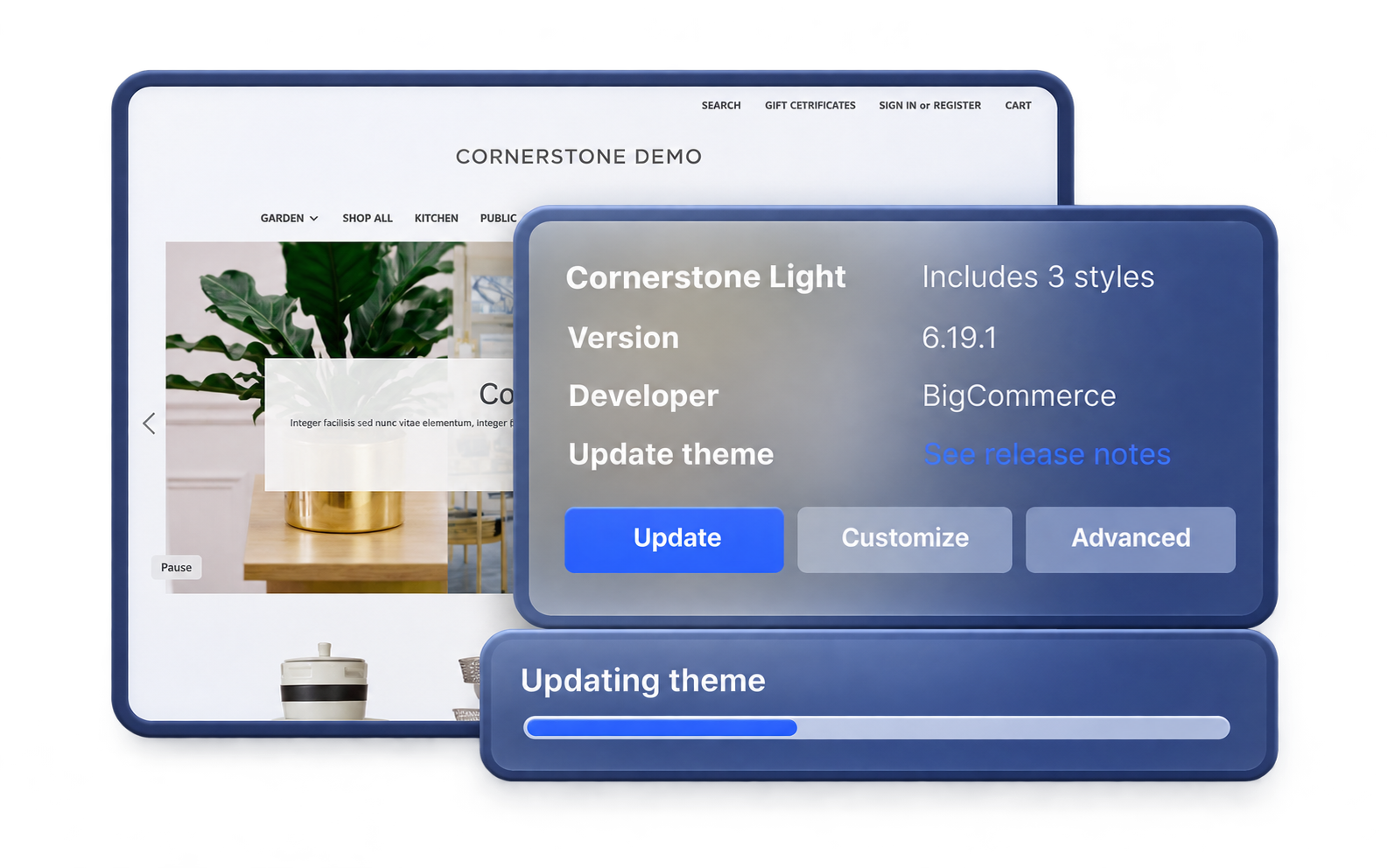
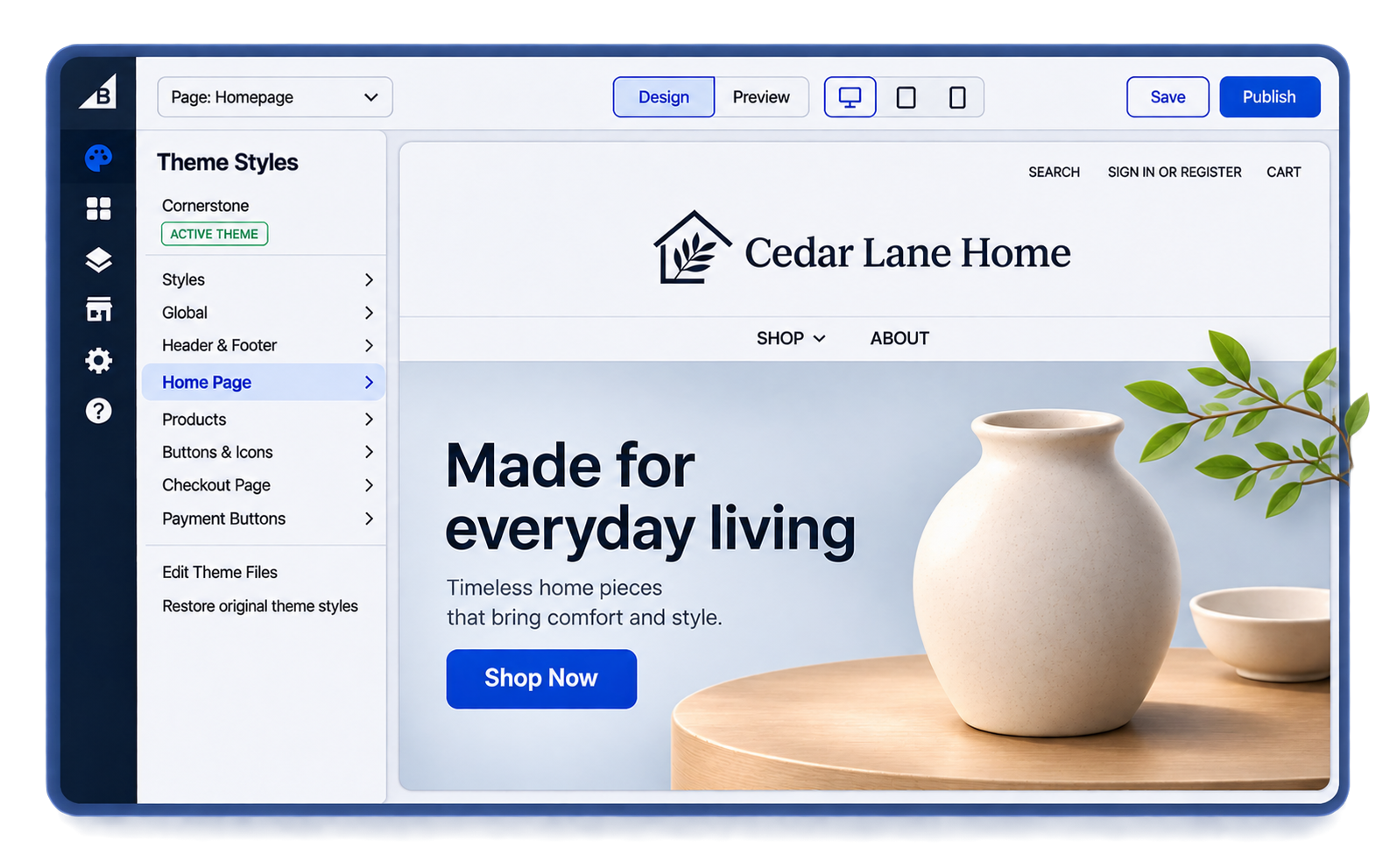
Update the Storefront Without Replatforming
A store can outgrow its theme without needing a new ecommerce platform. Inconsistent layouts, legacy scripts, and years of added customizations can make even routine storefront changes harder to manage.
Theme Updates & Migration focuses on the existing storefront foundation. Always Open Commerce helps identify what to retain, what needs updating, and how approved design, development, and launch work should be scoped together.
Theme, Customization, and Storefront Work to Review
A theme update should improve the storefront foundation without automatically becoming a full redesign. These five work areas help clarify what to review, change, carry forward, and test.

Theme & Code Review
Theme Updates & Migration
Review the current theme, relevant customizations, scripts, and known storefront issues so the update starts with a clearer picture of what is actually in place.

Theme Update or Transition
Theme Updates & Migration
Move the store to the approved theme or newer theme foundation and coordinate the in-scope changes needed for the transition.

Visual Structure Updates
Theme Updates & Migration
Refine layouts, page structure, navigation presentation, or other approved storefront patterns when visual updates are part of the project.

Customization Carryover
Theme Updates & Migration
Identify in-scope custom behavior that needs to be retained, rebuilt, replaced, or intentionally left behind rather than assuming every historical customization should move forward.

QA & Launch Readiness
Theme Updates & Migration
Review the updated storefront, responsive behavior, core customer paths, and in-scope customizations before the theme change is released.
Decide What Should Stay, Change, or Be Removed
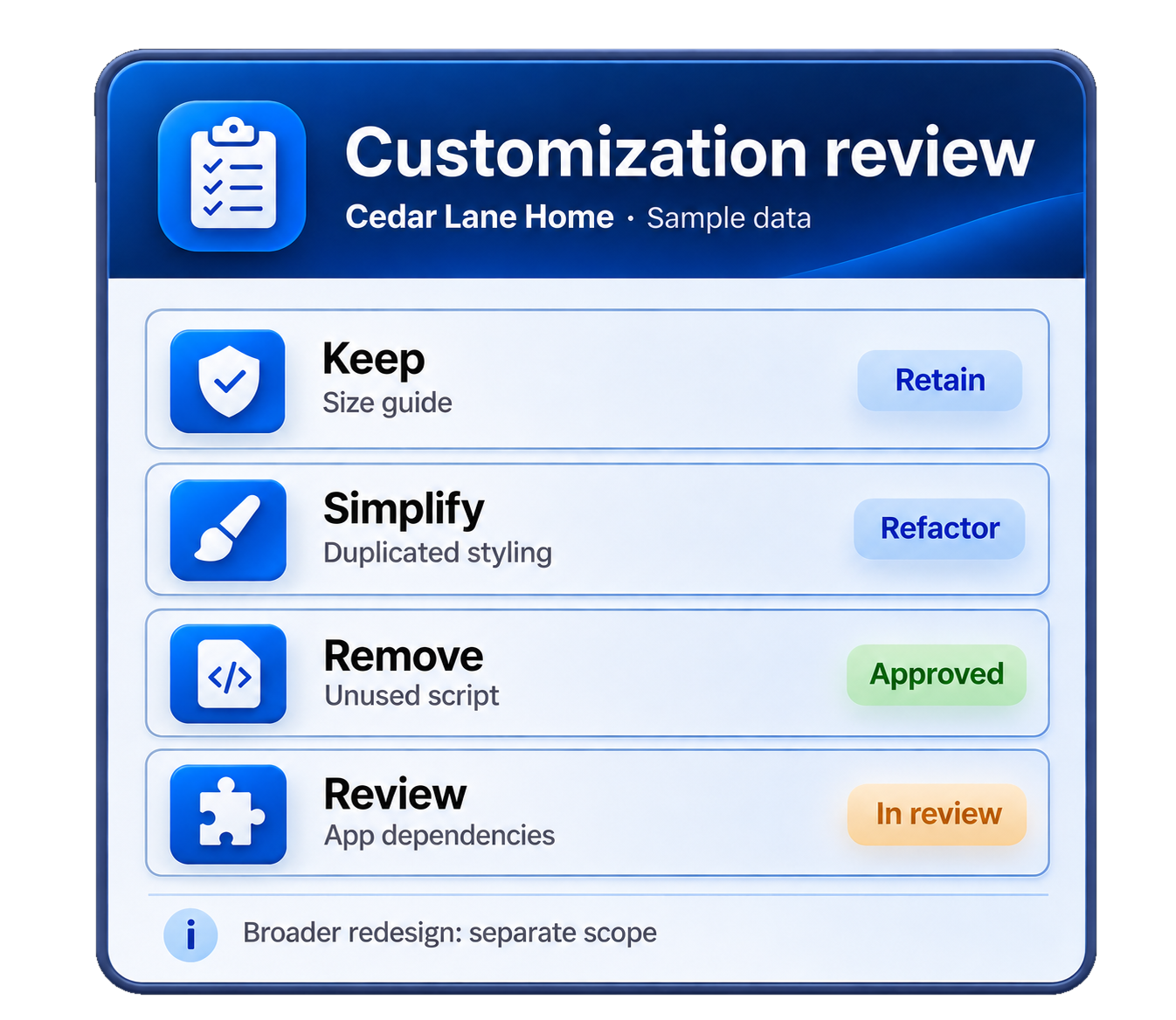
Before changing the theme, identify the layouts and customer-facing functionality that need to stay. Then review legacy code, styling, and workarounds to decide what can be simplified without expanding the project into a full redesign.

What Has to Stay?
Identify the layouts, content, customer-facing behavior, and custom functionality the business still depends on so the new theme foundation does not remove something important.
What Can Be Simplified?
Review older scripts, duplicated styling, workarounds, and outdated customizations before carrying them forward. Broader UX, brand, or page-level redesign work should be identified separately when the project goes beyond a theme transition.
Which Dependencies Need Review?
Apps, integrations, tracking, and theme-specific code can be affected by the change. App Setup, API Integrations, or Custom Development may be separate work when configuration or rebuild needs go beyond the approved theme transition.
Leave the Storefront Easier to Maintain
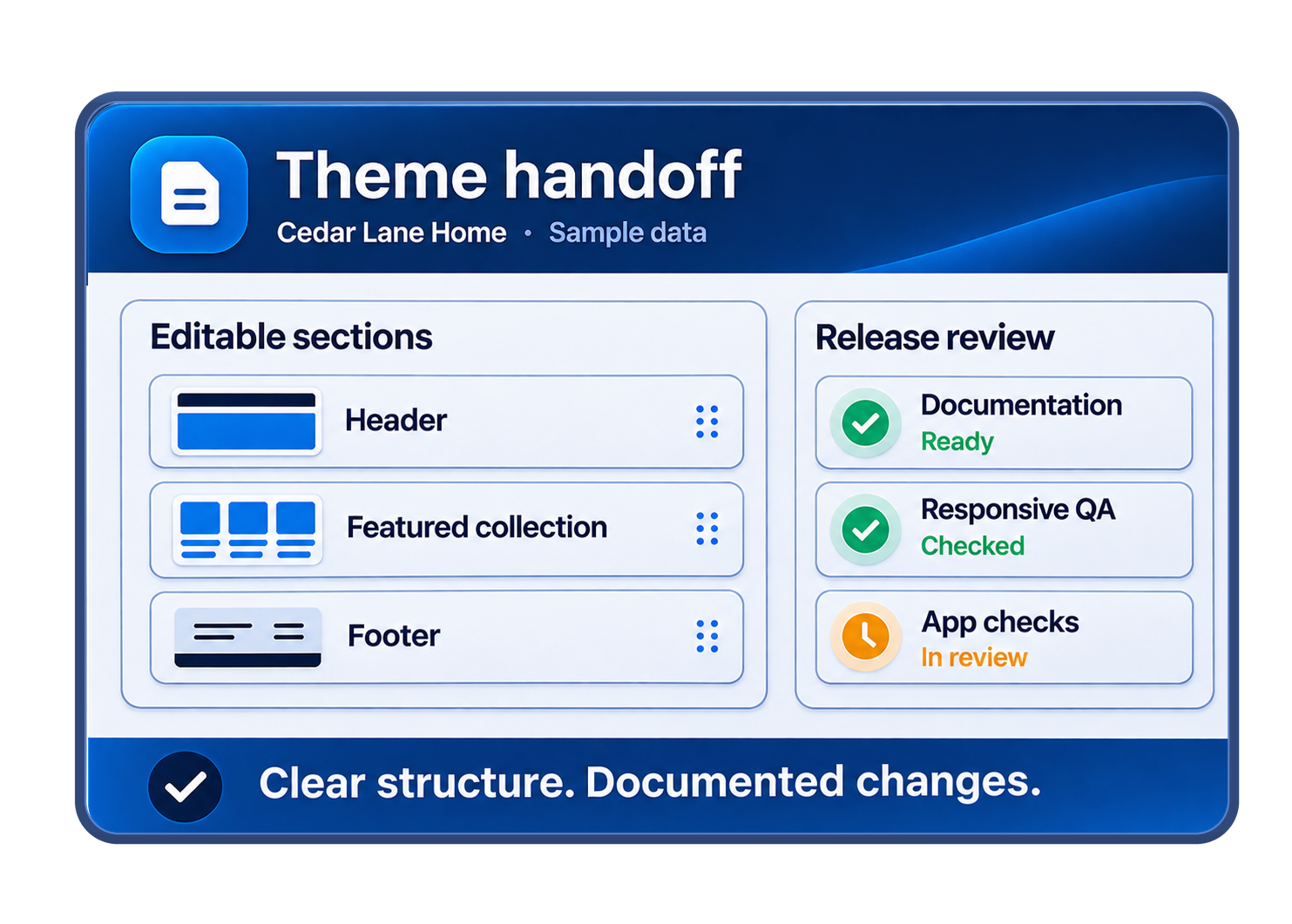
A theme update should leave the storefront easier to maintain, not carry forward every historical workaround. Depending on the approved scope, that could mean updating the current theme, moving to a newer theme, or refining selected visual patterns while staying on the same ecommerce platform.
Always Open Commerce can coordinate approved theme work across design, development, QA, and launch. If the project also needs broader UX / UI Design, Custom Development, or Launch Support, those services should be scoped separately.
Theme Updates in Practice
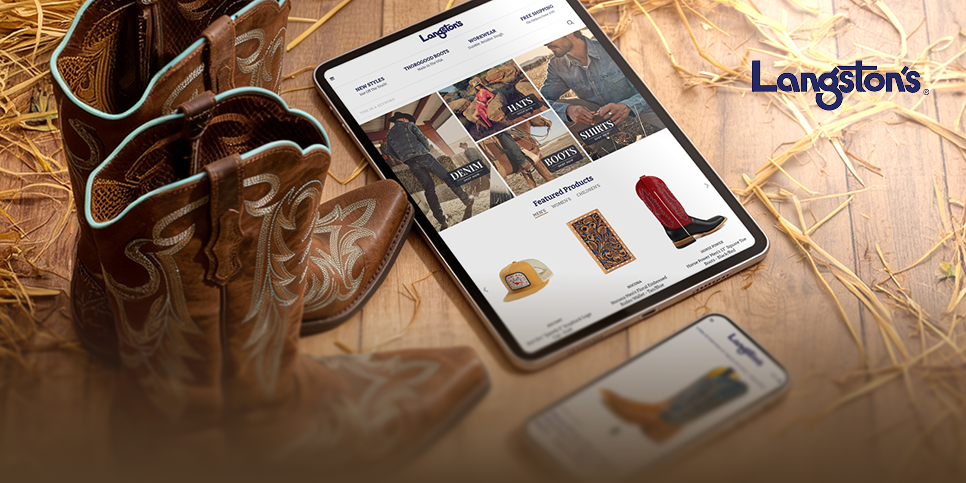
Theme Update
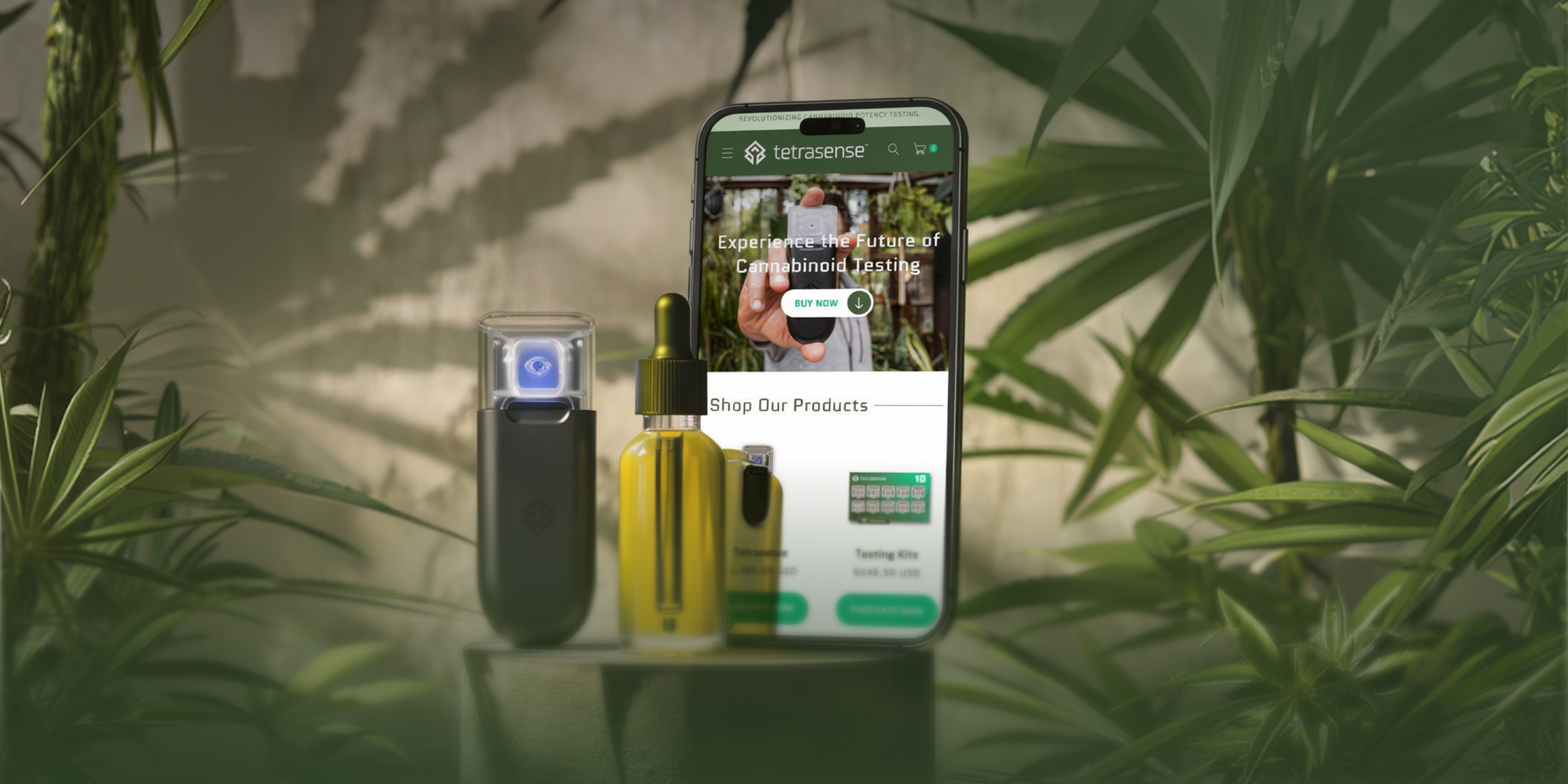
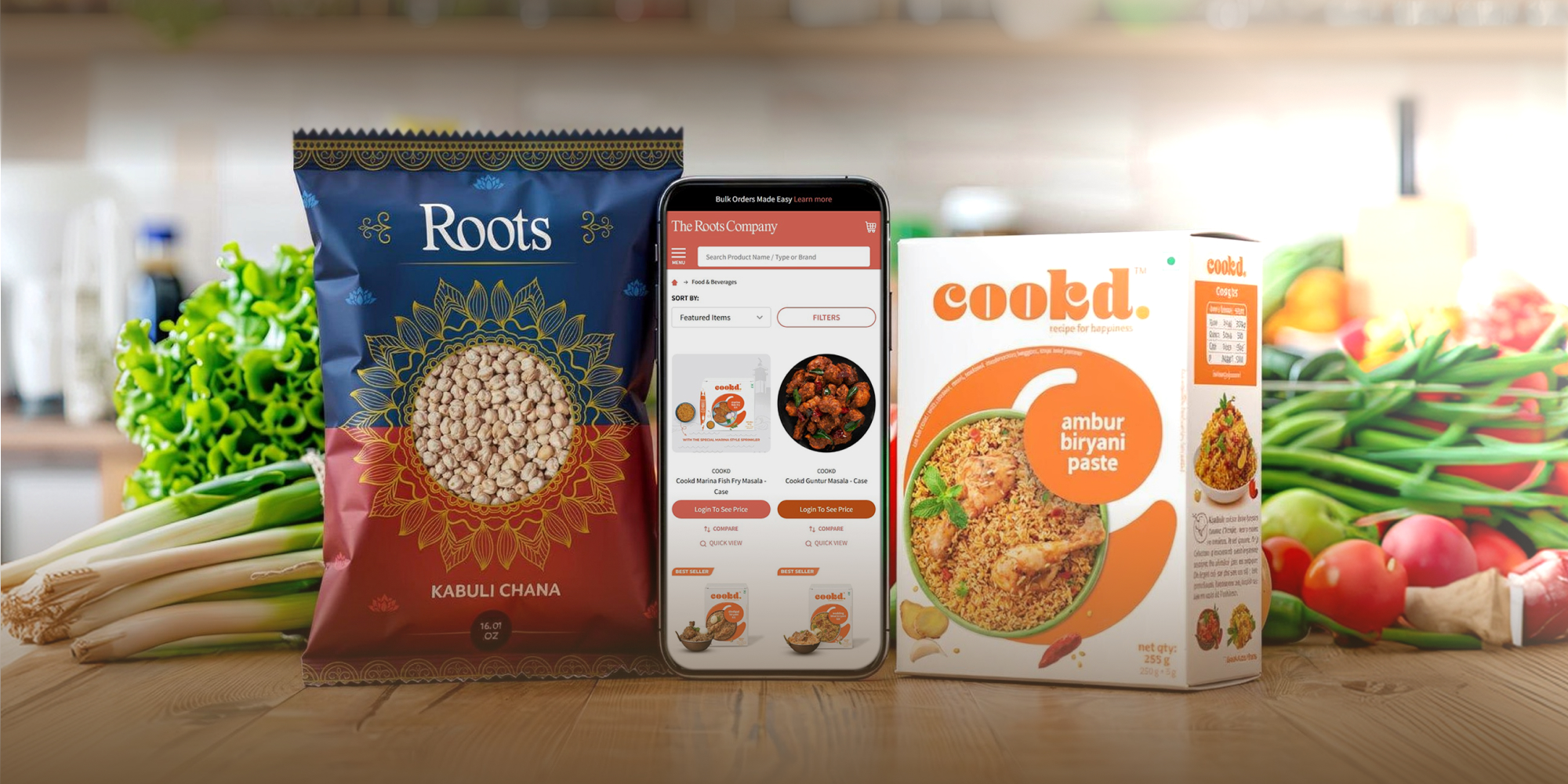
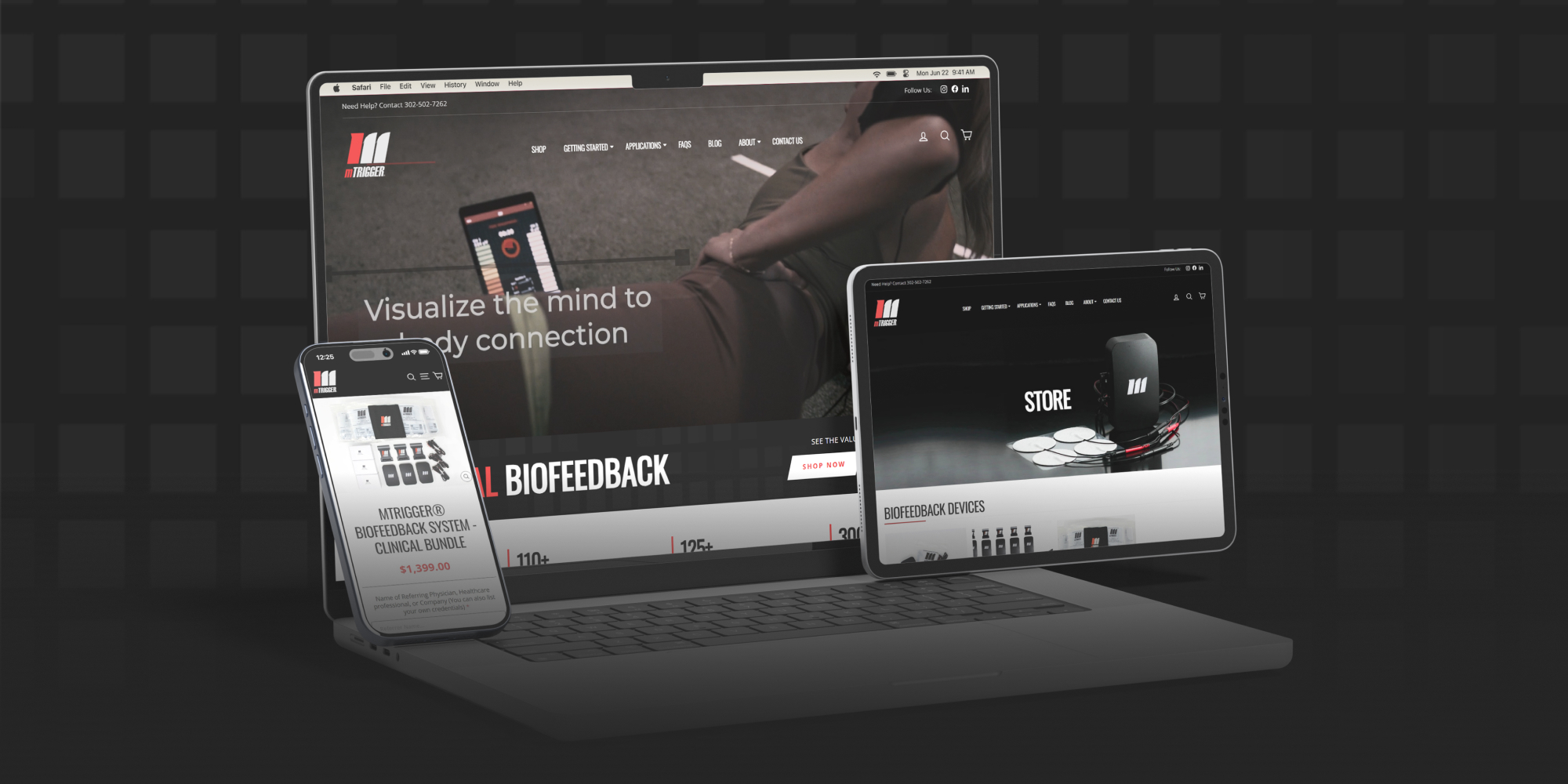
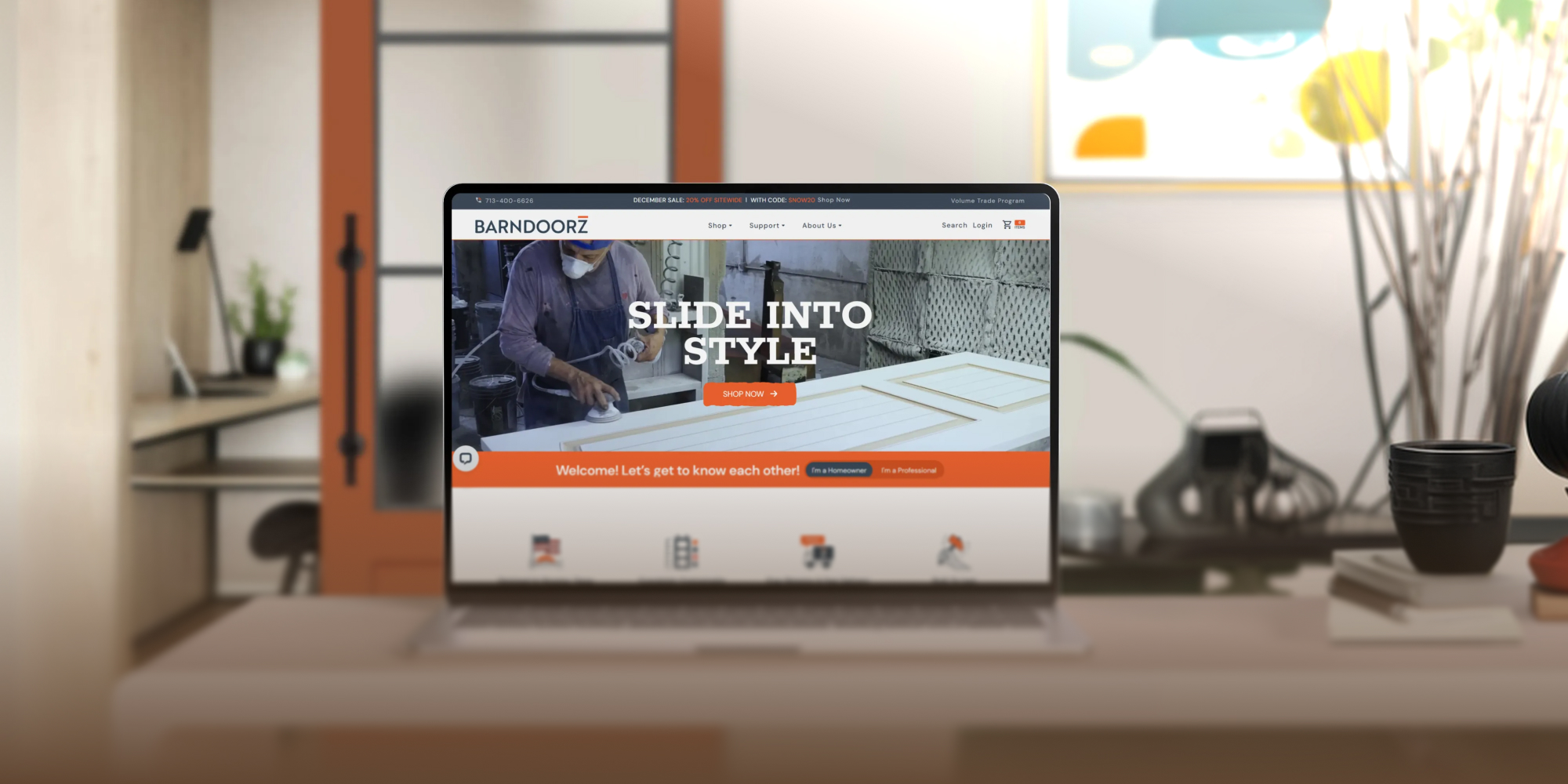
Langston’s Modernizes a Century-Old Legacy with a Streamlined BigCommerce Experience
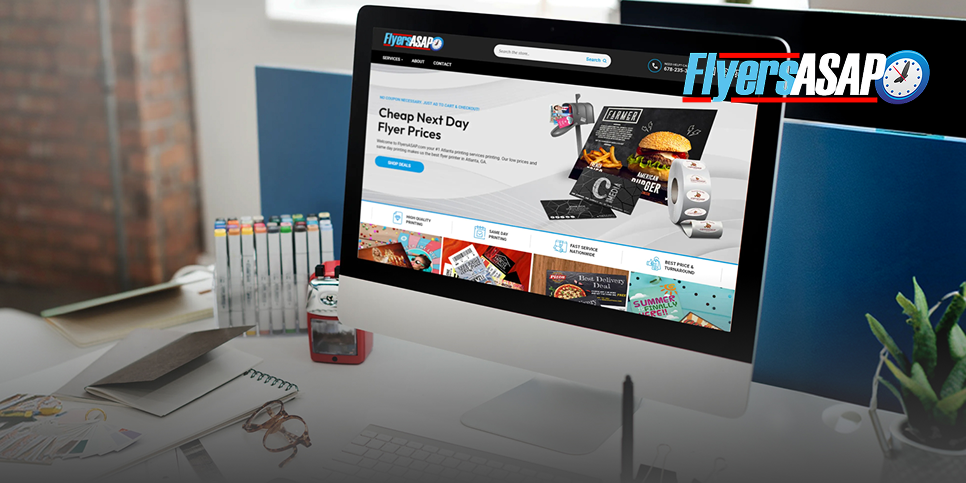
Theme Duplication
Flyers ASAP’s Optimized and Cost-Effective BigCommerce Theme Duplication
Theme & Platform Support

Apply approved theme updates with compatibility checks and focused validation of the affected storefront.

Coordinate Shopify theme changes around retained customizations, storefront behavior, and release readiness.

Plan BigCommerce theme upgrades or transitions with attention to custom code, dependencies, and storefront QA.
Frequently Asked Questions
A theme update may fit when the ecommerce platform still works for the business but the storefront foundation is outdated, difficult to manage, visually inconsistent, or ready for a cleaner theme. A full redesign is a separate scope when the project requires broader UX, brand, or page-level design work.
Yes. Theme Updates & Migration is intended for storefront theme changes that can happen while remaining on the current ecommerce platform. A full platform migration is a separate service when the underlying commerce environment also needs to change.
Not by default. Visual structure updates can be part of the theme project, but a full brand refresh or full custom redesign is separate unless it is specifically included in the approved scope.
Some in-scope customizations can be retained or rebuilt, but they should be reviewed rather than copied automatically. Legacy scripts, theme-specific code, and custom behavior may need technical review to determine what should move forward and what requires separate work.
Theme work can include coordination around essential storefront dependencies, but app reconfiguration, custom integration work, or advanced troubleshooting may require separate technical review and scope.
The in-scope storefront, responsive behavior, customer paths, and retained customizations can be reviewed before release. The exact QA and launch responsibilities depend on the approved project scope.

 USA
 Philippines


