




















































Design & Optimize
A storefront can look polished and still make shopping harder than it should be. Always Open Commerce uses UX, CRO, mobile, performance, accessibility, landing-page, and testing expertise to improve the customer experience around evidence, not isolated design preferences.

Design & Optimize Services
Choose the service that best matches where the storefront experience, performance, accessibility, or conversion journey needs attention.
UX / UI Design
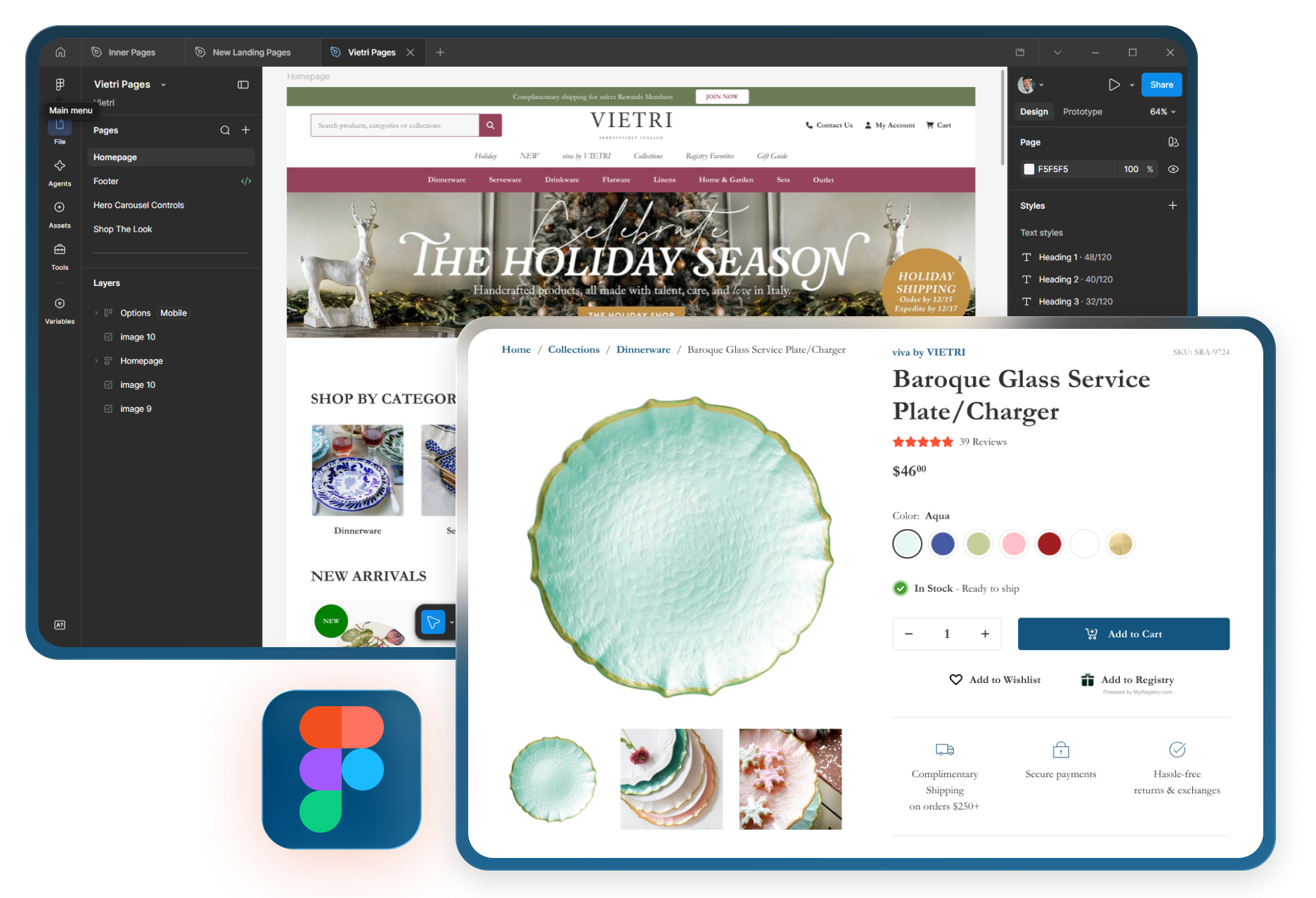
Improve page layouts, navigation, product presentation, hierarchy, and customer flows so the storefront is easier to understand and use across important shopping journeys.
Conversion Rate Optimization
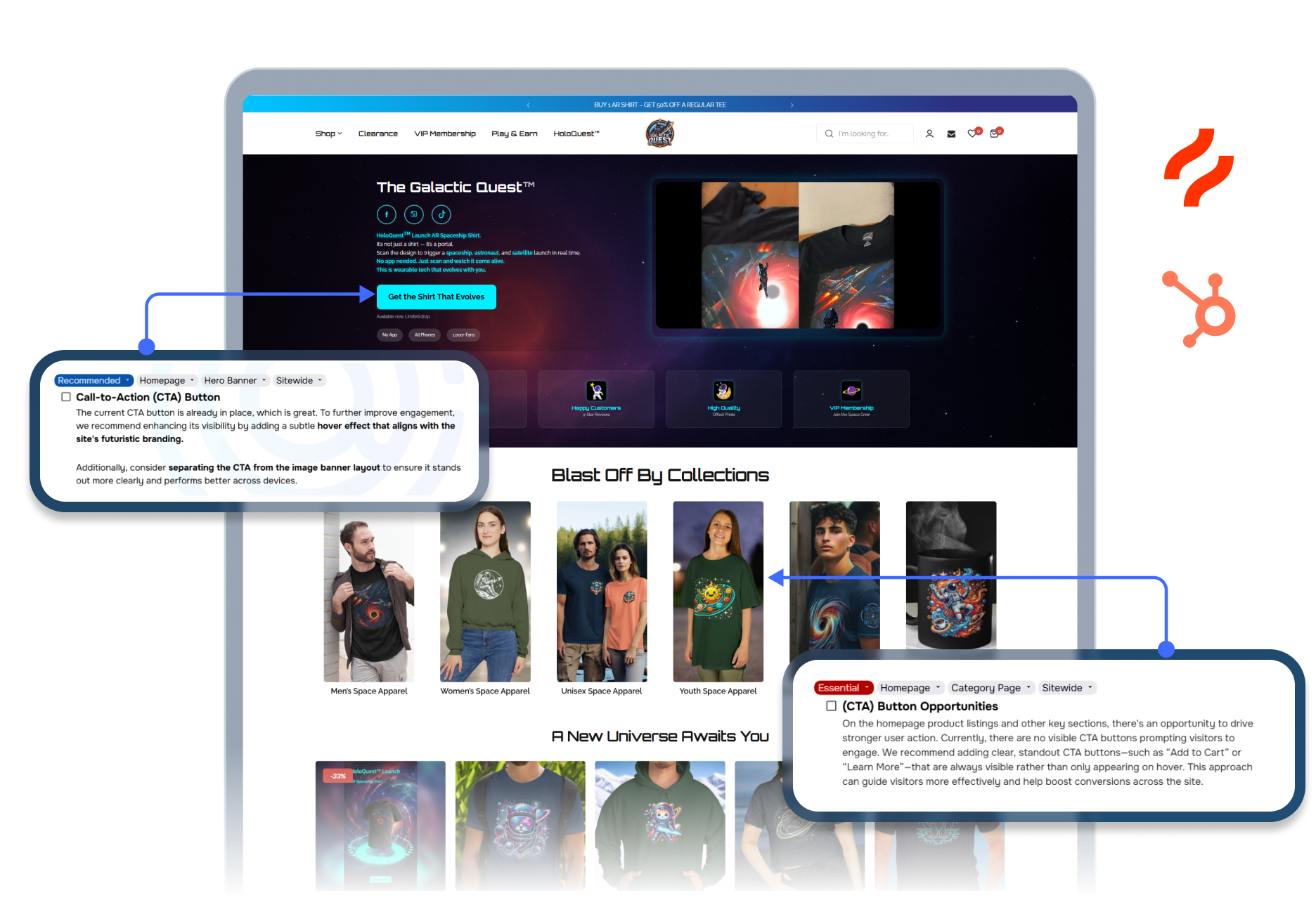
Find friction across product discovery, evaluation, cart, checkout, lead capture, or other conversion paths and turn the available evidence into prioritized improvement recommendations.

Mobile Optimization
Review mobile navigation, layouts, tap targets, content order, forms, product pages, cart behavior, and other small-screen interactions that may be creating avoidable friction.
Site Speed Optimization
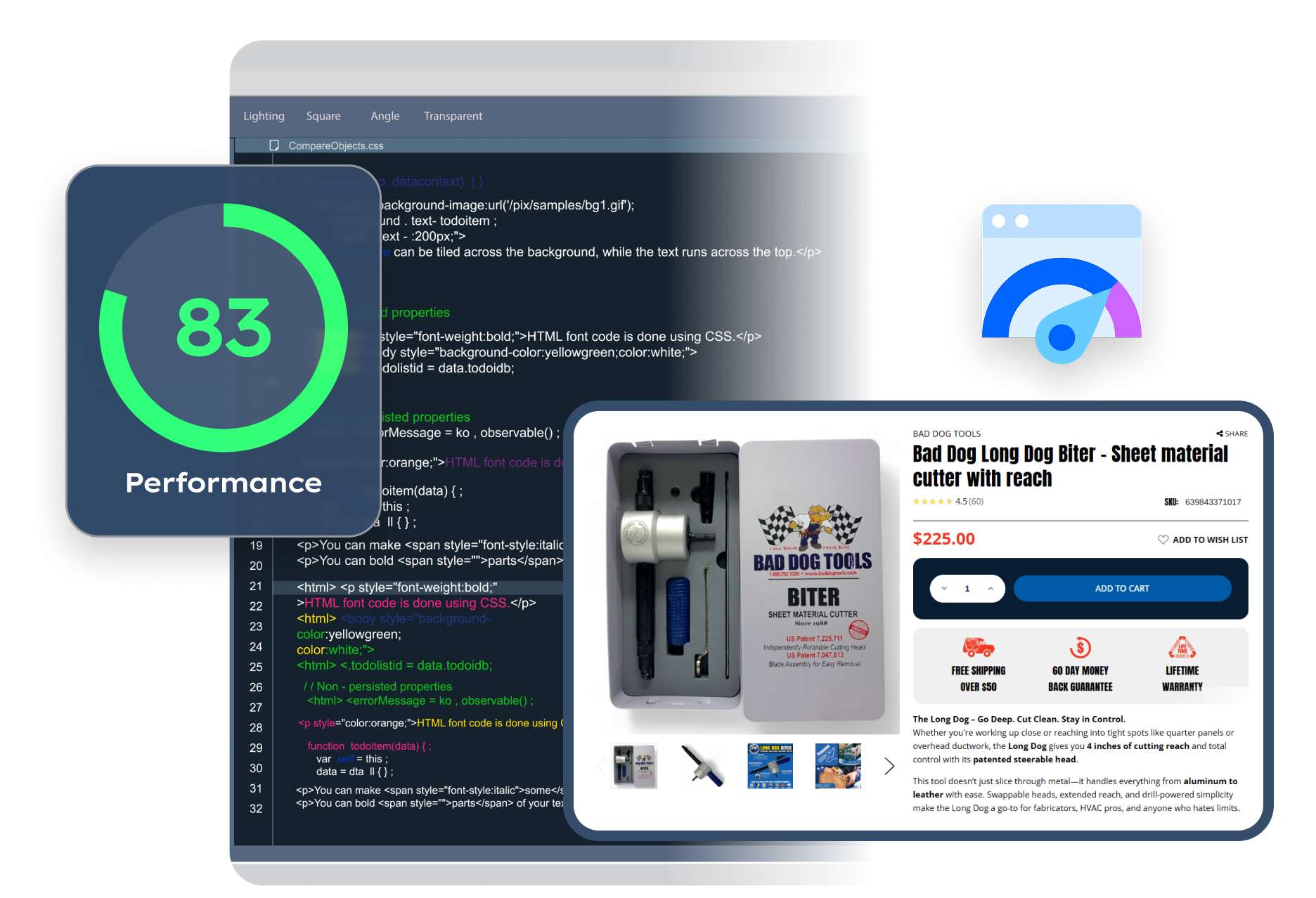
Identify storefront performance issues tied to assets, theme code, scripts, applications, or page structure and prioritize practical improvements without guaranteeing a specific speed score.
Accessibility Support
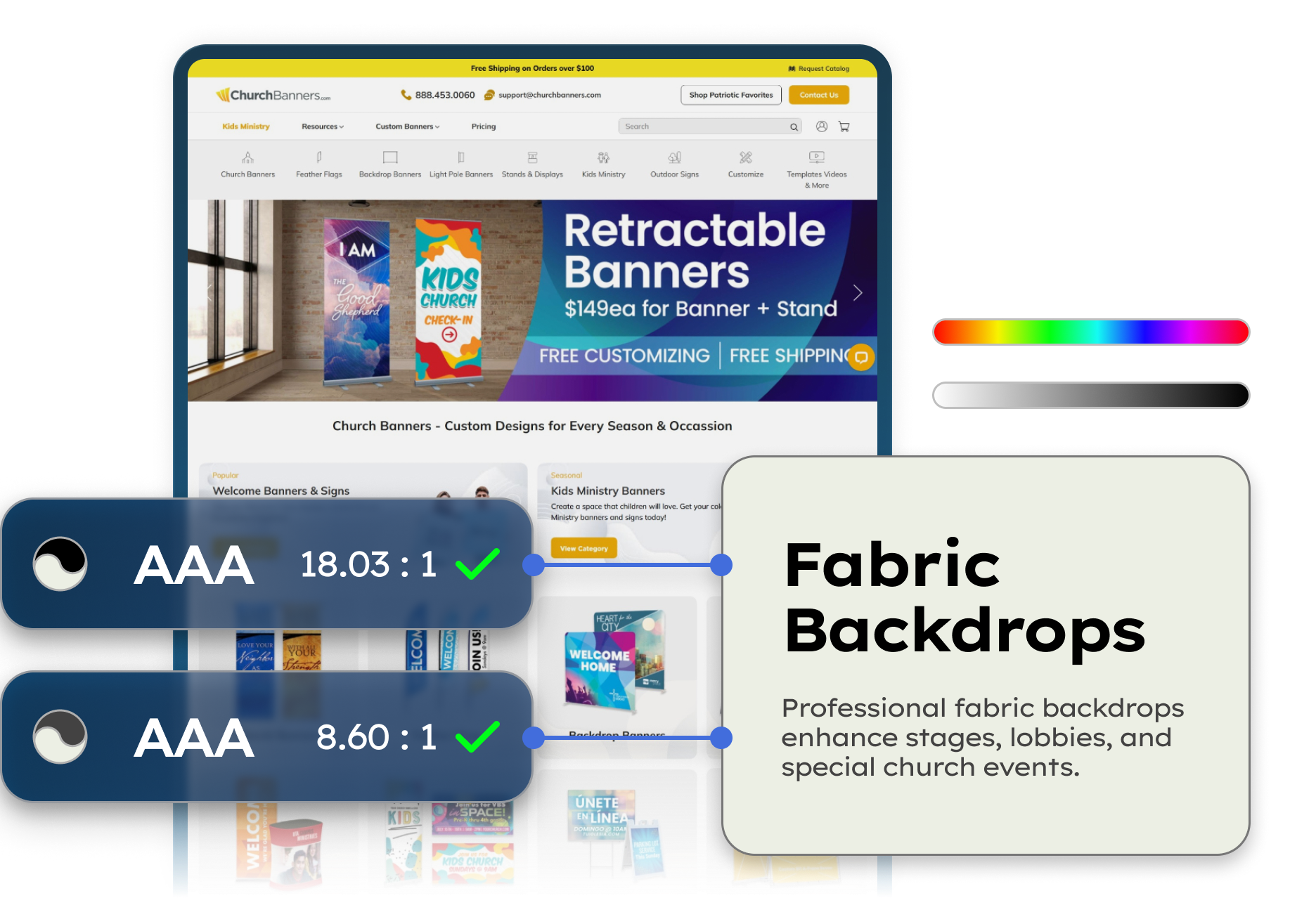
Identify and improve usability barriers involving navigation, labels, contrast, alternative text, forms, interaction patterns, and related storefront elements without presenting the work as legal certification.
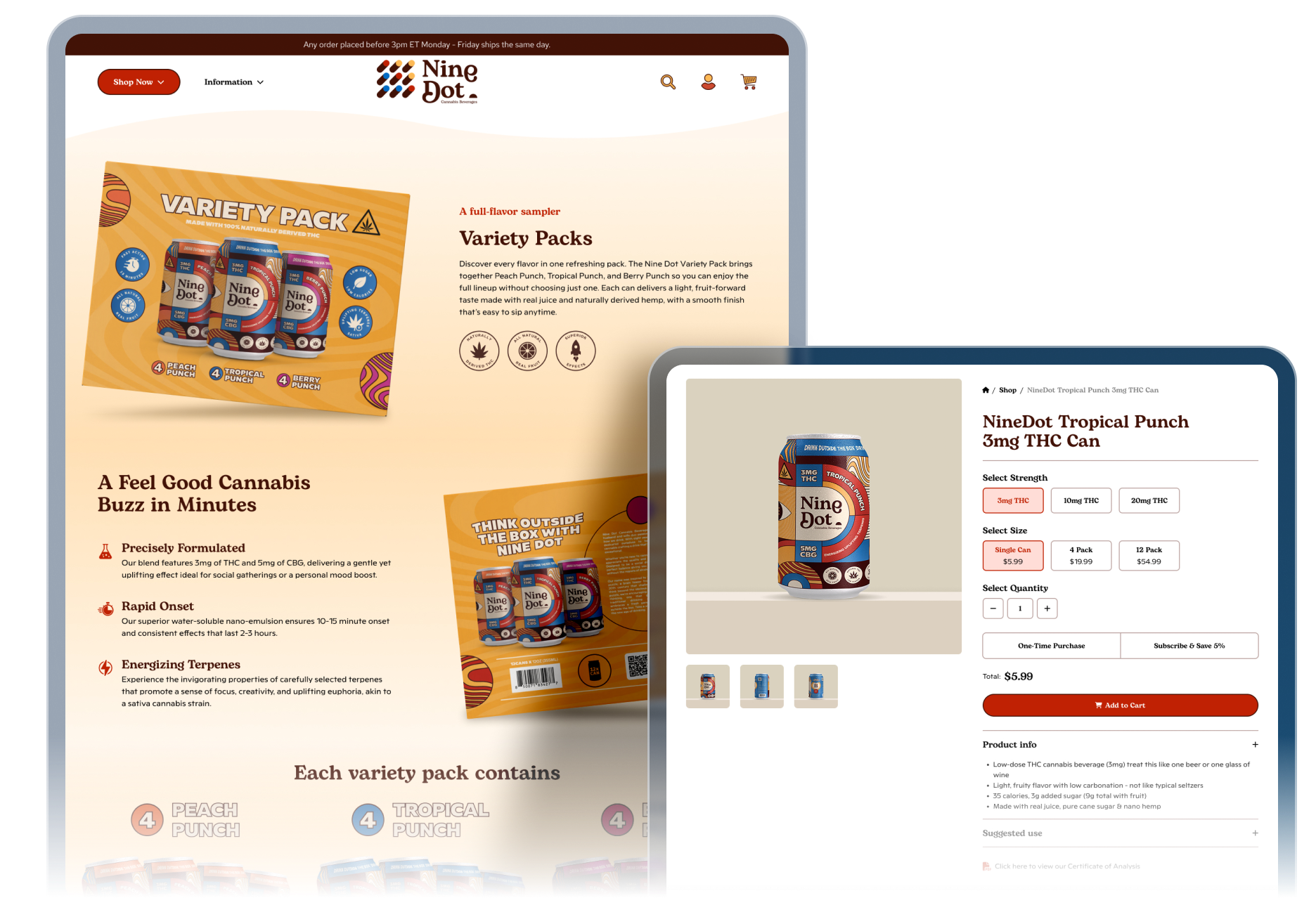
Landing Pages
Plan and build focused pages for campaigns, offers, launches, services, or defined journeys when a dedicated path can communicate one decision more clearly than a general site page.
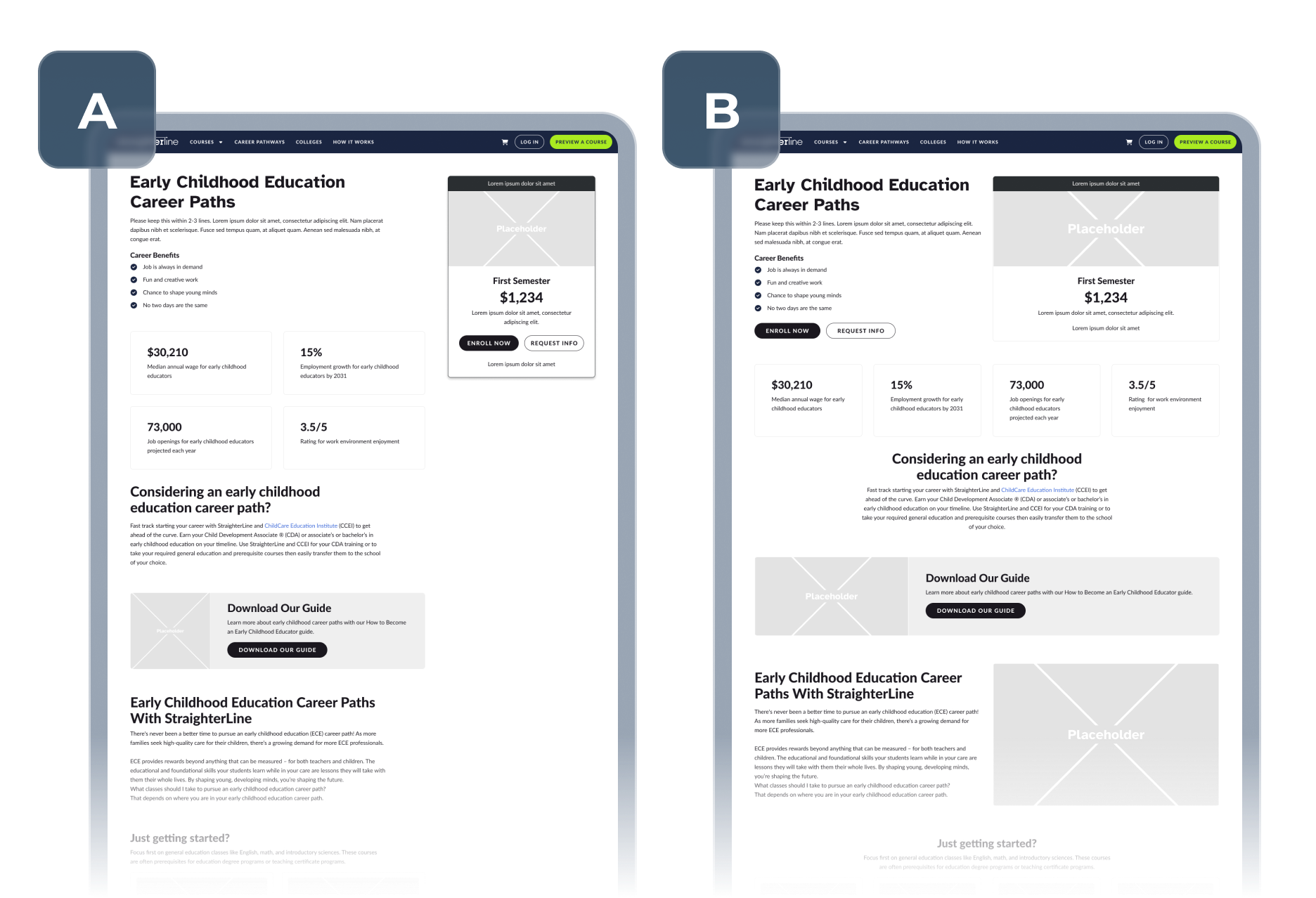
A/B Testing
Turn selected optimization questions into structured hypotheses and controlled tests when sufficient traffic, measurement, and uncertainty make experimentation more useful than immediate implementation.

When This Becomes a Priority
Design & Optimize becomes relevant when shopper behavior suggests the storefront is making important decisions harder than they need to be.

Shoppers Struggle to Find or Evaluate Products
Navigation, page hierarchy, product presentation, content order, or customer flows make important browsing and buying decisions harder to complete.
Mobile or Performance Friction Is Getting in the Way
Small-screen interactions, page speed, scripts, applications, or storefront behavior create friction that may not be obvious in a desktop review.
Traffic Is Not Turning Into Enough Action
The store receives visits, but cart behavior, lead capture, checkout, campaign pages, or other key journeys show signs that the experience deserves closer analysis.
Design & Optimization Work in Practice


Conversion Rate Optimization
BarnDoorz Slides Open Higher Conversions with a Strategic UX/UI Overhaul
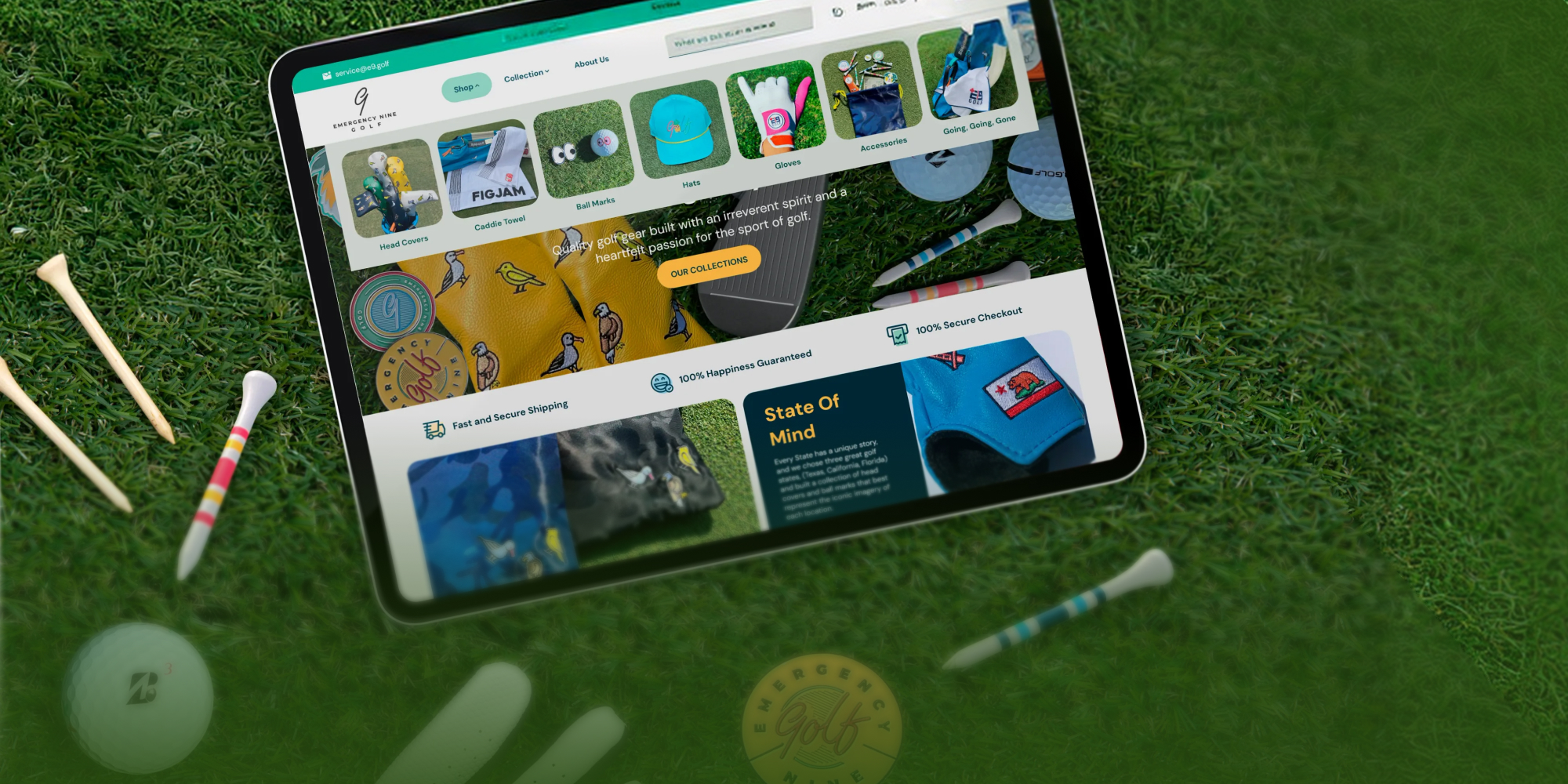

Conversion Rate Optimization
Golf Apparel Brand Tees Off a Cleaner, Faster Shopping Experience with a Targeted Shopify UX/UI Upgrade
Frequently Asked Questions
Start with the problem you can observe. Layout or flow issues may point to UX/UI Design, mobile-specific friction to Mobile Optimization, performance concerns to Site Speed Optimization, and conversion questions to CRO. Accessibility, landing-page, or testing needs may call for a more focused service.
No. CRO focuses on identifying and prioritizing friction using available evidence. UX/UI Design focuses on the layouts, hierarchy, navigation, presentation, and flows shoppers interact with. The two can work together when CRO findings lead to design changes.
No. Always Open Commerce can identify and improve accessibility-related issues within approved scope, but the service does not provide legal advice, legal certification, or a guarantee of compliance. Legal or compliance conclusions require qualified review.
No. Testing is useful when there is meaningful uncertainty and sufficient traffic and measurement capability. Obvious defects, usability barriers, technical issues, or low-risk improvements may call for a different decision path.

 USA
USA
 Philippines


