




















































Accessibility Support
Accessibility work starts by finding barriers that make the storefront harder to perceive, navigate, understand, or operate. Always Open Commerce supports practical improvements across content, interaction, and presentation while leaving legal advice, certification, and compliance determinations to qualified authorities.
Can Shoppers Use the Store?
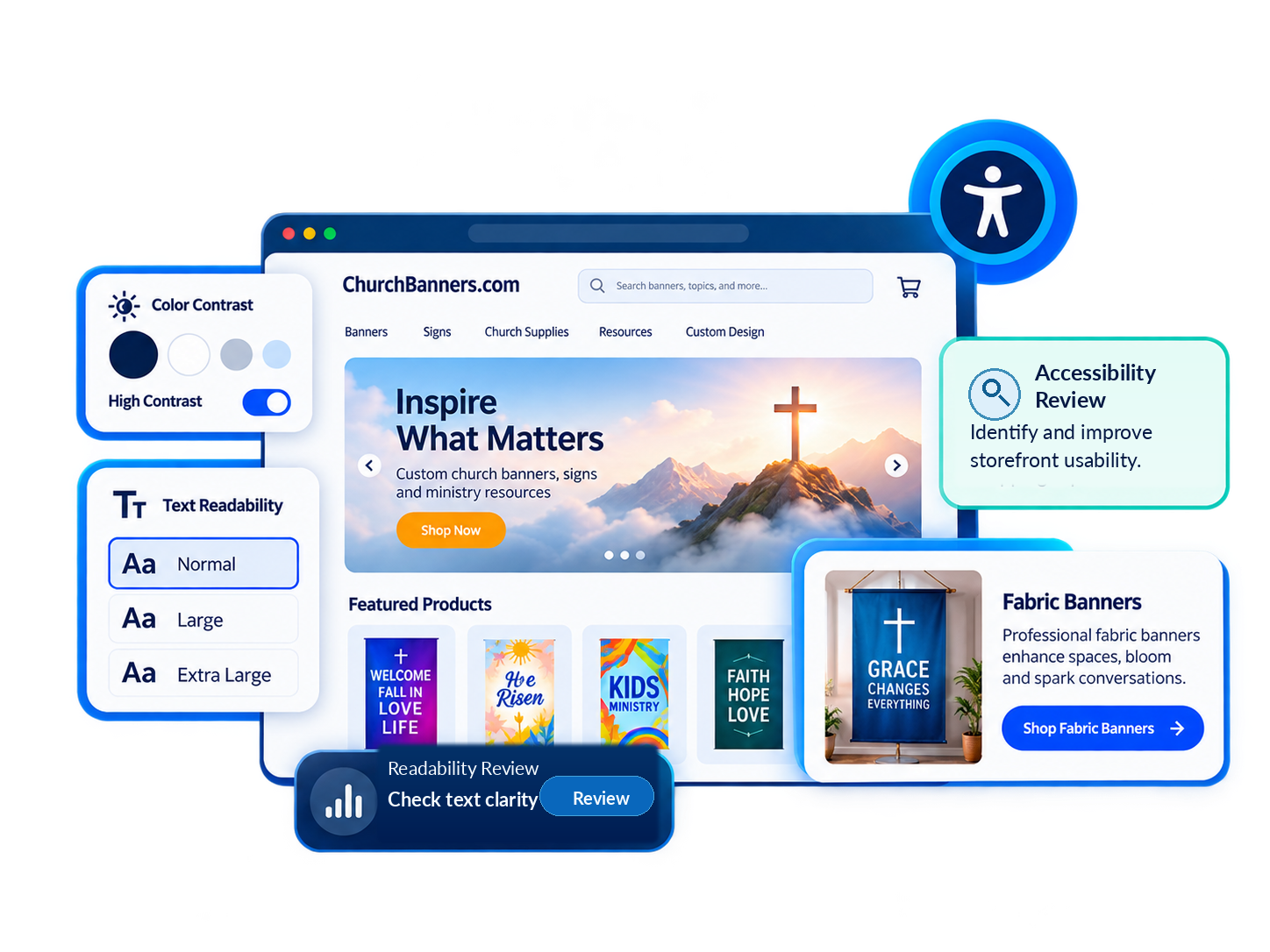
A polished storefront can still create barriers for shoppers using a keyboard or assistive technology, or relying on clear contrast, labels, and structure. Accessibility Support helps identify issues with readability, navigation, alt text, and customer-facing interactions. Always Open Commerce can review these barriers and coordinate approved improvements with UX/UI Design and Custom Development.
Storefront Barriers to Review and Improve
The exact work depends on the storefront, the issues identified, and the approved scope.

Readability & Visual Presentation
Review text clarity, contrast, sizing, hierarchy, and interface states that may make content harder to perceive or understand.

Keyboard & Navigation Experience
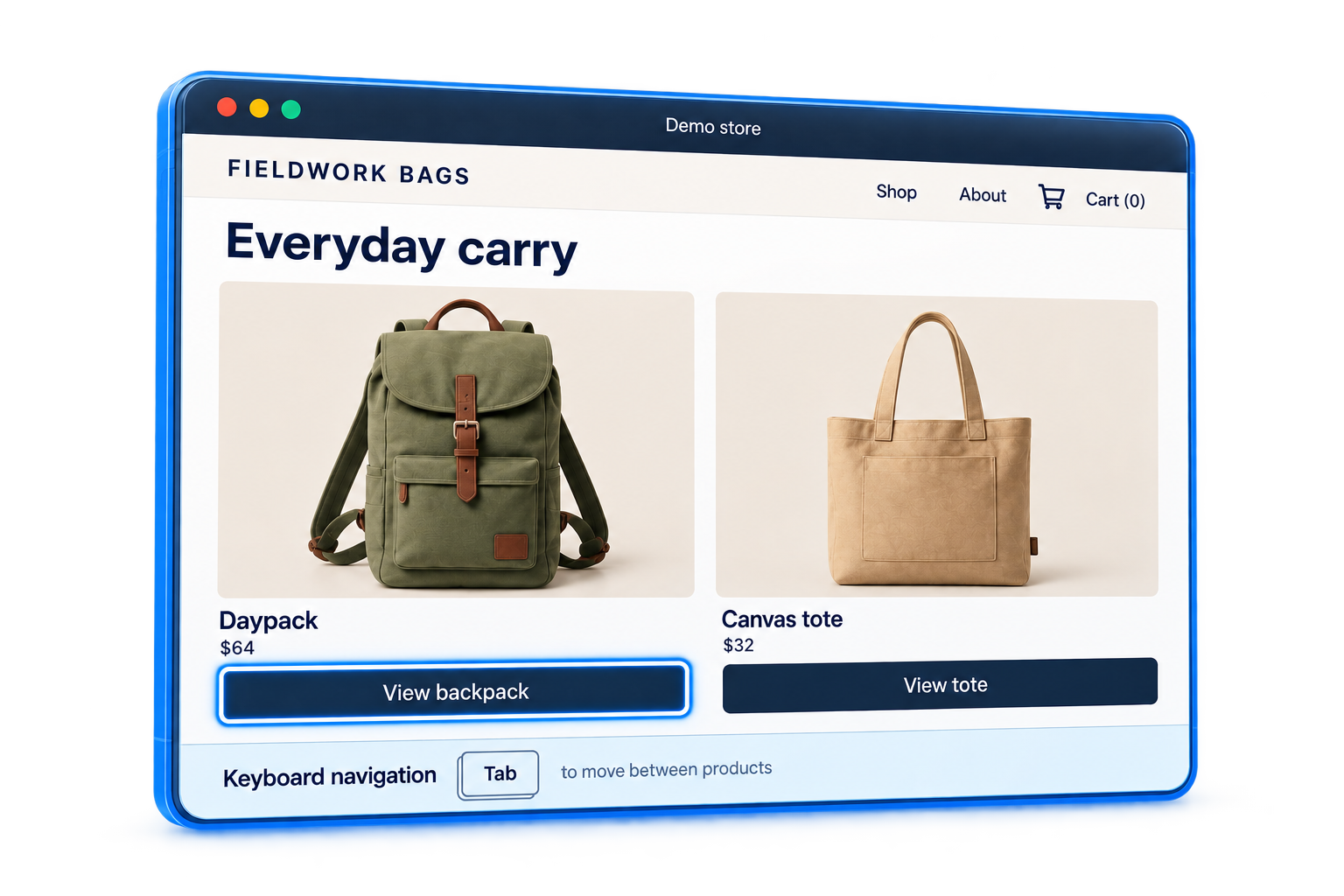
Identify navigation, focus, and customer-facing interactions that are difficult to use without a mouse.

Forms, Labels & Interactive Elements
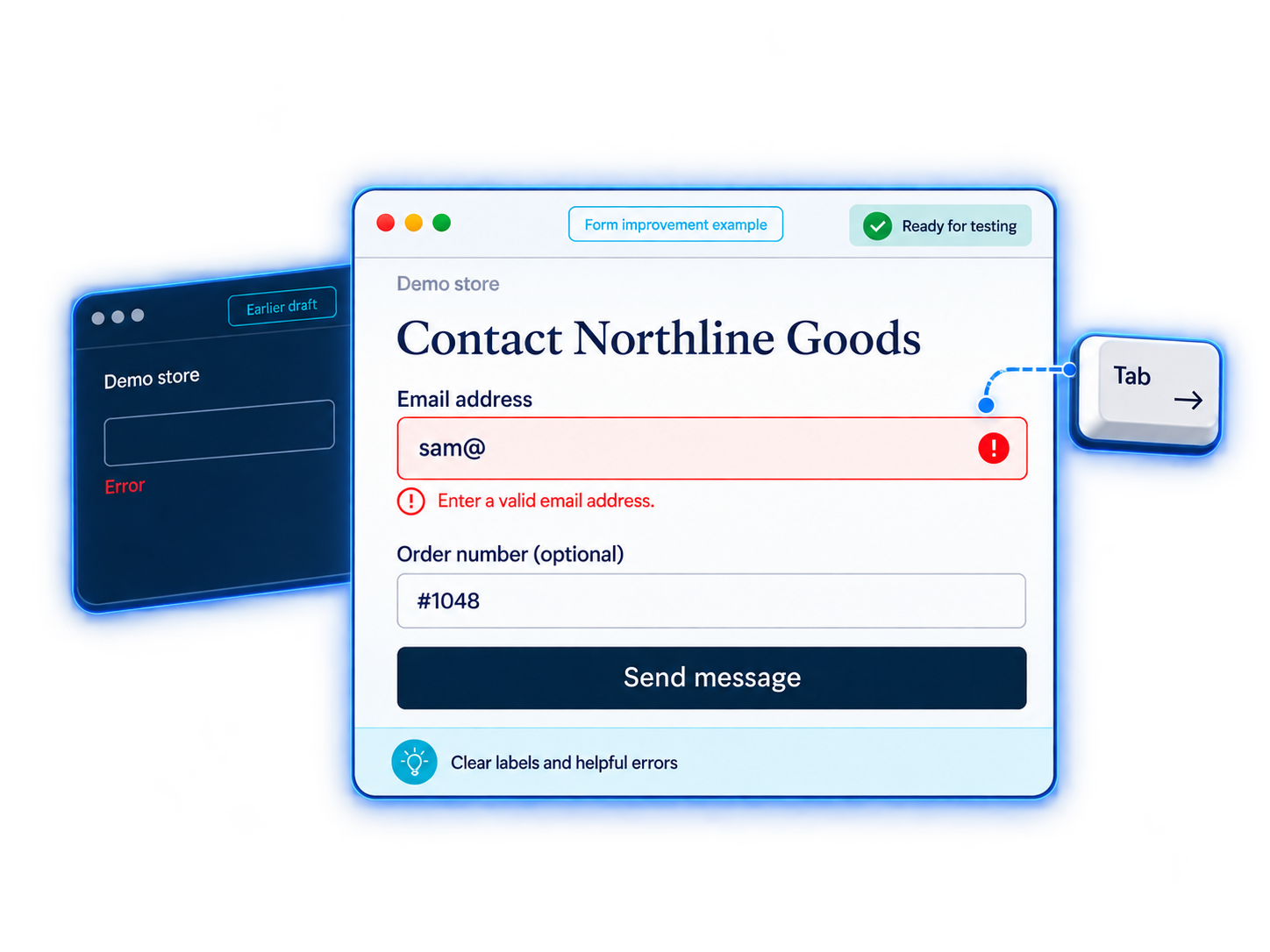
Review labels, instructions, errors, and feedback so shoppers understand controls and expected actions.

Images & Non-Text Content
Support appropriate alt text and other content alternatives when visual information needs a text equivalent or clearer context.

Structure & Interface Semantics
Review headings, landmarks, and control relationships that may affect how browsers and assistive technologies interpret the page.
Use Accessibility Standards to Identify Real Barriers
W3C’s WCAG 2.2 sets out four principles: perceivable, operable, understandable, and robust. They help teams identify barriers and prioritize remediation, but do not guarantee legal compliance.

What Is the Actual Barrier?
A storefront may have visual, keyboard, semantic, content, and interaction barriers. Remediation should start with the specific problem rather than treating every finding the same way.
Can Automated Tools Find Everything?
Automated checks can flag some issues, but context, interactions, content meaning, and human use still require interpretation. Tool results are not a complete accessibility assessment.
What Is Controlled by the Store?
Themes, content, custom code, apps, embeds, and third-party services can affect accessibility. Some fixes require vendor coordination or fall outside the store’s direct control.
Who Owns Ongoing Accessibility?
New content, apps, campaigns, theme updates, and development can introduce barriers after remediation. Ongoing accessibility needs clear ownership beyond a one-time review.

Improve the Experience Without Overstating the Result
Accessibility improvements can make the storefront easier to use for people with disabilities while improving clarity for shoppers. Always Open Commerce can coordinate this work with UX/UI Design and Custom Development when included in the approved engagement.
Reviews and remediation may reference accessibility standards, but Always Open Commerce does not provide legal advice, compliance certification, or guaranteed conformance. Qualified professionals should review legal or compliance determinations.
Accessibility Support in Practice

Review & Remediation Options

Accessibility Reviews & Remediation Planning
Review barriers in storefront content, interfaces, and interactions, then prioritize practical remediation within the approved scope.

UX / UI Design
Improve layout, hierarchy, states, and interaction design when accessibility issues are tied to how the storefront is presented and used.

Technical Audits
Review themes, code, and apps for accessibility issues, then distinguish direct fixes from work requiring additional technical scope.
Frequently Asked Questions
Accessibility Support can include reviewing and improving issues related to usability, readability, navigation, alt text, labels, contrast, structure, and accessible ecommerce interactions. The exact work depends on the issues identified and approved scope.
WCAG can provide an established technical and usability reference for accessibility work. Using WCAG as a framework does not mean Always Open Commerce is providing legal advice, certification, or a guarantee of conformance.
No. Automated tools can identify some issues, but they cannot determine every barrier or understand every interaction and content context. Findings need interpretation and may require manual review.
No. Always Open Commerce does not provide legal compliance certification or legal advice. Legal or compliance determinations should be reviewed by the appropriate qualified professionals.
Yes. Apps, embeds, widgets, and other third-party components can affect accessibility. Whether an issue can be changed directly depends on the technology, vendor control, and approved technical scope.
Not necessarily. Some issues can be addressed through targeted content, design, or development changes. Broader redesign work may be appropriate when accessibility problems are tied to the overall interface, but it is not automatically required.

 USA
USA
 Philippines


