























































Data/Catalog Migration
Moving ecommerce data is only useful when the destination can use it correctly. Always Open Commerce maps the relationships, destination requirements, restructuring needs, and validation checks for the catalog, customer, order, or content data in scope.
Move More Than Records From One System to Another
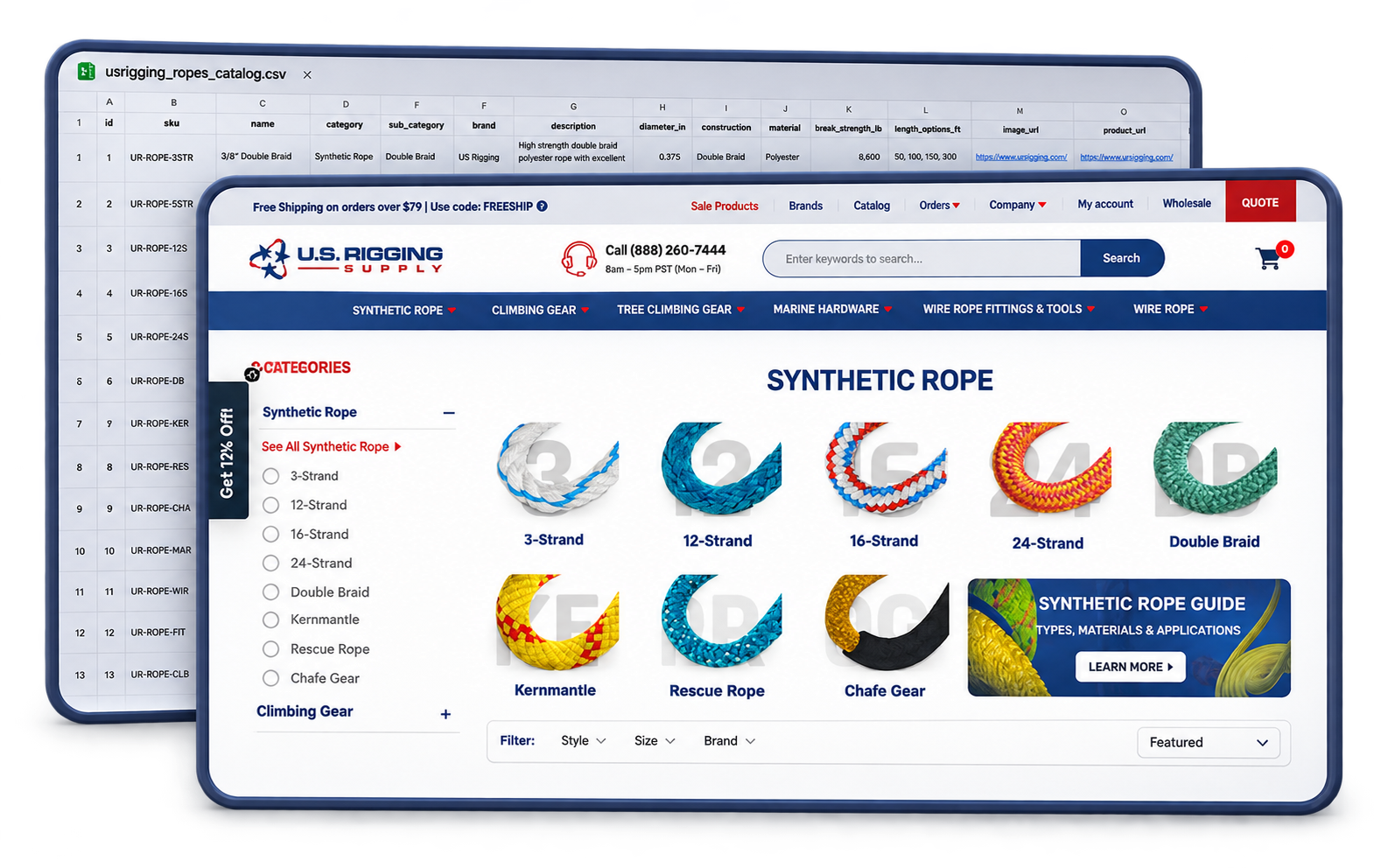
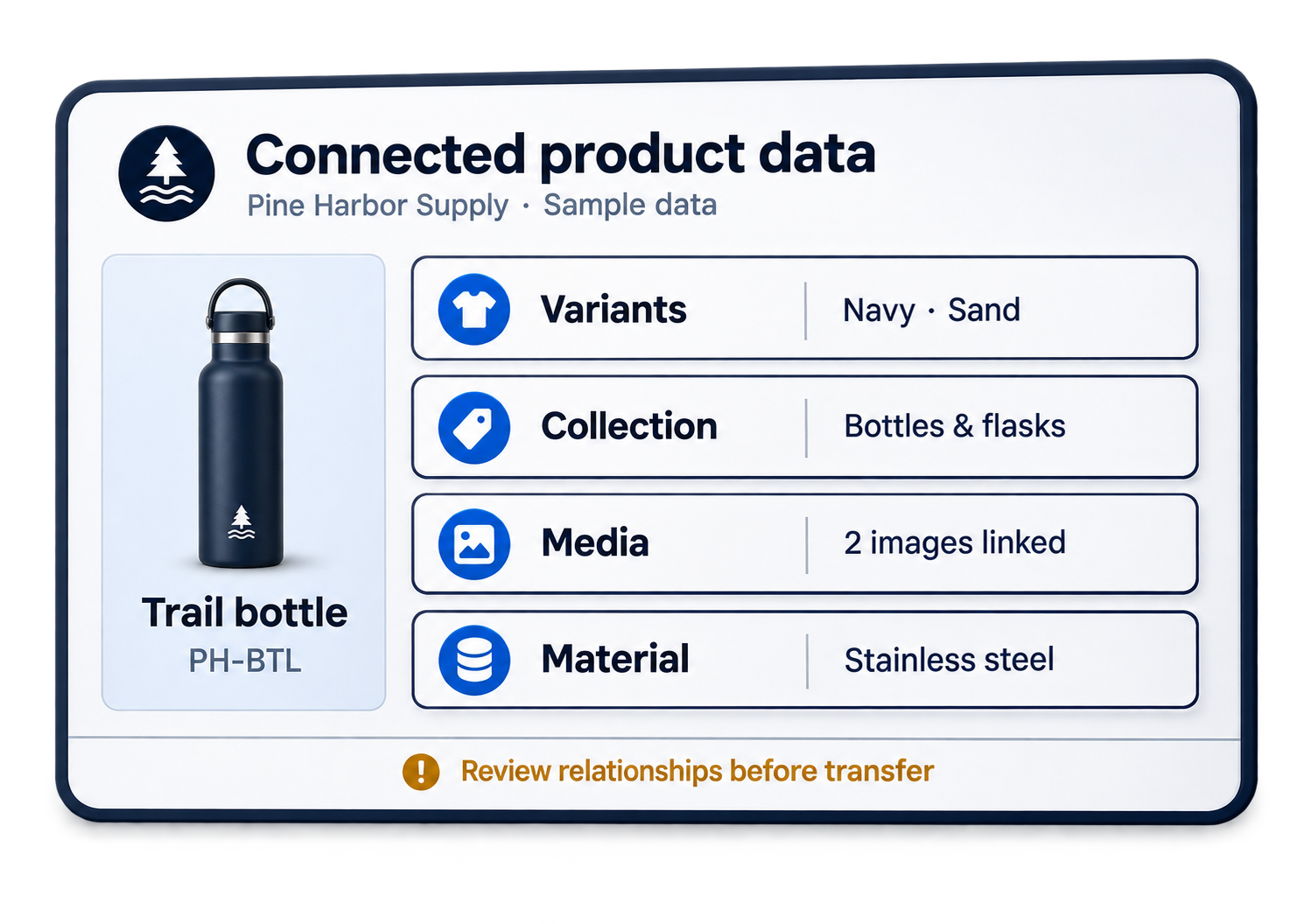
An export alone does not make a migration clean. Product fields may be inconsistent, variants may use different structures, categories or collections may need to change, and customer or order records may not fit the destination as-is. A migration can also reveal decisions that worked in the old store but no longer serve the new one.
Data/Catalog Migration clarifies what should move, how it should be structured, and what must be validated before the new store relies on it. Always Open Commerce helps coordinate this work as part of the ecommerce foundation rather than leaving it as a file-transfer task at the end.
Products, Variants, Customers, and Catalog Data in Scope
The exact data set depends on the project, but the migration should make clear which records, relationships, and structures are in scope before transfer work begins.

Product & Variant Mapping
Map in-scope products, variants, options, attributes, pricing fields, and related product information into the structure required by the destination environment.

Categories, Collections & Catalog Structure
Coordinate how products are grouped and organized so category or collection relationships carry forward or are intentionally restructured for the new store.

Customer & Order Data
Identify the customer records and historical order information that need to move, subject to what the source and destination can support and what the project includes.

Content & Supporting Fields
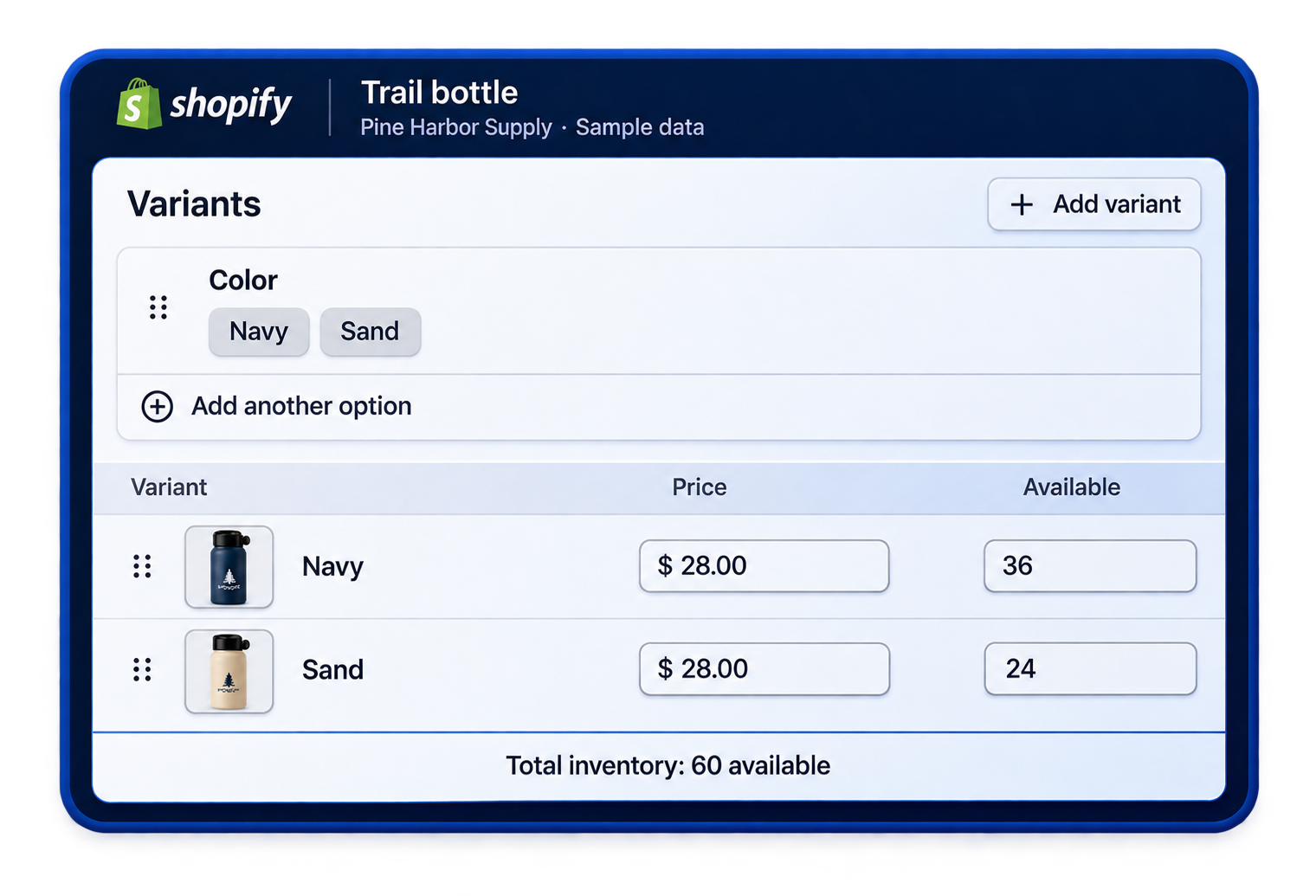
Account for in-scope product content, custom fields, images, metadata, or other supporting information that needs to remain connected to the right records.

Transfer & Validation
Coordinate the approved transfer method, then review migrated records for material gaps, mapping issues, and exceptions before the new store relies on the data at launch.
Map the Data Before You Move It
Before transfer begins, clarify three things: the condition of the source data, how the destination should represent it, and how the team will identify material exceptions after the move.

Source Data Quality
Identify business-critical records, duplicates, inconsistencies, missing fields, and obsolete information before deciding what should move. Extensive manual cleanup or normalization remains separate when it goes beyond the approved migration.
Destination Data Model
Map how products, variants, categories or collections, customer records, order history, content, and supporting fields need to be represented in the destination rather than assuming the source structure can be copied directly.
Validation & Exceptions
Define the records, relationships, and representative catalog paths that should be checked after transfer, and document material gaps or mapping exceptions that need follow-up before the data is relied on.

Build a Usable Data Foundation
A useful migration delivers more than records in a new system. Products, categories, customers, orders, content, and supporting fields must arrive in a structure that the storefront and internal teams can use.
Data/Catalog Migration can support Platform Migrations, New Store Builds, or a focused restructuring project. Always Open Commerce can coordinate the approved transfer and validation work. When the underlying product-information model or ongoing catalog governance needs additional attention, PIM Setup & Support may be a separate next step.
Data & Catalog Migrations in Practice

Data Migration & Catalog Tools

Review product fields, variants, categories, and data quality to identify migration risks and mapping priorities.

Manage Shopify imports, exports, and bulk data updates with structured files and validation checks.

Coordinate supported store-to-store data transfers, including preparation, mapping, and validation.
Frequently Asked Questions
Data/Catalog Migration can include products, variants, collections or categories, customer records, order history, content, and other catalog information. The exact data set depends on the source, destination, and approved scope.
No. Some restructuring can be part of the migration, but moving data does not automatically fix every inconsistency or historical error. Extensive manual cleanup or advanced normalization may require separate scope.
Yes, when restructuring is part of the project. Categories, collections, product relationships, and supporting fields can be mapped differently when the new store needs a cleaner organization than the source environment.
They can be included when the source, destination, and approved migration approach support them. The records that need to move should be identified during planning rather than assumed for every project.
Validation can include reviewing in-scope records, relationships, and representative catalog paths for material gaps or mapping issues. The exact validation method depends on the data set and project requirements.
No. Data and catalog work can support a platform migration, a new build, or a cleanup and restructuring project where the store needs a better data foundation without changing platforms.

 USA
 Philippines


