



















































Education & Online Learning
For online learning, the buying decision is also a commitment to an experience after purchase. Course discovery, format, content, access, checkout, and account expectations need to align; Always Open Commerce structures the ecommerce journey around that continuity.

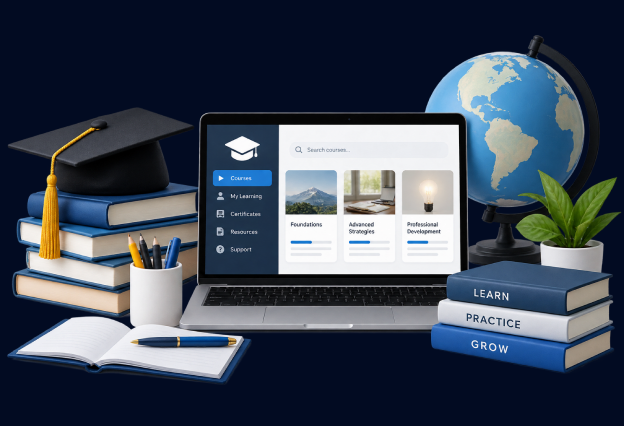
Help Learners Compare Courses Before They Commit
A course catalog can become difficult to navigate when programs vary by subject, level, format, duration, instructor, prerequisites, or intended learner. Prospective students need enough structure to narrow the catalog without already knowing the provider’s internal terminology.
Course lists, search, filters, categories, and landing pages should help learners identify relevant options and understand meaningful differences. The goal is not simply to expose every course, but to help someone move from a learning goal to a manageable set of choices.
Make the Course Page Explain the Experience Before Checkout
The course page carries a different decision than a traditional product page. A learner may need to understand the subject, level, curriculum or scope, format, schedule or access model, instructor context, prerequisites, included resources, and what happens after enrollment before deciding to pay.
That information should be organized around the decision rather than scattered across marketing pages and support content. Always Open Commerce can support information hierarchy, content structure, UX/UI, mobile usability, and development while educational claims, accreditation, outcomes, and course-delivery commitments remain with their owning sources.

Support Four Online Learning Buying Needs
Online learning ecommerce should make the path from discovery to enrollment understandable without confusing the commerce experience with the learning platform itself. The supporting work should follow the learner’s purchase journey.
1
Find Courses by Topic, Level, or Format
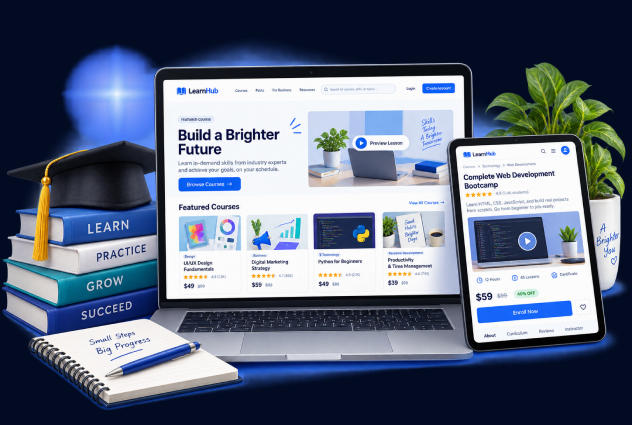
Search, categories, filters, landing pages, and content can help learners narrow a catalog by the attributes that genuinely distinguish the offering. UX/UI, content, SEO/GEO, and structured course data can support discovery.
2
Make Course Details Easy to Evaluate
Course pages can organize approved curriculum, prerequisites, instructor information, format, schedule, resources, reviews, and other decision details so prospective learners can compare options without hunting across the site.
3
Create a Clear Enrollment and Access Handoff
Checkout, confirmation, account creation, and access instructions should form one understandable path. Ecommerce development and account UX can support the handoff, while LMS behavior and access rules require technical verification.
4
Keep Educational Content Connected to Enrollment
Guides, resource hubs, instructor content, and educational articles can help learners understand a subject before purchase. Content architecture and internal pathways should make it easy to move from useful learning content to relevant courses.
Keep Course Discovery, Enrollment, and Account Journeys Connected
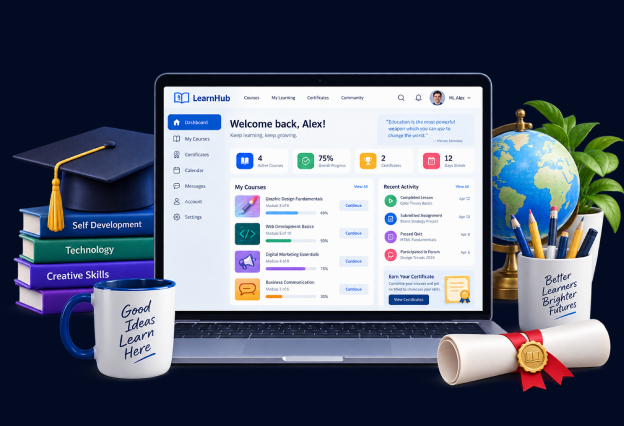
Online learning businesses may manage marketing content, course data, ecommerce checkout, learner accounts, and a separate learning environment. Changes in one place can create confusion elsewhere. A course update can affect filters and landing pages. An access change can affect checkout messaging, confirmation, and support.
Always Open Commerce can coordinate the ecommerce-facing content, UX, development, SEO/GEO, CRO, and account experience around the same enrollment journey. The learning platform, instructional design, accreditation, educational outcomes, and other specialist decisions remain with the appropriate owners.
Selected Education and Online Learning Work

Monthly
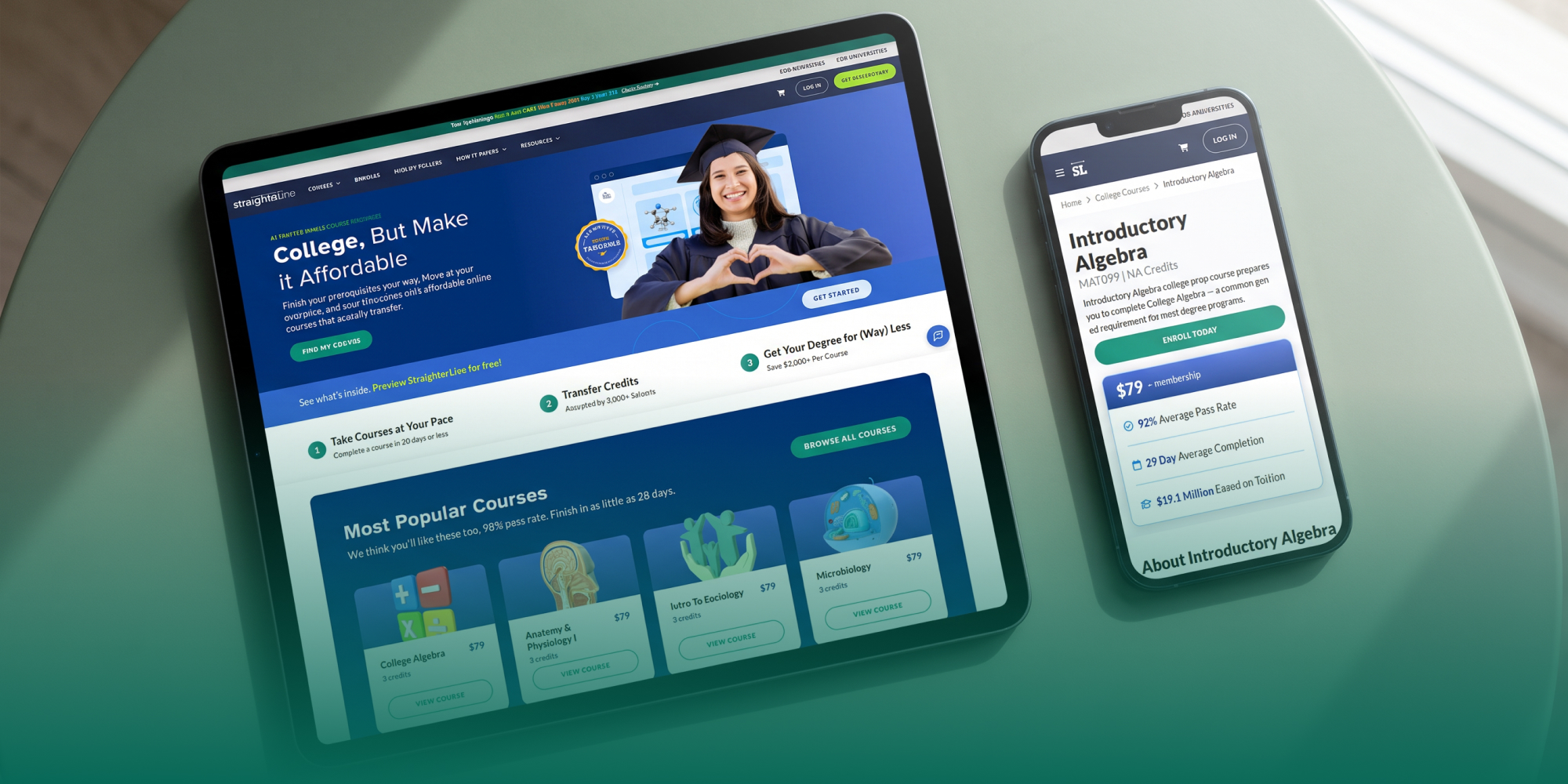
StraighterLine’s UX/UI Revamp with Shogun Powers Scalable Content and Navigation
Recommended Tech Stack

Provide the commerce layer for selling courses alongside digital products, books, memberships, merchandise, and other educational offerings.

Manage online-course delivery, learner access, and educational content while connecting the purchasing experience to the broader commerce environment.

Create flexible landing pages and content-rich storefront experiences around courses, programs, educational offers, campaigns, and supporting content.
Education and Online Learning Ecommerce FAQs
The exact details depend on the offering, but topic, level, scope or curriculum, format, prerequisites, schedule or access model, instructor context, included resources, and post-purchase access may all affect the enrollment decision. Use only approved course information.
Start with the attributes learners use to narrow their choices. Subject, level, format, duration, instructor, or other supported distinctions may be useful depending on the catalog. Search, filters, categories, and landing pages should work from the same course structure.
Integration and development are approved service areas, but the exact LMS, authentication, enrollment, data flow, and access behavior require technical verification. A public page should not promise a specific integration until the systems and requirements have been reviewed.
Use content to answer real questions about the subject, format, or learning decision, then provide a clear path to relevant courses. Educational resources should help the prospective learner make a decision rather than functioning as an isolated content library.

 USA
USA
 Philippines


