
























































Shopware Migration
A move to Shopware should account for the business rules behind the store before data is transferred. Always Open Commerce helps plan the catalog, B2B or B2C model, sales channels, integrations, content, and launch around the intended Shopware environment.

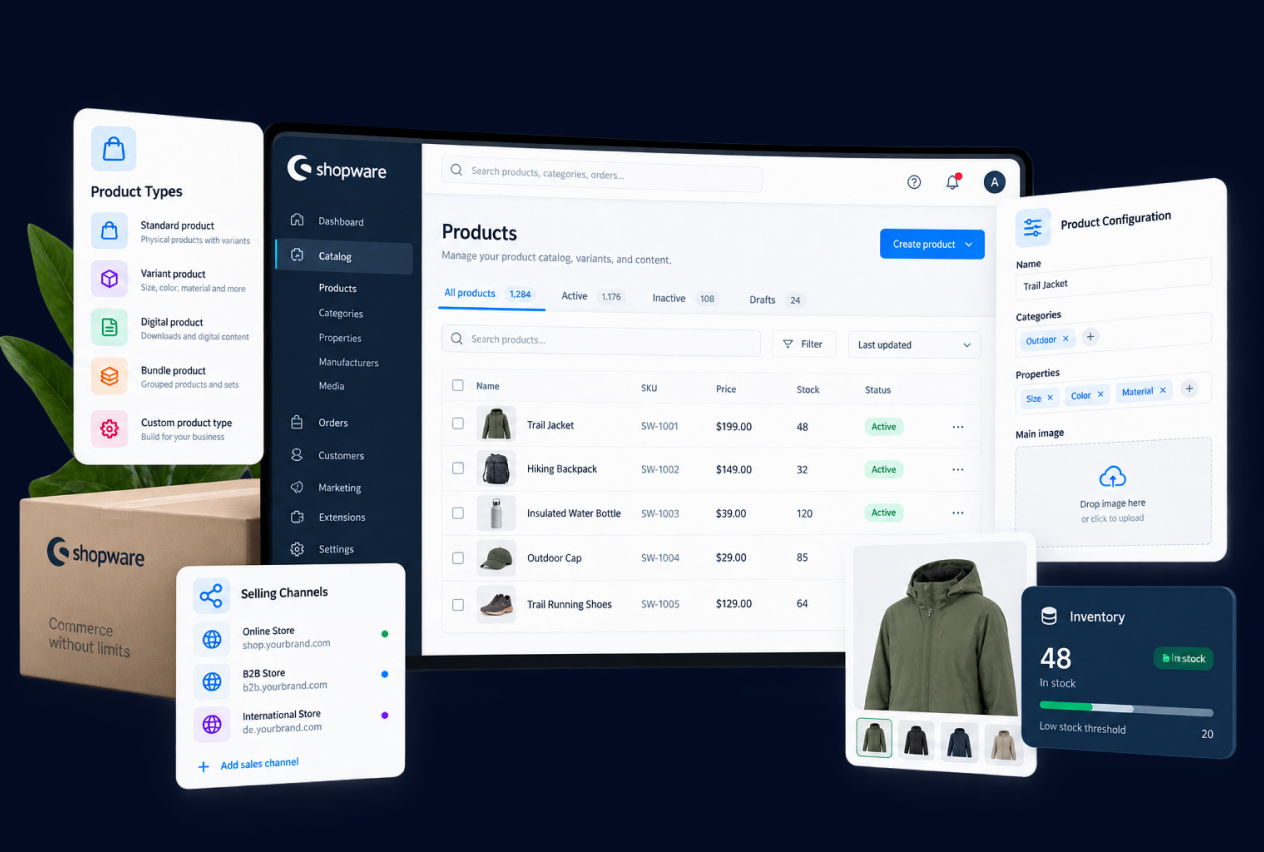
Model the Selling Rules Before You Move the Catalog
A Shopware migration should begin with the rules that shape how the business actually sells. Product visibility, customer groups, B2B roles, pricing logic, approvals, and sales-channel differences can affect how the destination needs to be structured. Shopware’s current B2B Components and rule-based commerce capabilities make those decisions especially important for businesses with more than one type of buyer or buying process.
We use the migration to document the approved selling model before catalog and customer information is mapped. That helps separate rules that belong in Shopware from exceptions that may need another approach, and it prevents the new store from simply inheriting processes that grew around limitations in the source platform.
Decide How Shopware Fits the Existing System Landscape
Shopware is positioned as an open, extensible commerce platform and supports connected B2B, headless, multichannel, and enterprise environments. For a migration, that means the destination should be planned in the context of the systems already running the business rather than treated as a standalone storefront.
ERP, PIM, CRM, fulfillment, payments, and other systems may continue to own important information or workflows. Shopware also offers different deployment approaches, so infrastructure ownership should be considered alongside the commerce architecture rather than after the storefront is built. We help map what the business needs each system to do and where Shopware should sit in that flow, while implementation details, integration methods, deployment choices, and technical feasibility remain subject to specialist review.

Prepare Product Data for More Than One Storefront
Product data increasingly needs to work beyond a single storefront. Shopware currently supports multiple sales channels and is extending commerce into AI-assisted and agentic shopping experiences, making product structure, availability, offers, and channel rules more relevant to migration planning than a simple product import.
The migration is a useful point to review how products, properties, categories, media, pricing, and other approved information should be organized for the channels the business actually plans to use. We focus on creating a clear destination model and avoid treating emerging capabilities as a reason to add complexity before the underlying catalog is ready.
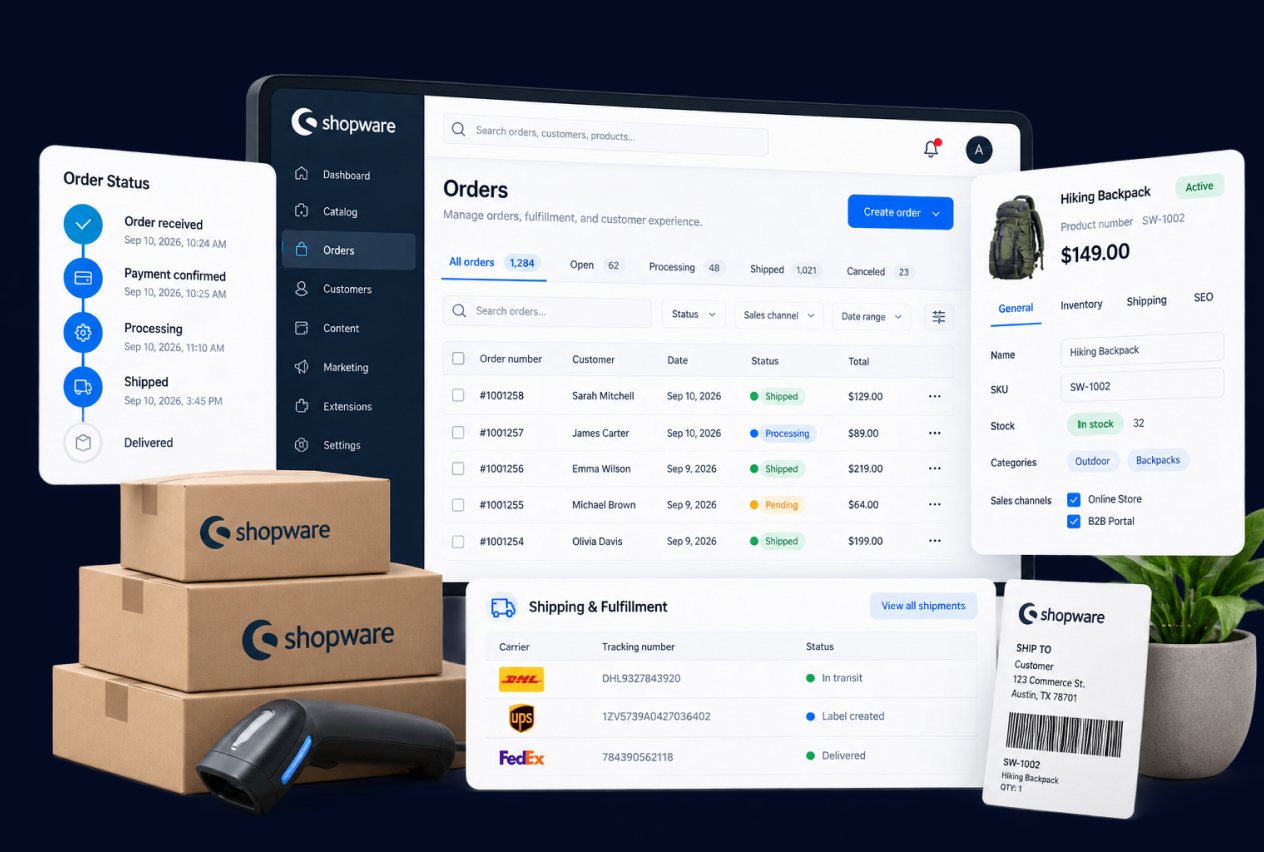
1
Buyer and Company Workflows
Document registration, approval, account structure, buyer roles, reordering, quotes, purchasing permissions, and other paths that matter to the commercial model.
2
Pricing and Catalog Logic
Define customer-specific pricing, product visibility, catalogs, quantity rules, and the source of truth for the commercial data that feeds the storefront.
3
Storefront-Specific Requirements
Identify where content, products, pricing, navigation, domains, currencies, or customer experiences need to vary across storefronts, regions, brands, or buyer groups.
4
Plan and Capability Fit
BigCommerce capabilities and limits can vary by plan and implementation. The migration scope should confirm the current platform requirements instead of relying on an older feature assumption.
Shopware Migration Process
1
Assess
Review the source store, B2C or B2B selling model, catalog, sales channels, business rules, and connected systems the Shopware destination must support.
2
Map
Map products, pricing, buyer rules, content, URLs, and ERP, PIM, CRM, or other system responsibilities into the Shopware model.
3
Build and Transfer
Build the approved Shopware storefront and configuration, transfer in-scope data and content, and connect approved systems within the confirmed technical approach.
4
Validate
Review migrated data, B2C or B2B buying journeys, sales-channel behavior, connected systems, redirects, and launch requirements.
5
Launch and Support
Coordinate the Shopware go-live plan and continue with post-launch validation or ongoing support when included in scope.

Related Replatforming Work


Migration
Bird Rock Coffee Roasters Brews Up a Scalable BigCommerce Store with a Cost-Effective Migration From Shopify


Migration
Scaling Safety Gear Sales With A Shopify Plus Migration Built For Growth
Shopware Migration FAQs
Migration scope can include products, properties, categories, customers, orders, content, media, URLs, and other approved records. What can transfer cleanly depends on the source platform, data quality, and the Shopware model being built.
Existing extensions, custom code, and outside systems should be reviewed against the Shopware destination. Some needs may be handled differently in Shopware, while others may require an integration, custom work, or another technical solution after project-specific technical review.
Important source URLs should be mapped to the intended Shopware paths before launch, including storefront or sales-channel differences when relevant. Redirects, metadata, internal links, and launch checks can reduce avoidable search risk, but they cannot guarantee rankings, traffic, or identical indexation.
Shopware can support both B2C and B2B commerce, but the right setup depends on buyer types, pricing, permissions, approvals, catalogs, and other business rules. The specific configuration and technical approach should be confirmed before implementation commitments are made.
The migration should identify which storefronts, regions, brands, or channels need distinct experiences and which can share catalog or commerce rules. That decision affects how products, availability, pricing, content, and channel-specific logic should be organized in Shopware.

 USA
USA
 Philippines


