





































CMS & Experience Platforms
For CMS and experience-platform work, Always Open Commerce starts with what the team needs to publish, sell, enroll, and maintain, then maps the platform, UX, development, integrations, and support around that operating model.
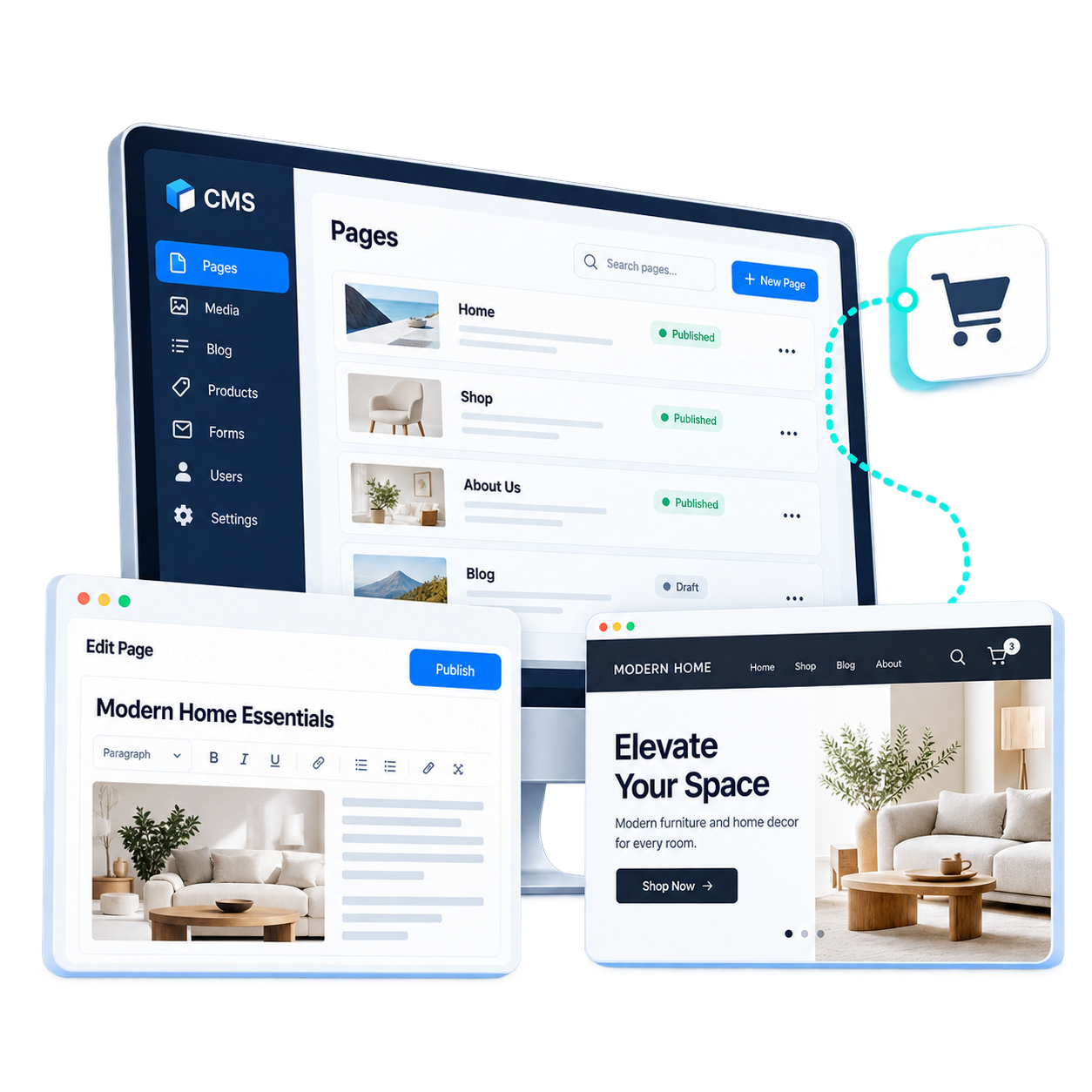
Choose by Publishing and Experience Model
The three platforms solve different publishing and experience problems. Start with what the team needs to manage, how that experience connects to commerce or enrollment, and how much technical ownership the business wants to carry.

WordPress
WordPress fits teams that need a flexible publishing environment with control over content models, themes, plugins, and integrations, especially when editorial or resource content sits alongside a separate commerce system.
Webflow
Webflow is worth evaluating when visual design, structured content, and marketing-site management are central to the experience, with ecommerce used where the selling model fits the platform’s native capabilities.

Thinkific
Thinkific is designed around learning products such as courses, communities, memberships, and digital downloads, making it relevant when discovery, enrollment, access, and learner operations need to work as one experience.

Evaluate Content Operations, Commerce or Enrollment, and Technical Ownership
Compare the platform against the work it actually needs to carry: page and content models, publishing workflows, commerce or enrollment handoffs, integrations, internal editing needs, and the amount of technical maintenance the business is prepared to own.
Content & Experience Requirements
Define the types of pages, content, campaigns, learning experiences, and customer journeys the platform needs to support without creating unnecessary publishing complexity.
Commerce or Enrollment Journey
Consider how content connects to products, checkout, lead capture, course enrollment, accounts, and other actions that move visitors from information to a business outcome.
Team & Technical Ownership
Evaluate who will publish and maintain content, what requires specialist support, how often the experience changes, and how much technical ownership the business can support.
Connect the Experience Layer to Commerce, Operations, and Ongoing Management
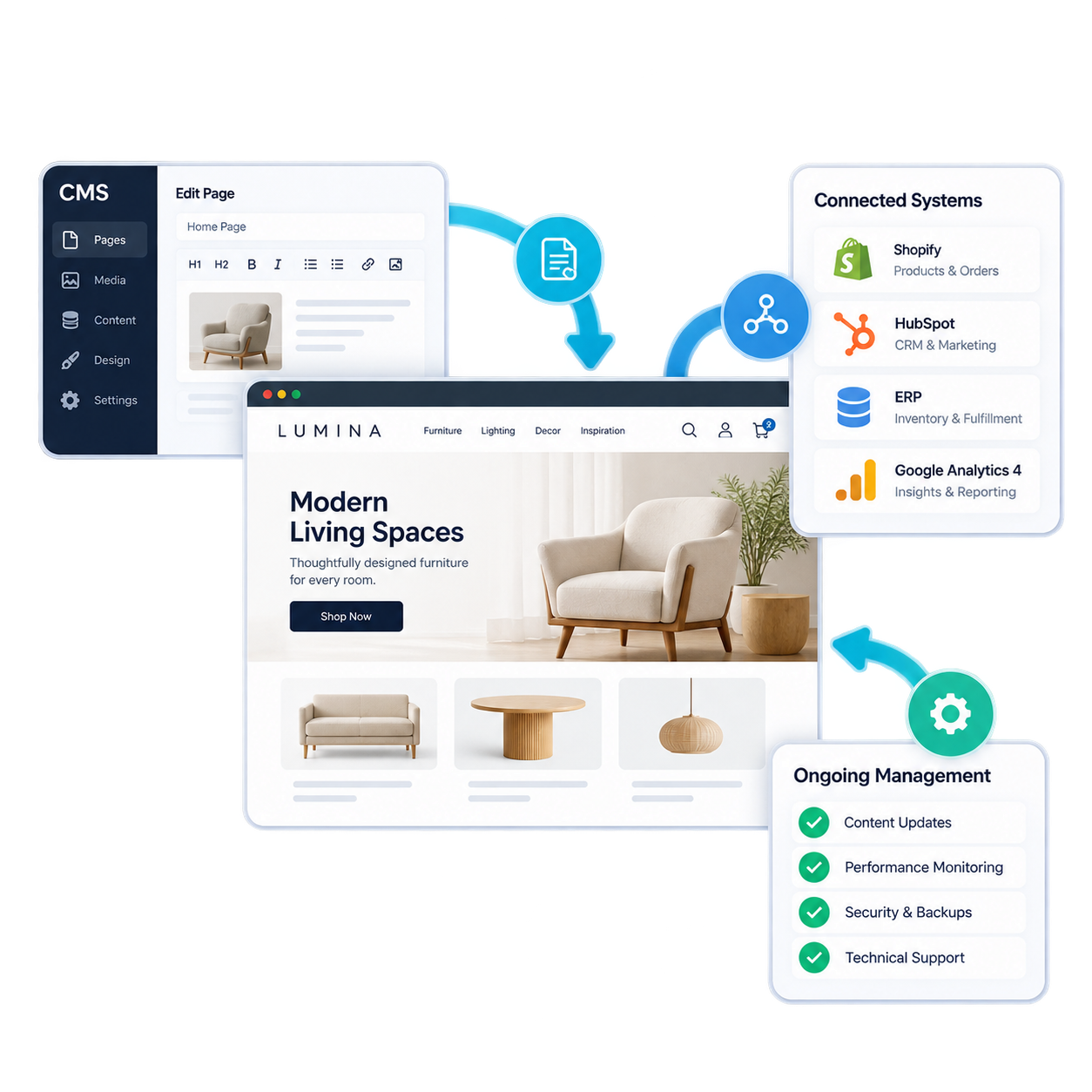
Once the platform role is clear, the implementation needs to account for how content is structured, how visitors move into commerce or enrollment, which systems exchange information, and what the internal team will maintain. Always Open Commerce can coordinate the approved work around those dependencies.
Structure the Publishing Experience
Use UX/UI Design to shape navigation, content hierarchy, page experiences, and customer or learner journeys around what visitors need and what internal teams need to manage.
Build Beyond Standard Configuration
Use Custom Development when approved templates, components, functionality, or storefront connections need work beyond standard platform configuration.
Connect Content, Commerce, and Operations
Use API Integrations to connect the experience layer with approved commerce, marketing, data, or operational systems when information or workflows need to move between platforms.
Keep the Experience Maintainable
Use Ongoing Maintenance for continued updates, troubleshooting, improvements, and platform-related work after the initial implementation or redesign is complete.
Frequently Asked Questions
Start with the content and experience the team needs to manage, how it connects to commerce or enrollment, and how much technical ownership the business can support. Those requirements help narrow the platform options.
That can be a valid architecture. The important questions are how visitors move between the systems, which platform owns each type of content or data, and how integrations and ongoing operations will be managed.
Yes. Always Open Commerce can assess the existing platform, identify approved improvements, and support design, development, integrations, troubleshooting, and ongoing maintenance.
Yes. Migration planning can cover content models, pages, media, URLs, metadata, integrations, redirects, and the editorial workflow needed on the new platform.

 USA
USA
 Philippines


