


















































Microsoft Clarity
See how shoppers click, scroll, hesitate, and move through your store beyond conversion reports alone. Always Open Commerce helps teams use Microsoft Clarity to investigate friction, prioritize CRO work, validate UX issues, and connect behavior with broader analytics.
Start With the Ecommerce Question, Not the Recording Queue
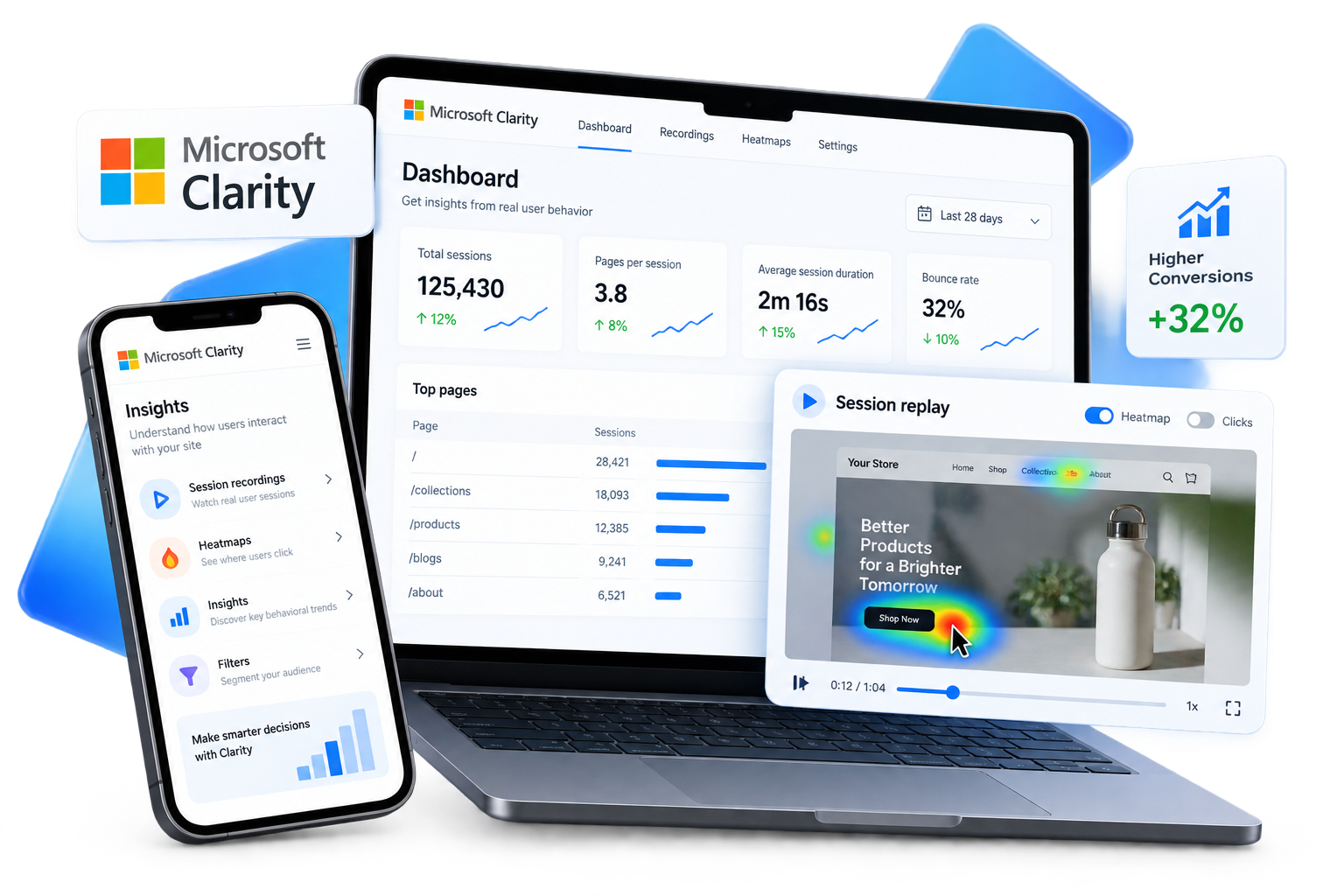
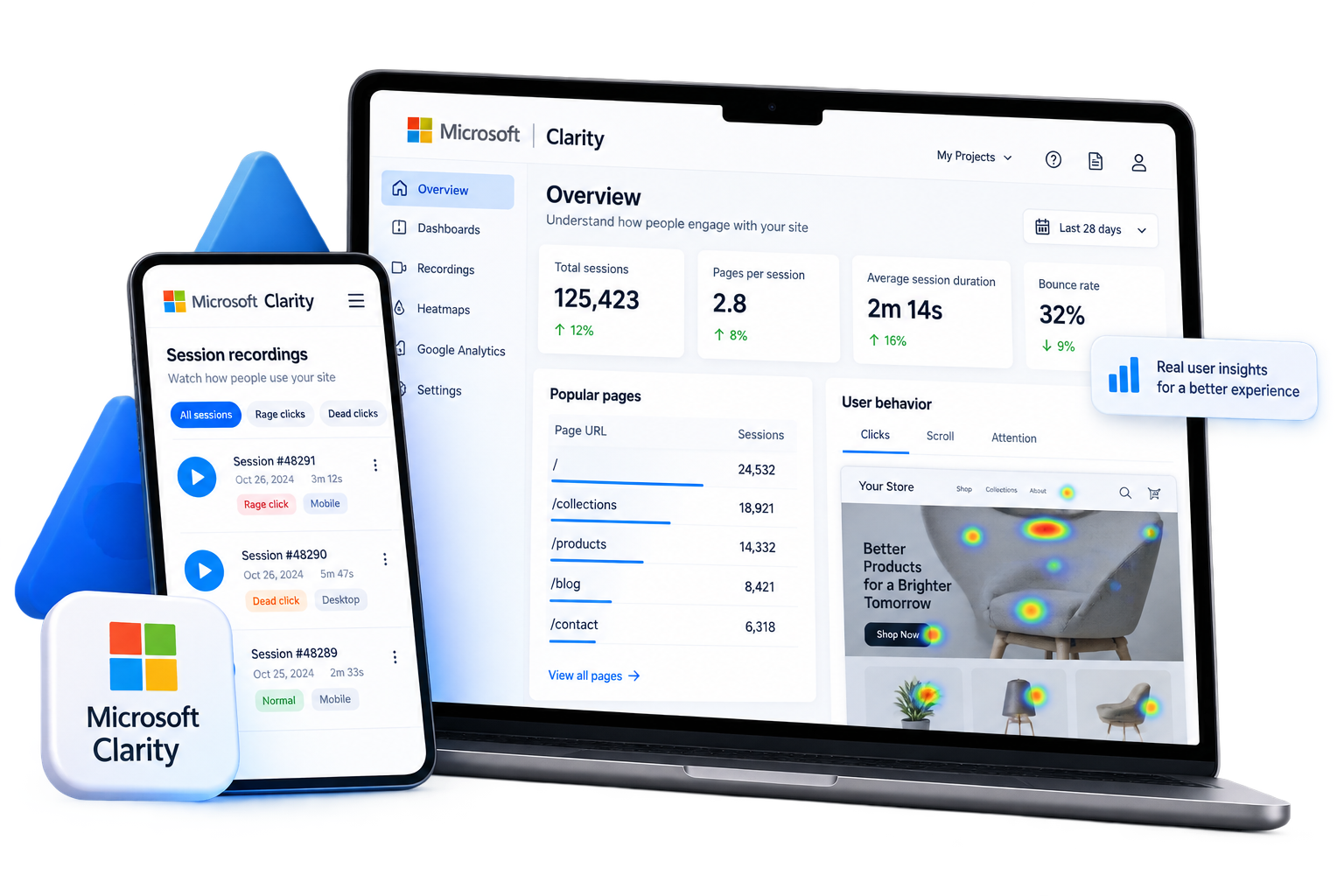
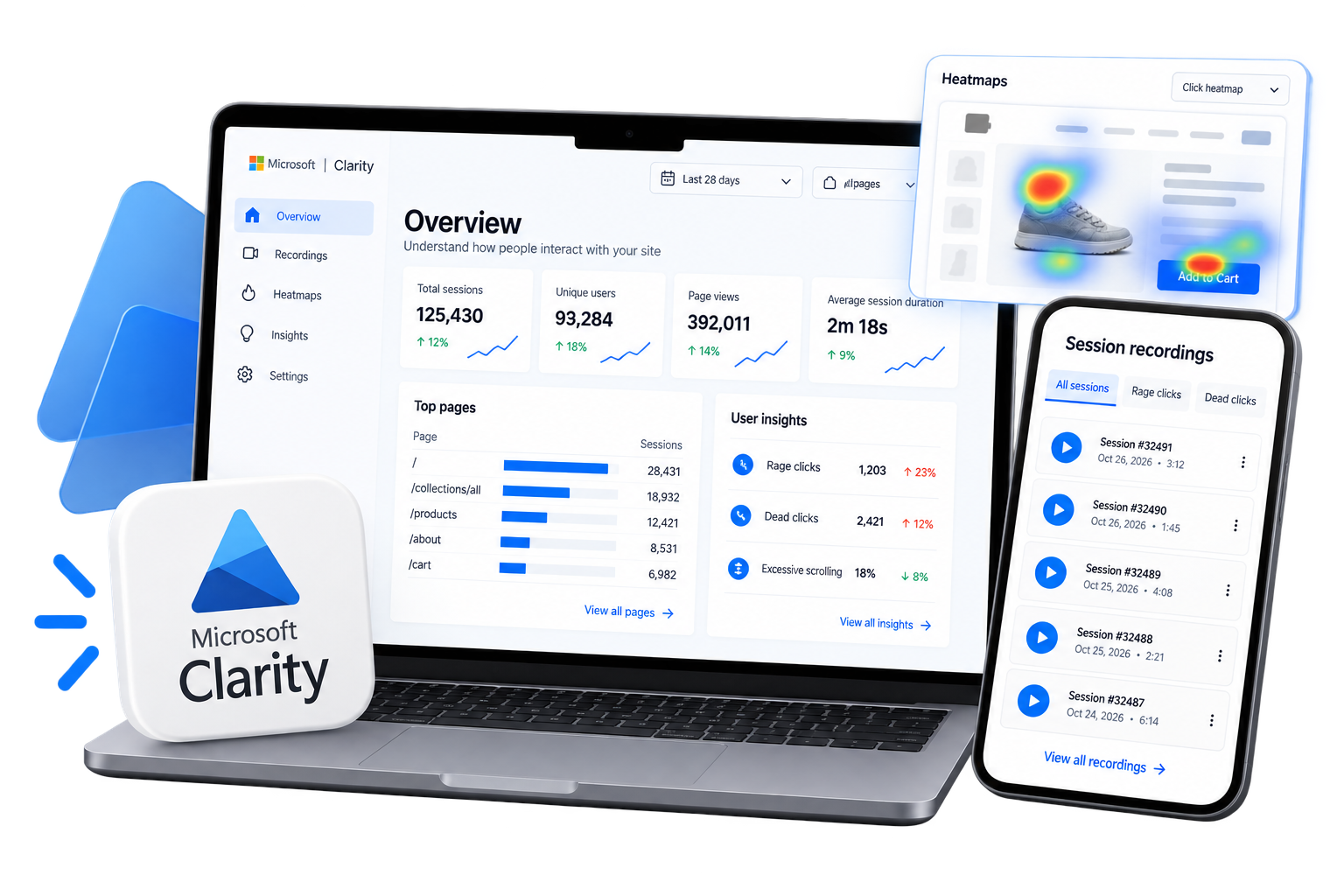
Microsoft Clarity provides session recordings, heatmaps, behavioral insights, and AI-assisted summaries that make customer behavior easier to inspect. The useful starting point is not watching sessions at random. It is defining the store question first: where shoppers abandon a path, whether navigation is understood, how far people scroll, or which page deserves review.
Always Open Commerce can help frame those questions around the actual customer journey and use Clarity evidence alongside ecommerce context. That keeps analysis focused on the pages, traffic sources, and behaviors that matter instead of an open-ended collection of observations.
Use Behavioral Signals as Leads, Not Verdicts
A click pattern, short session, or drop-off can point toward friction without proving why it happened. Clarity combines heatmaps and session recordings with AI summaries and AI chat intended to surface patterns faster, but interpretation still matters when shoppers encounter confusing layouts, broken interactions, complex products, or normal purchase hesitation.
For CRO work, those signals should form questions that can be checked against quantitative analytics and the surrounding experience. Always Open Commerce can help translate repeated patterns into specific UX, content, navigation, mobile, or technical issues without treating a behavioral signal as automatic proof of causation or guaranteed conversion impact.

Microsoft Clarity Work We Can Support
Support can focus on using behavioral evidence to understand an ecommerce experience and turn the strongest observations into practical CRO, UX, or troubleshooting priorities.

1
Heatmap & Session Review
Review click, scroll, and recorded-session patterns across important ecommerce pages, then organize findings around product discovery, navigation, mobile usability, cart behavior, or other customer interactions.
2
Product & Checkout Journey Analysis
Examine how shoppers move through categories, search, product pages, forms, cart steps, and other purchase paths so potential friction can be investigated in context.
3
GA4 & Analytics Coordination
Use Clarity as a behavioral layer alongside GA4 or other approved quantitative analytics. Measurement can show where a problem may exist, while recordings and heatmaps add context about what shoppers encountered.
4
Findings, Prioritization & QA
Turn supported observations into a prioritized CRO or UX backlog, coordinate approved follow-up, and review the changed experience. Tracking accuracy, analytics interpretation, implementation feasibility, and performance conclusions require specialist review.
Decide What Clarity Should Own in the Optimization Stack
Clarity can make customer behavior easier to inspect, but it should not become the source of truth for every performance or business decision.
1
Behavioral Observation
Improve navigation, merchandising, themes, product experiences, mobile UX, and other customer-facing areas without assuming every store needs a complete rebuild.
2
Quantitative Measurement
Use native capabilities where they fit, established apps where they add useful functionality, and approved custom development when a specific requirement calls for it.
3
CRO, Design & Experimentation
Use recurring patterns to shape UX recommendations, design priorities, or test hypotheses. Changes still need ecommerce judgment, implementation review, and appropriate validation.
4
Tracking, Privacy & Connected Tools
Continue improving the store through maintenance, troubleshooting, development, UX/UI, CRO, testing, and other approved ecommerce priorities as the business and platform evolve.
Microsoft Clarity FAQs
Microsoft Clarity is a behavioral analytics product for understanding how people interact with websites and apps through session recordings, heatmaps, behavioral insights, AI summaries, AI chat, and integrations.
Start with a defined customer journey or problem rather than watching sessions at random. Product pages, navigation, forms, cart behavior, mobile journeys, or a known dropoff point can provide a useful starting scope. Session recordings, heatmaps, and AI-assisted summaries can then add behavioral context around that question.
Yes. Always Open Commerce can use Clarity within approved CRO, UX/UI, technical-audit, and troubleshooting work when behavioral evidence helps answer a defined ecommerce question. Exact tracking configuration and analytics interpretation should be reviewed within the relevant scope.
No. Microsoft Clarity and Hotjar / Contentsquare are separate products, although they overlap in behavioral-analysis capabilities such as heatmaps and session replay. The right fit depends on the existing analytics stack and the questions the team needs answered.
No. Clarity can help identify recurring friction and shape test hypotheses, but observational behavior does not establish the causal effect of a proposed change. A/B testing is a separate method for comparing alternatives when the hypothesis, traffic, measurement, and implementation are appropriate.

 USA
USA
 Philippines


