













































Outdoor & Recreation
A weekend camper and a technical enthusiast may enter the same catalog with completely different questions. Always Open Commerce shapes discovery, product detail, merchandising, and supporting ecommerce work around activity, conditions, specifications, compatibility, and seasonal needs.
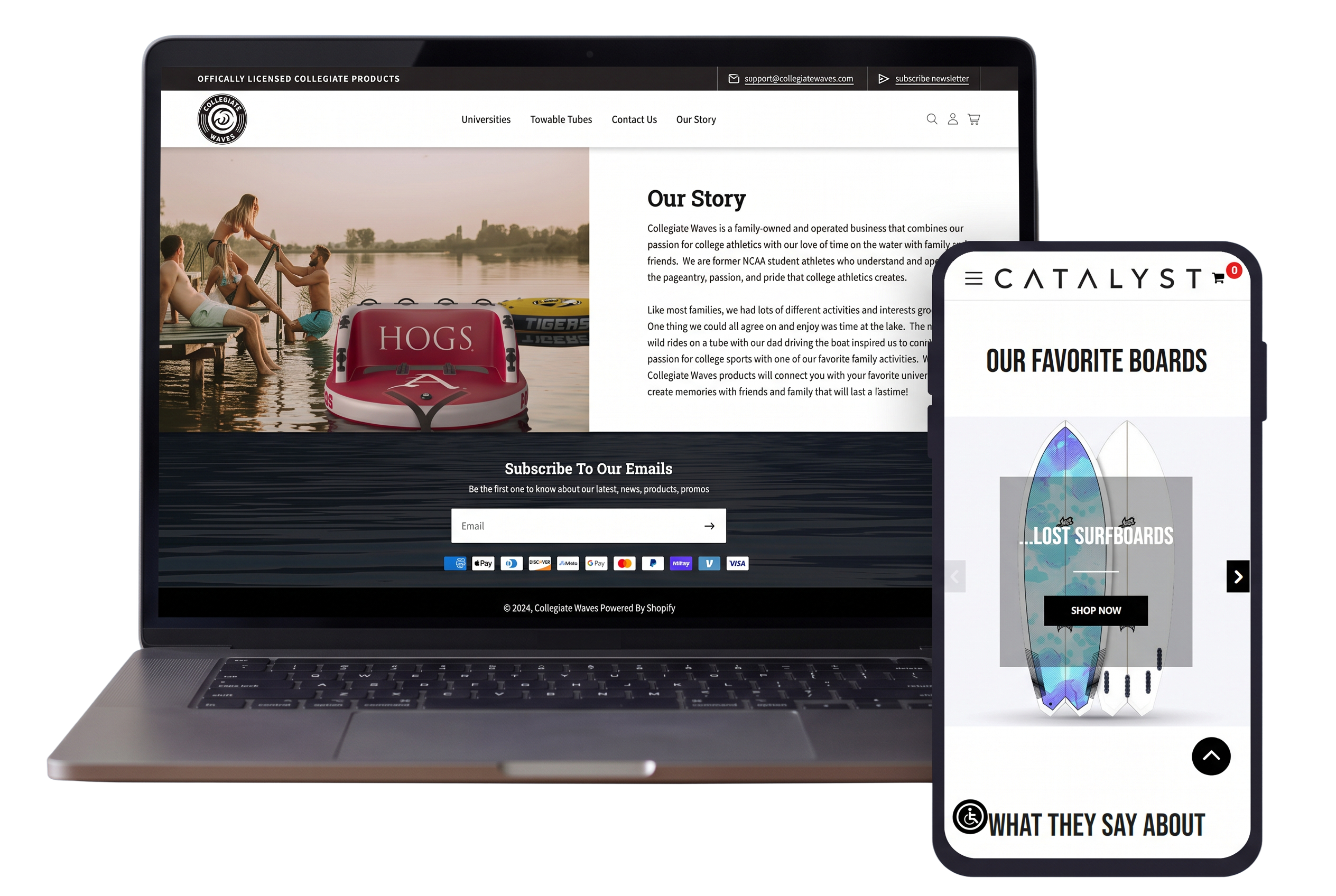
Help Customers Shop for the Activity, Not Just the Product
Outdoor shoppers often begin with what they are planning to do, where they are going, or the conditions they expect rather than a specific SKU. A useful storefront should help someone move from an activity or use case into the right equipment, apparel, footwear, and accessories without requiring expert terminology from the start.
That can mean organizing navigation, collections, search, filters, and supporting content around activities, conditions, skill level, or product type when those distinctions are meaningful. Technical shoppers should still be able to move quickly to the specifications and categories they already understand.
Make Technical Detail Useful Without Overloading the Shopper
Outdoor products can carry very different levels of decision complexity. A casual accessory may need little explanation, while equipment may require dimensions, materials, sizing, capacity, compatibility, weight, setup information, or other specifications before a customer can judge whether it fits the intended use.
The storefront needs to surface the details that affect the choice and keep deeper information accessible without making every page feel like a manual. Product data, comparison-friendly layouts, media, educational content, and related products can all help turn technical information into useful decision support.
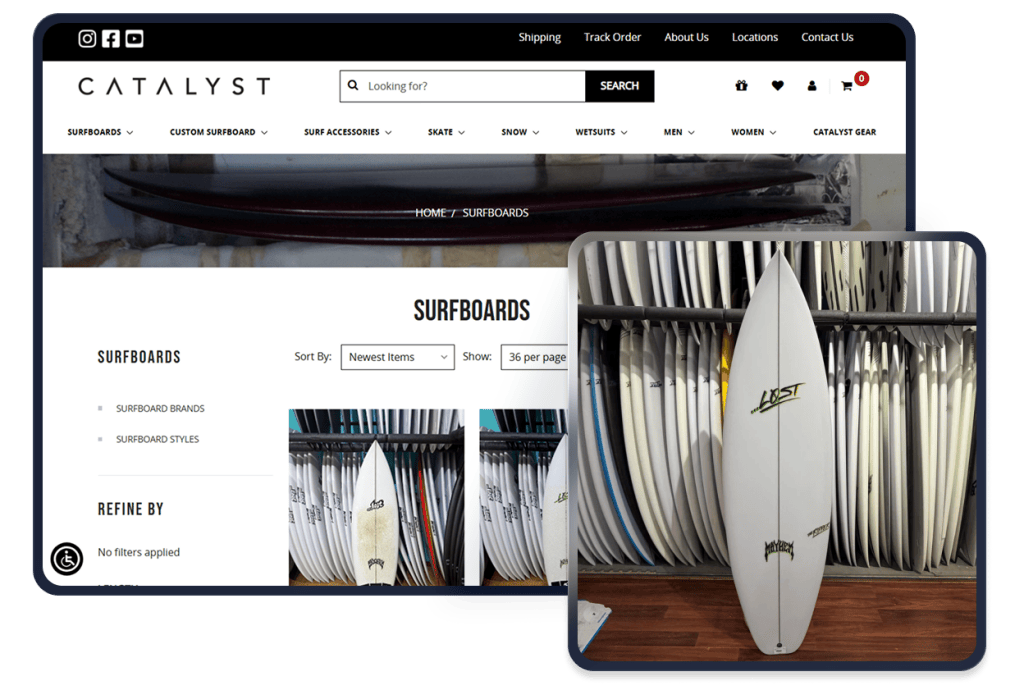
Support Four Outdoor Shopping Needs
Outdoor catalogs often span casual products and technical gear. The ecommerce experience should help different buyers reach the level of detail they need without forcing the entire assortment through one shopping pattern.
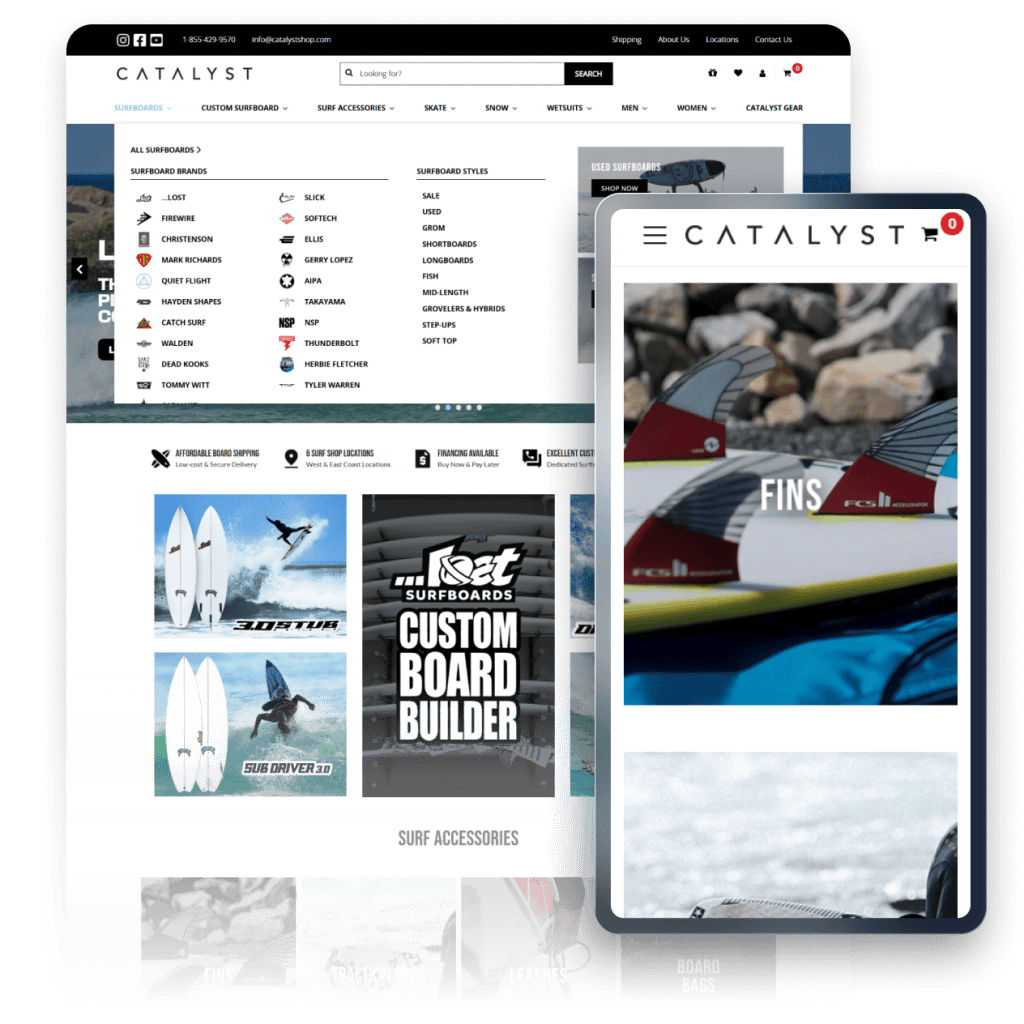
1
Match Products to Activities and Conditions
Navigation, search, filters, collections, and content can connect products to activities, environments, seasons, or use cases. UX/UI, merchandising, SEO/GEO, content, and product data can support those paths.
2
Make Specifications Easier to Compare
When specifications, sizing, materials, capacity, or compatibility affect the choice, product pages and comparison paths should make those differences clear. Catalog structure, data, UX, and development all contribute.
3
Connect Equipment, Apparel, and Accessories
Customers may need a primary product plus clothing, footwear, replacement parts, or accessories for the same activity. Useful product relationships and merchandising can help them build the right combination without relying on generic cross-sells.
4
Keep Seasonal Assortments and Availability Clear
Seasonal launches, weather-driven demand, and changing inventory can alter what shoppers need to find first. Collections, availability messaging, landing pages, feeds, and ongoing storefront support can help teams adjust without losing evergreen navigation.
Keep Product Expertise and Store Operations Working From the Same Catalog
Outdoor merchandising can change with seasons, activities, inventory, and new product lines. Those changes often reach beyond the collection page. New attributes can affect filters, technical content can depend on structured product data, and accessory relationships can affect merchandising, search, and product pages.
Always Open Commerce can coordinate the relevant UX, development, product data, CRO, SEO/GEO, content, and ongoing support around the same storefront priorities. The goal is to make product expertise useful to the customer while keeping the underlying catalog and ecommerce work manageable for the team.
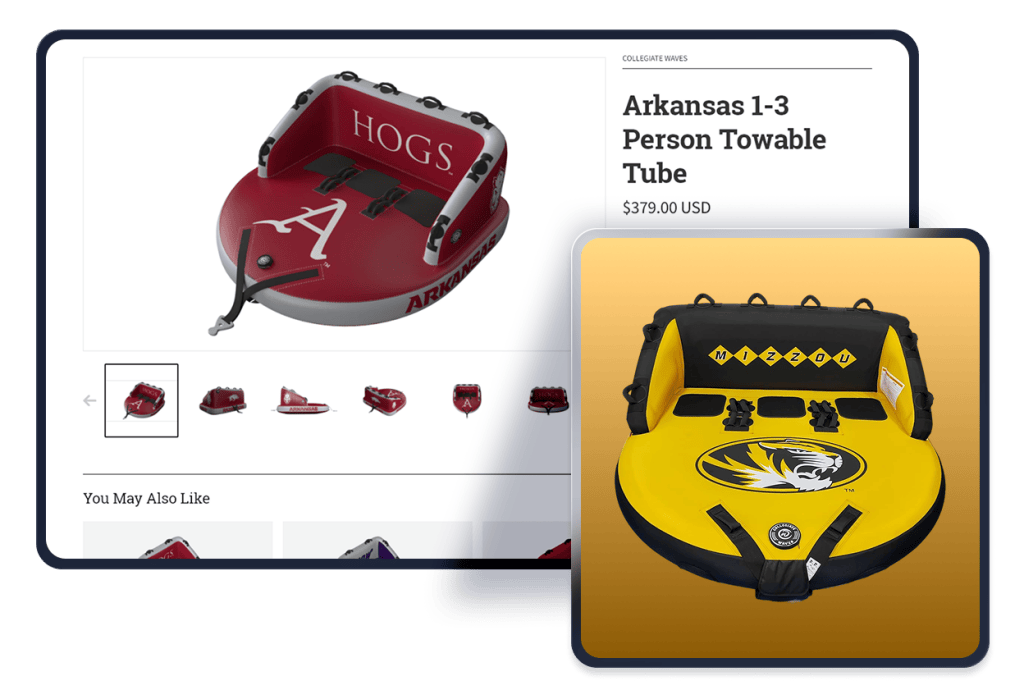
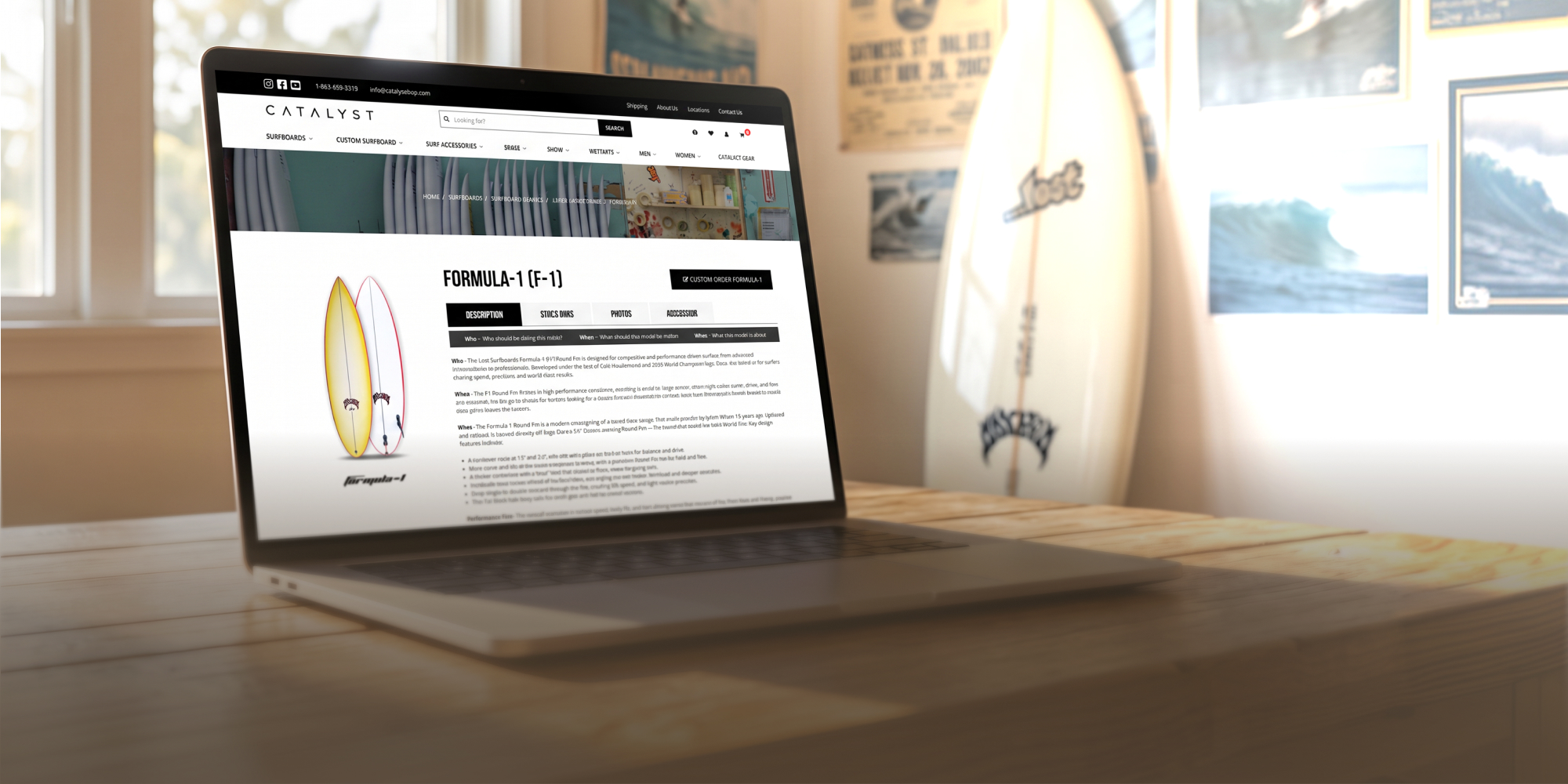
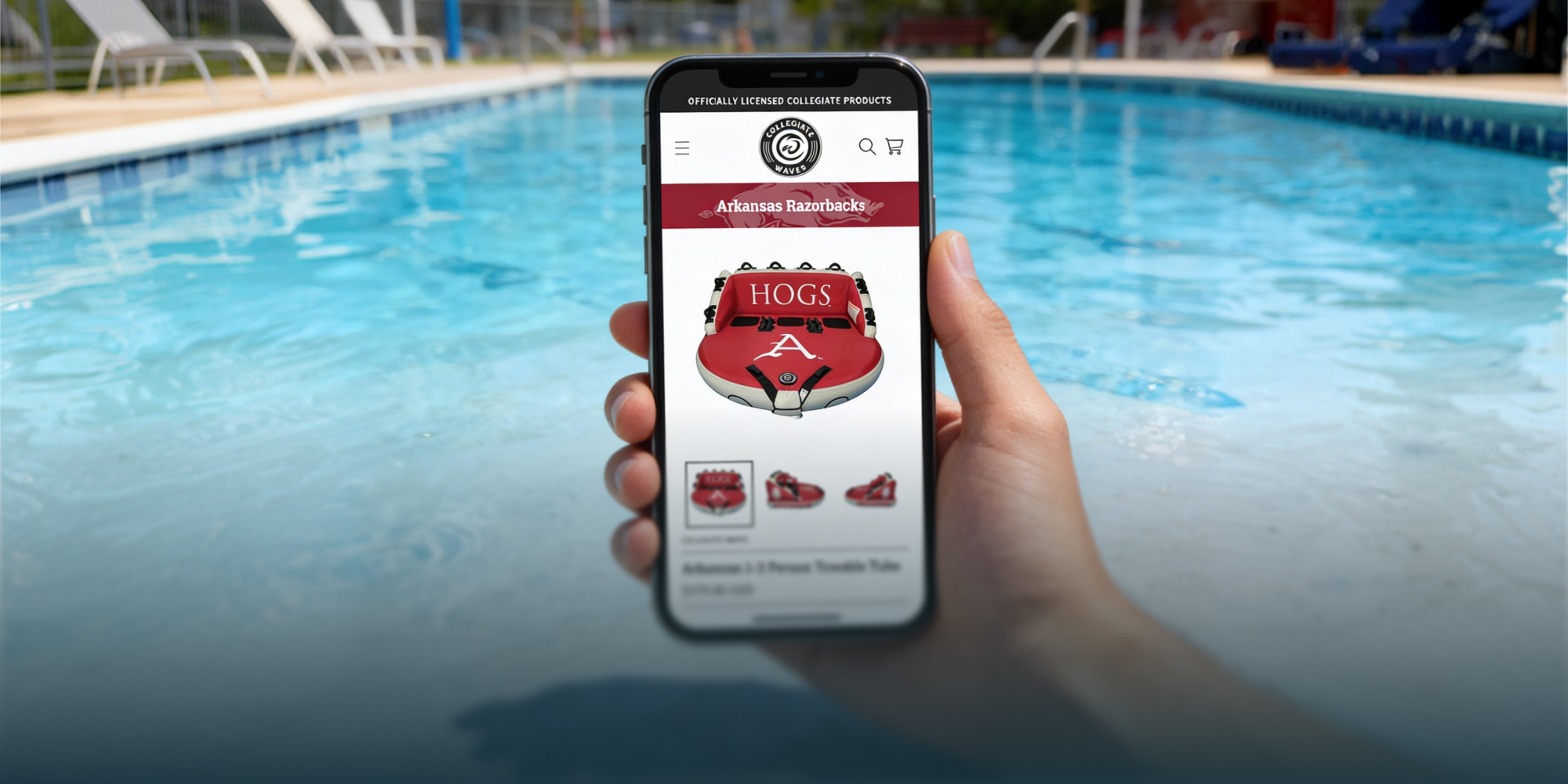
Selected Outdoor and Recreation Work


Recommended Tech Stack

Support equipment-heavy catalogs with detailed specifications, product families, accessories, merchandising requirements, and connected operational systems.

Help customers narrow large catalogs by activity, product type, specifications, size, brand, and other attributes that influence the purchase decision.

Manage shipping requirements across small accessories, standard products, oversized equipment, freight, and other product-dependent fulfillment scenarios.
Outdoor and Recreation Ecommerce FAQs
Start with the ways customers actually shop the assortment. Activity, use case, product type, season, conditions, or skill level may be useful paths when the catalog supports them. Those paths should complement clear evergreen categories rather than create duplicate navigation everywhere.
Yes, when those needs are part of the approved UX, product-data, or development scope. Exact comparison logic, compatibility rules, and implementation requirements need technical review before they are treated as committed functionality.
Not necessarily. Casual products may be quick to evaluate, while technical gear can require specifications, compatibility, setup details, or more education. The experience can vary by product need while still using a consistent storefront system.
Include the details that materially affect the purchase decision, then organize deeper specifications so they remain easy to find. The right balance varies by product, so a technical equipment page may need more detail than a casual accessory.
Use seasonal collections, campaign landing pages, merchandising rules, and promotional content as layers on top of a clear evergreen structure. Product data and navigation should remain understandable after the campaign ends.

 USA
 Philippines


