



































AI Commerce

AI & Automation

Agents & Automation, Custom Commerce Systems, AI Search & GEO

Smarter workflows. Less manual work.

Launch & Migrate

SEO Migrations, Data/Catalog Migration, App Planning & Setup

Start strong. Scale with confidence.

Design & Optimize

UX / UI Design, Conversion Rate Optimization, Mobile Optimization

Better experiences. More conversions.

Develop & Integrate

Custom Development, B2B Data & Wholesale, PIM Setup & Support

Custom solutions. Built to scale.

Attract & Grow

SEO, Google & Meta Ads, Marketplace Setup

Drive traffic. Grow your audience.

Retain & Convert

Email/SMS Marketing, Loyalty & Rewards, Cart Recovery

Turn shoppers into loyal customers.

AI Consulting & Enablement

Turns AI strategy, governance, workflows, and enablement into a practical adoption plan.

AI Agents & Automation

Builds the knowledge, agents, and automations to execute repeatable work with human oversight.

Agentic Commerce

Prepares teams for AI shopping with the right actions, data, channels, and technical path.

AI Search & GEO

Strengthens content, entity clarity, and measurement for visibility in AI search and answers.

Custom Commerce Systems

Replaces fragmented tools with one system for commerce automation and AI.

AI Product Data Optimization

Structures verified product facts for consistent reuse across commerce channels.

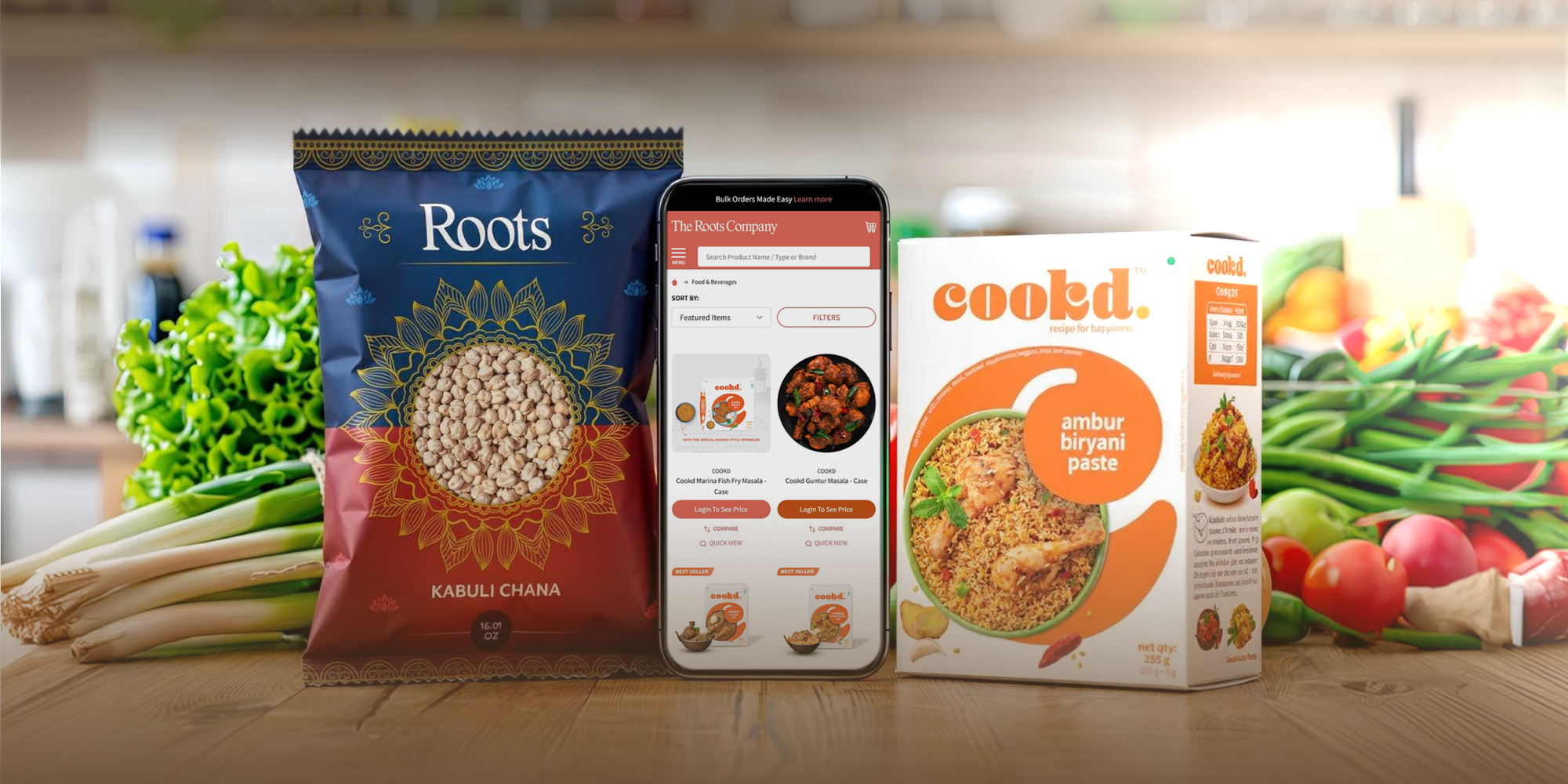
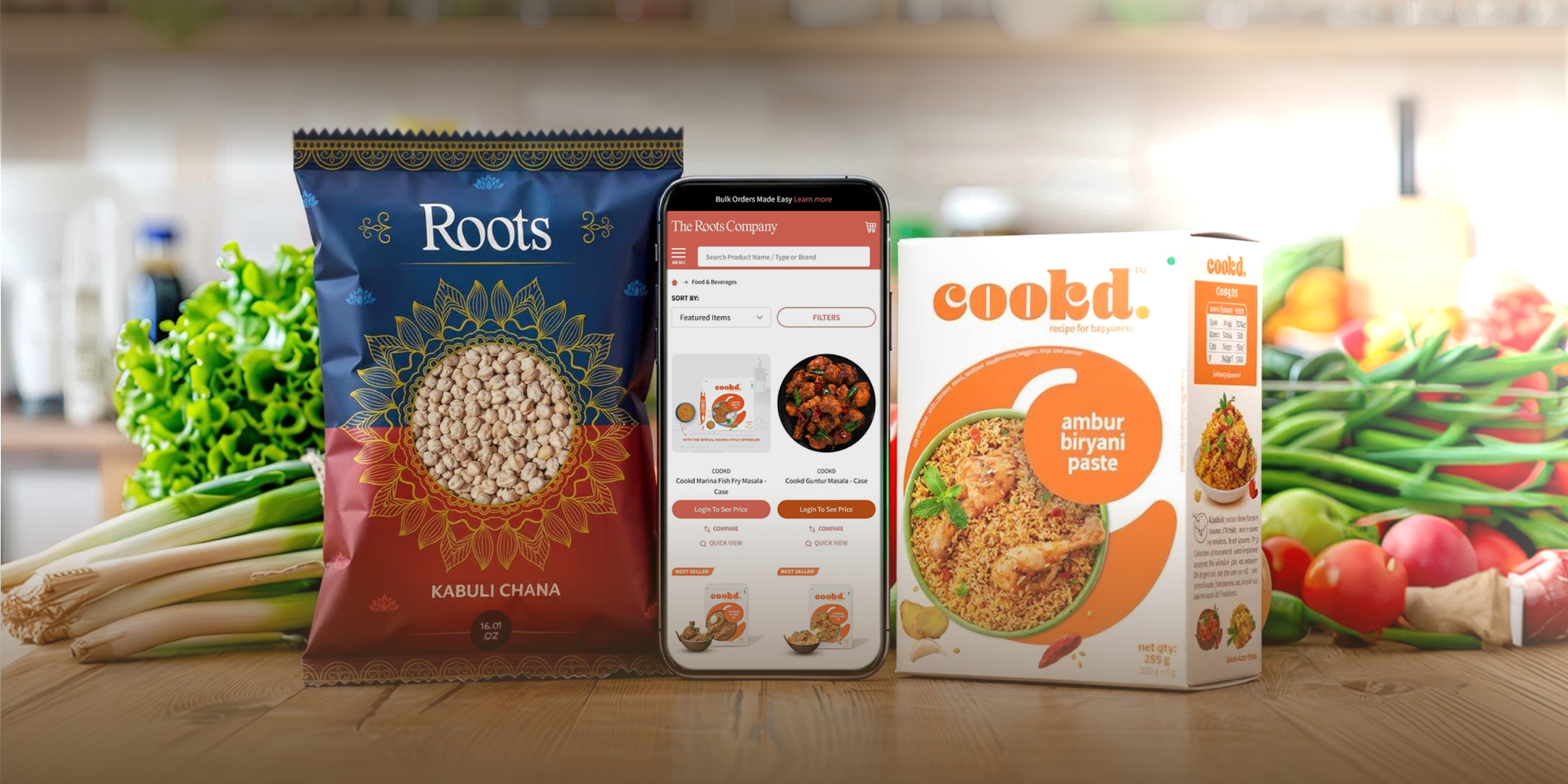
A Rapid Shopify Launch Powered by Streamlined Setup and 3PL Integration

From Stalled Launch to Growth: Rescuing The Roots Company’s Four-Week B2B Sprint

New Store Builds

We build stores for brands launching, expanding, or replacing an existing storefront.

Platform Migrations

We help brands switch platforms while protecting product data, SEO value, and core store functionality.

Theme Updates & Migration

We upgrade outdated themes to improve performance and layouts without losing functionality.

Data/Catalog Migration

We move, organize, and validate product data so your new store is easier to manage and shop.

SEO Migrations

We identify and manage SEO risks to protect your search visibility during ecommerce migrations.

App Planning & Setup

We configure, test, and validate apps for store operations, marketing, and customer experience.

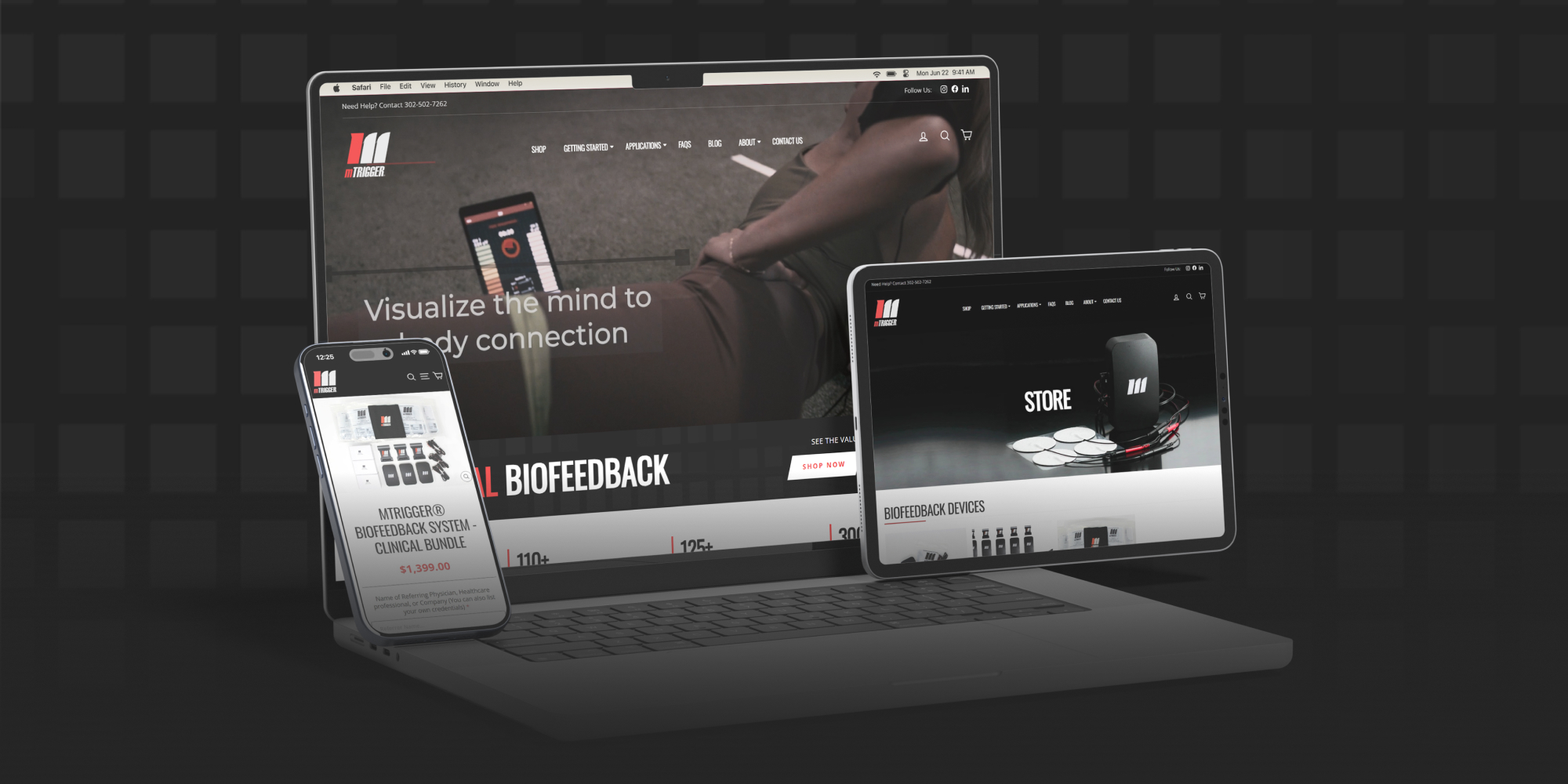
Scaling Safety Gear Sales With A Shopify Plus Migration Built For Growth

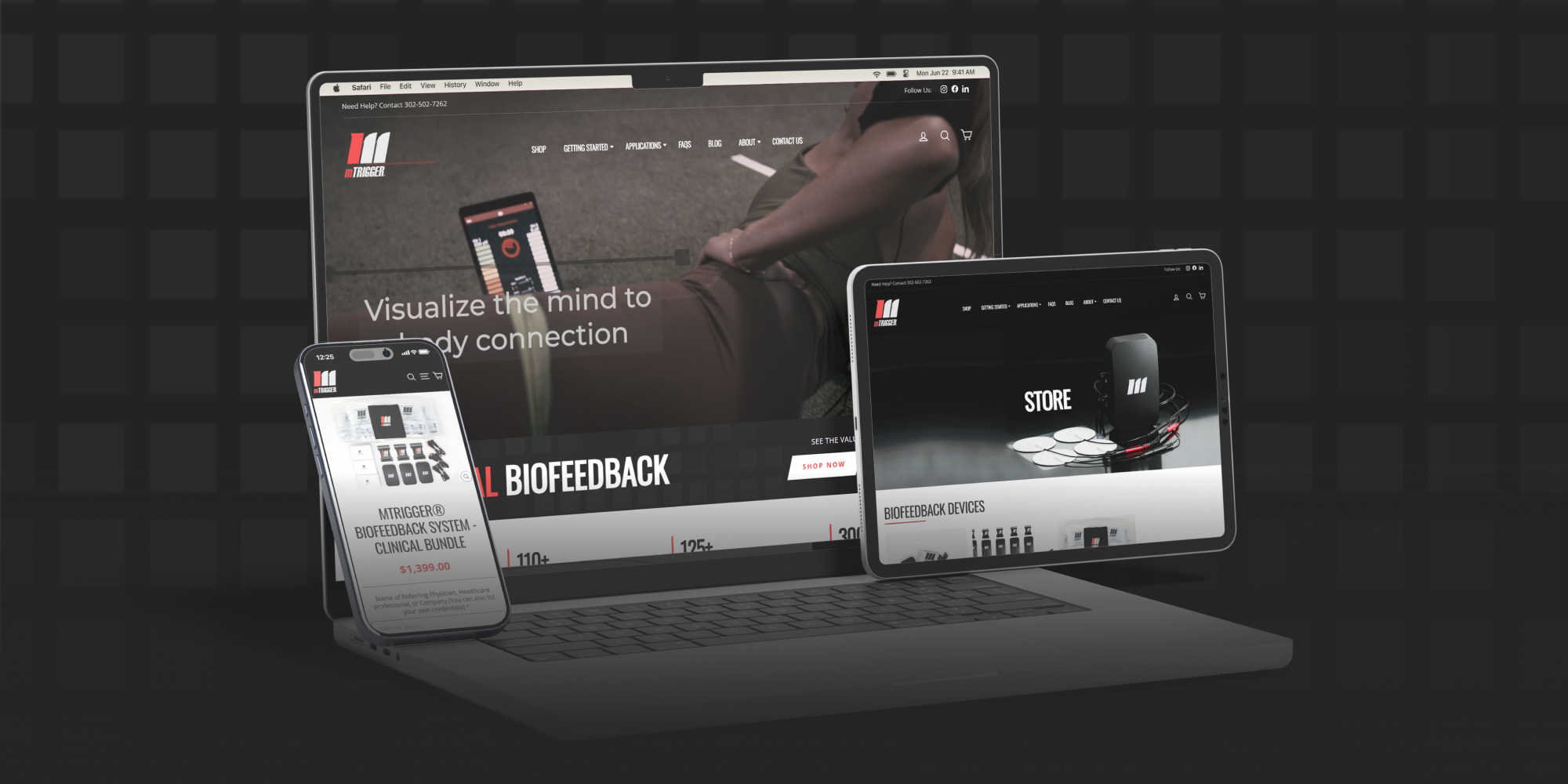
A Modern Shopify Migration That Elevates a Medical Device Brand’s Digital Credibility

UX / UI Design

We design experiences that help customers find products and complete purchases with less effort.

Conversion Rate Optimization (CRO)

We analyze customer interactions to identify and reduce friction across the shopping journey.

Mobile Optimization

We improve mobile usability, navigation, and purchase flows for growing mobile traffic.

Site Speed Optimization

We optimize page speed and performance to reduce friction and improve engagement.

Accessibility & Usability Improvements

We enhance accessibility and usability to create inclusive experiences for all customers.

Landing Page Design

We design landing pages connecting campaigns and promotions to focused customer experiences.

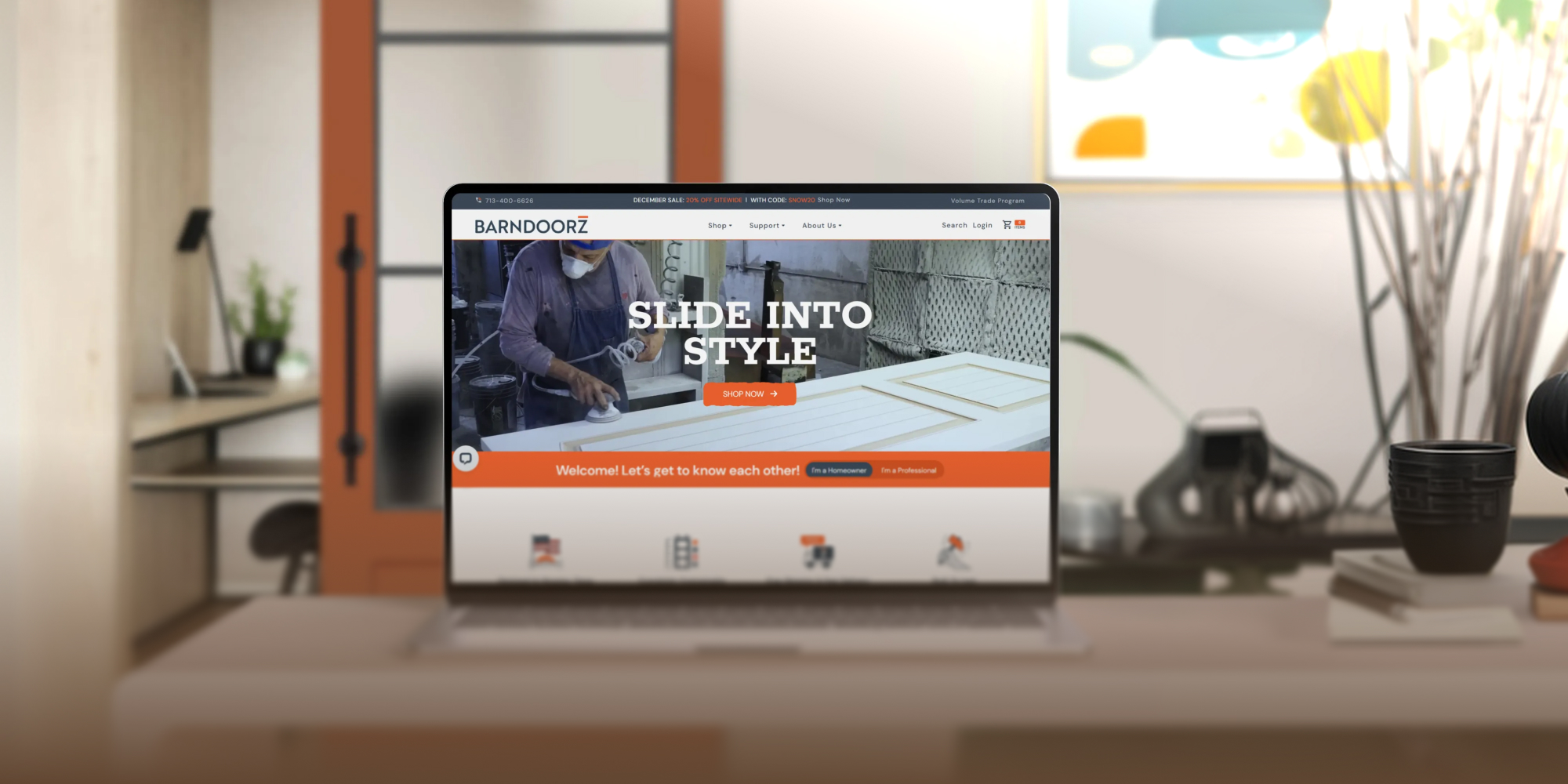
BarnDoorz Slides Open Higher Conversions with a Strategic UX/UI Overhaul

A Streamlined BigCommerce Experience That Supports Healthier Lives

Develop & Integrate Services

Custom development extends platform functionality to meet specific business needs.

B2B Data & Wholesale

B2B ecommerce needs structured pricing, access control, and catalog logic beyond standard retail.

Subscription Setup

Subscription models need clear flows, reliable billing, and proper order management setup.

PIM Setup & Support

Structured product data becomes critical as catalogs grow in size and complexity.

Bug Fixes & Diagnostics

We diagnose root causes across themes, apps, scripts, and integrations before applying fixes.

API Integrations

Connect ecommerce systems with ERPs, CRMs, fulfillment, and marketing platforms.

From Stalled Launch to Growth: Rescuing The Roots Company’s Four-Week B2B Sprint

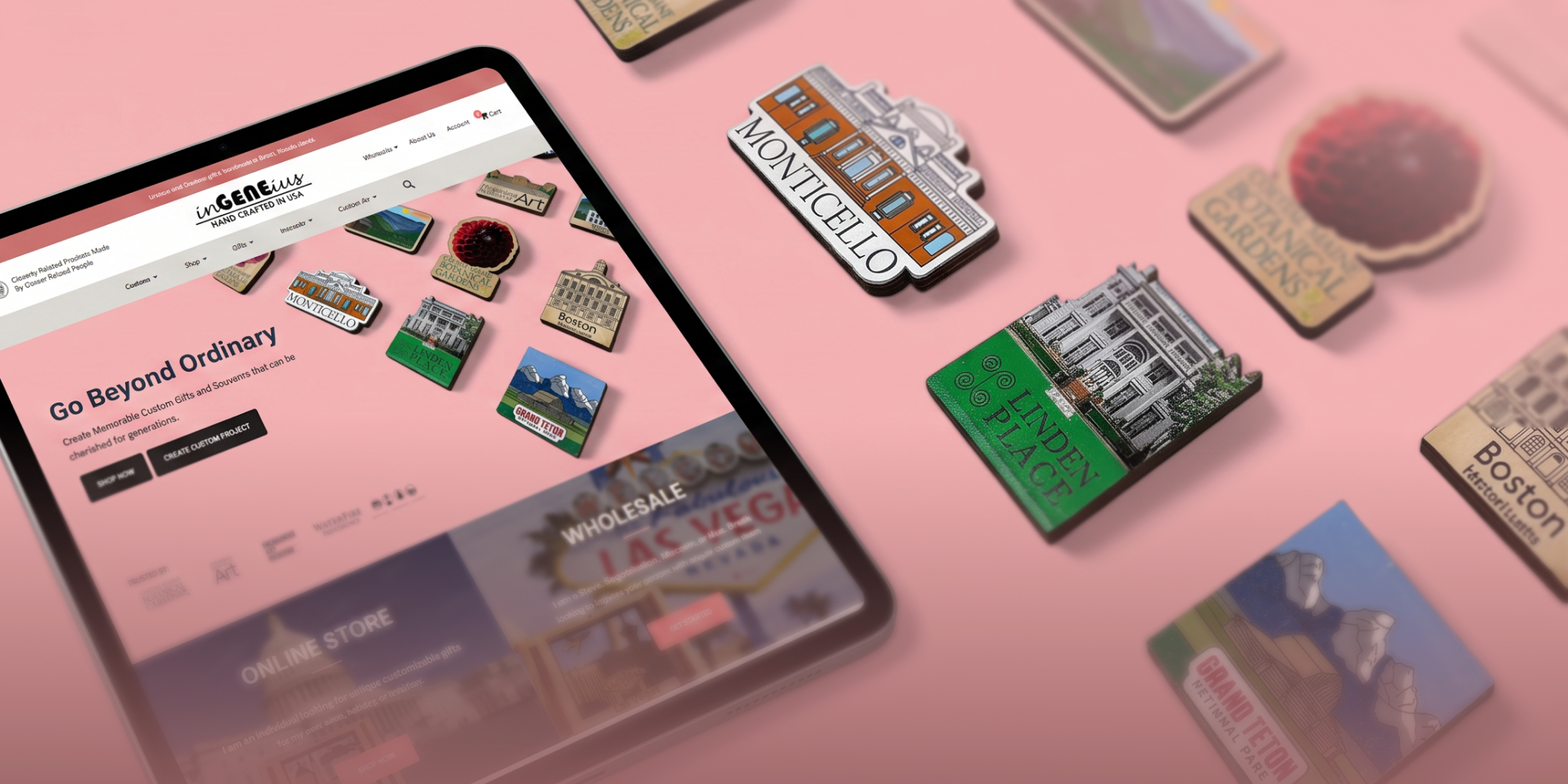
InGeneius Crafts a Streamlined E-commerce Experience for Wholesale and Retail Customers

SEO

Boost organic visibility with keyword strategy, technical optimization, and content that ranks.

AI Search & GEO

Get discovered by AI engines and local search with structured, answer-ready content.

Google Ads

Drive acquisition with campaigns aligned to your product and category structure.

Meta Ads

Support product discovery, retargeting, and promotions structured around audience behavior and catalog data.

Content Strategy

Help customers discover, evaluate, and understand your products through strategic content before purchase.

Marketplace Setup

Ensure accurate product representation across marketplaces with structured, consistent listings.

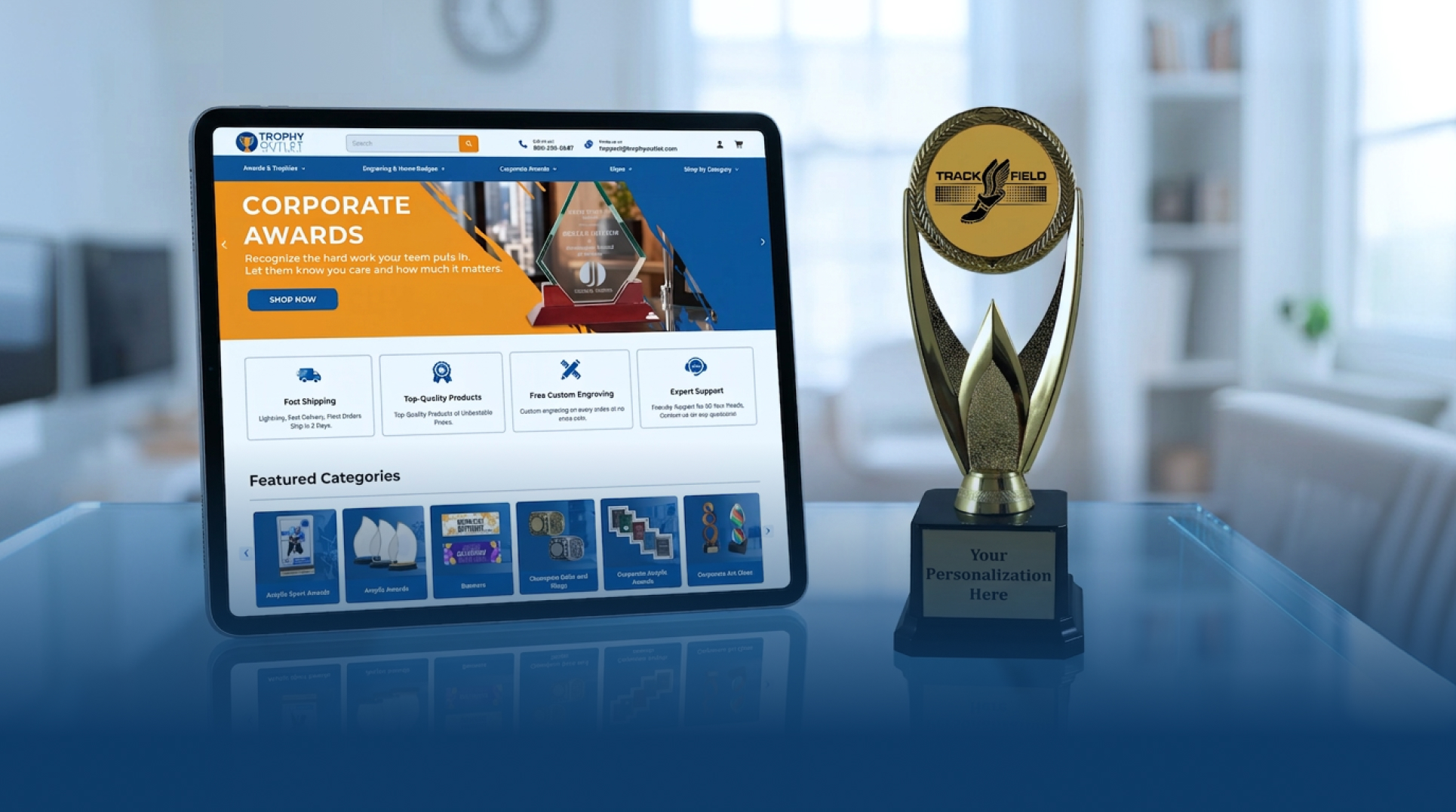
After a Failed Offshore Redesign, Trophy Outlet Found the Right Partner in AOC

Kodlin USA Revs Up Dealership Growth and Site Traffic with a BigCommerce Design Overhaul

Email Marketing

Email drives repeat purchases and strengthens relationships through behavior-based relevance.

SMS Marketing

SMS complements email as a high-intent channel for timely reminders, updates, and promotions.

Klaviyo Optimization

Klaviyo performance depends on well-structured flows, segmentation, templates, and reporting.

Cart Recovery

Recovery systems re-engage customers who abandon carts by reducing friction in the buying journey.

Loyalty & Rewards

Loyalty programs increase repeat purchases by giving customers structured reasons to return.

Reviews & UGC

Reviews and UGC build customer trust while providing valuable social proof for future purchases.

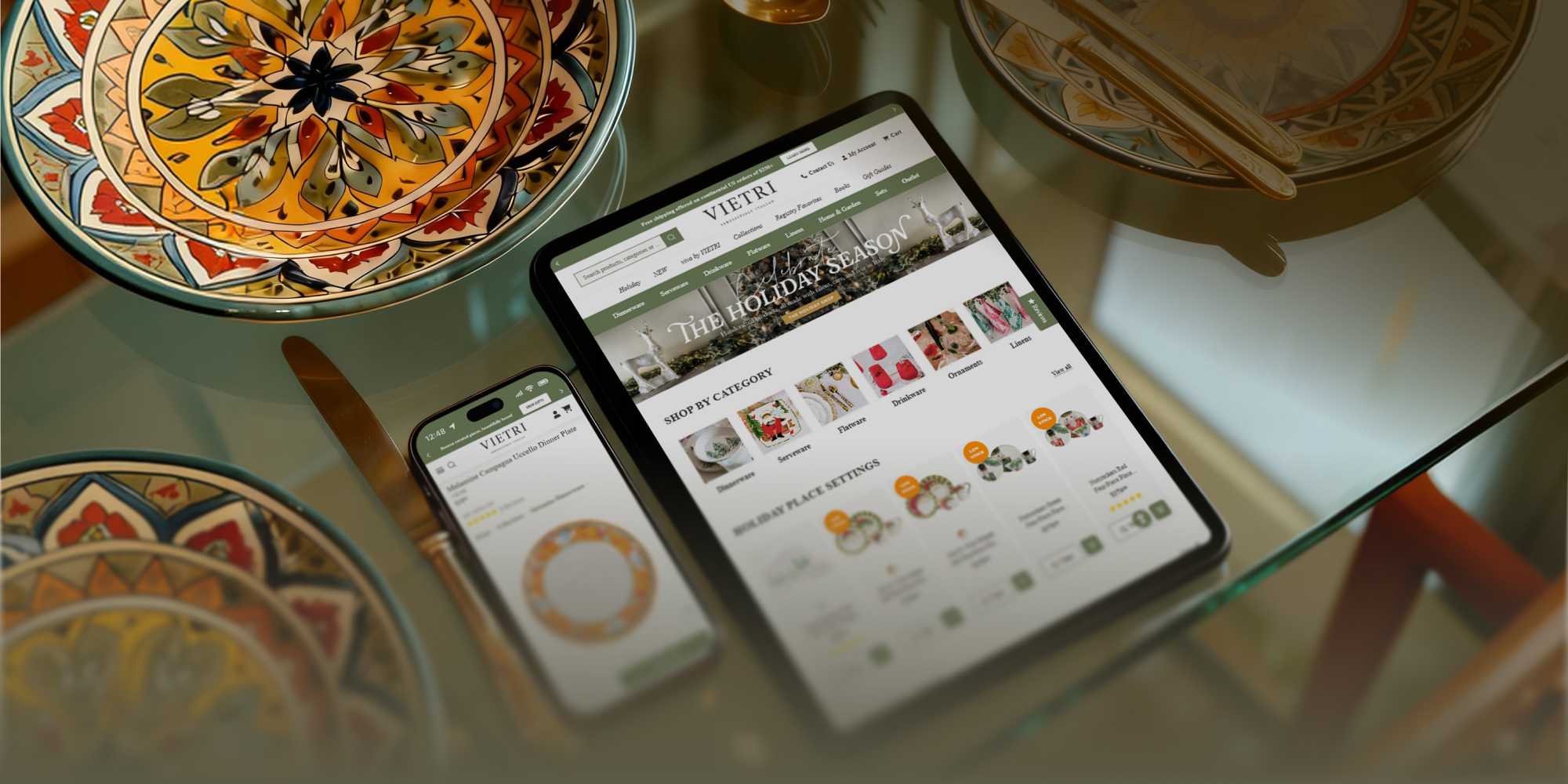
How a Luxury Tableware Brand Elevated Their Digital Growth After Leaving a Large U.S. Agency

Clash Graphics Prints a New Chapter Online with a Revamped BigCommerce Store and Email Templates

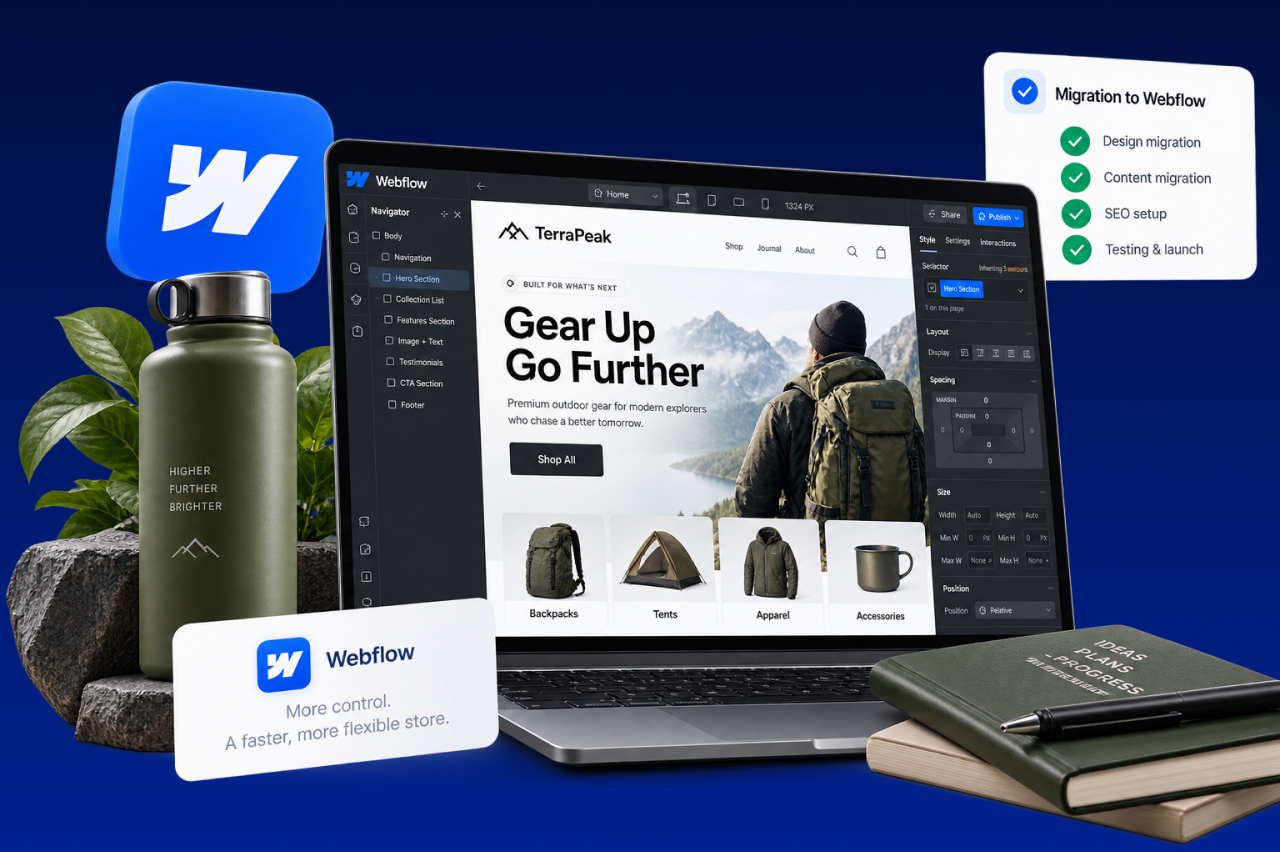
Webflow Migration

Webflow migration illustration
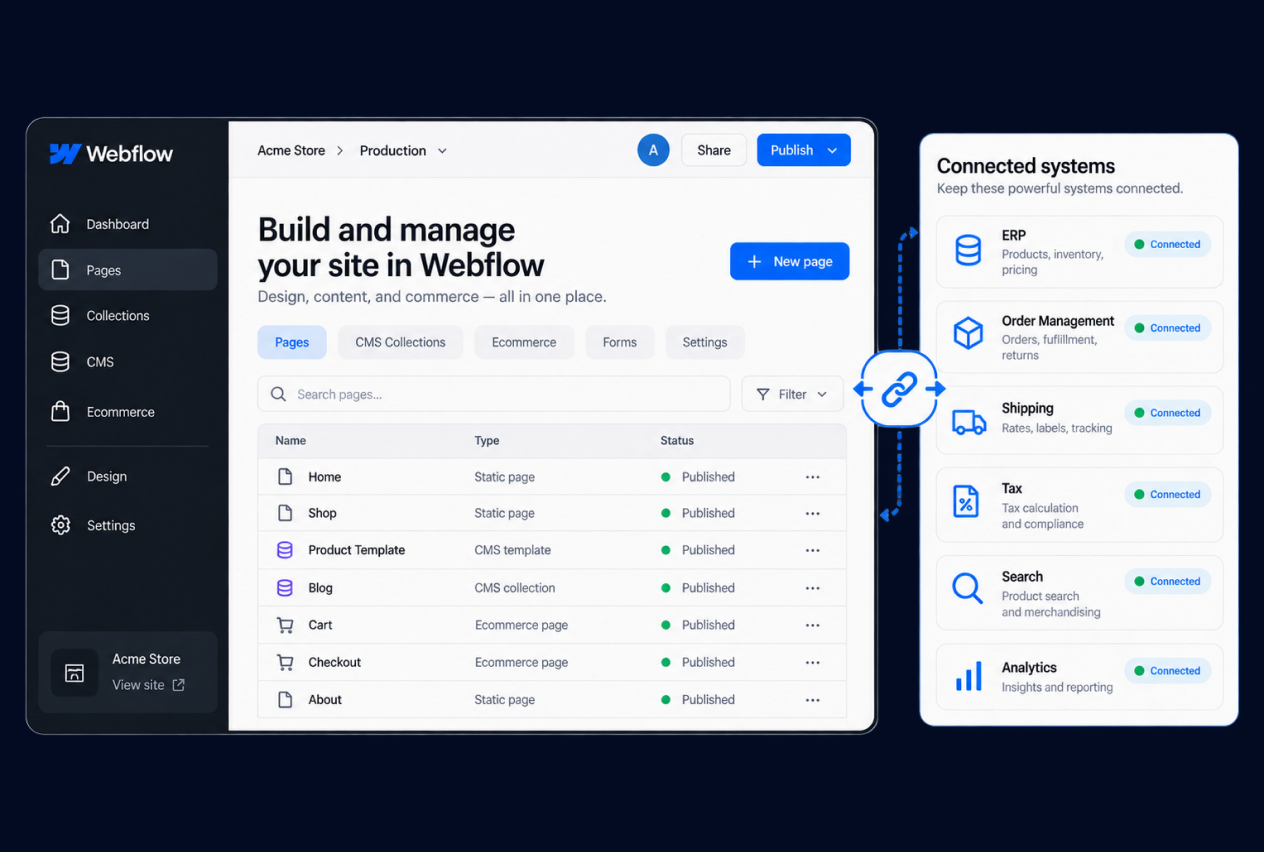
Webflow destination illustration

Decide What Actually Belongs in Webflow

Webflow brings visual site building, CMS, hosting, optimization tools, and Ecommerce into one platform, but that does not mean every part of an existing ecommerce operation should automatically move there. The migration should begin by deciding which customer-facing experiences and commerce functions Webflow needs to own and which systems should remain connected elsewhere.

That is especially important for stores moving from platforms with different catalog, checkout, app, or operational models. We review the source site and the way the business actually sells before committing to the destination. If a required workflow does not fit Webflow cleanly, it should be identified early rather than discovered after the new design is already underway.

Rebuild the Content Model, Not Just the Pages

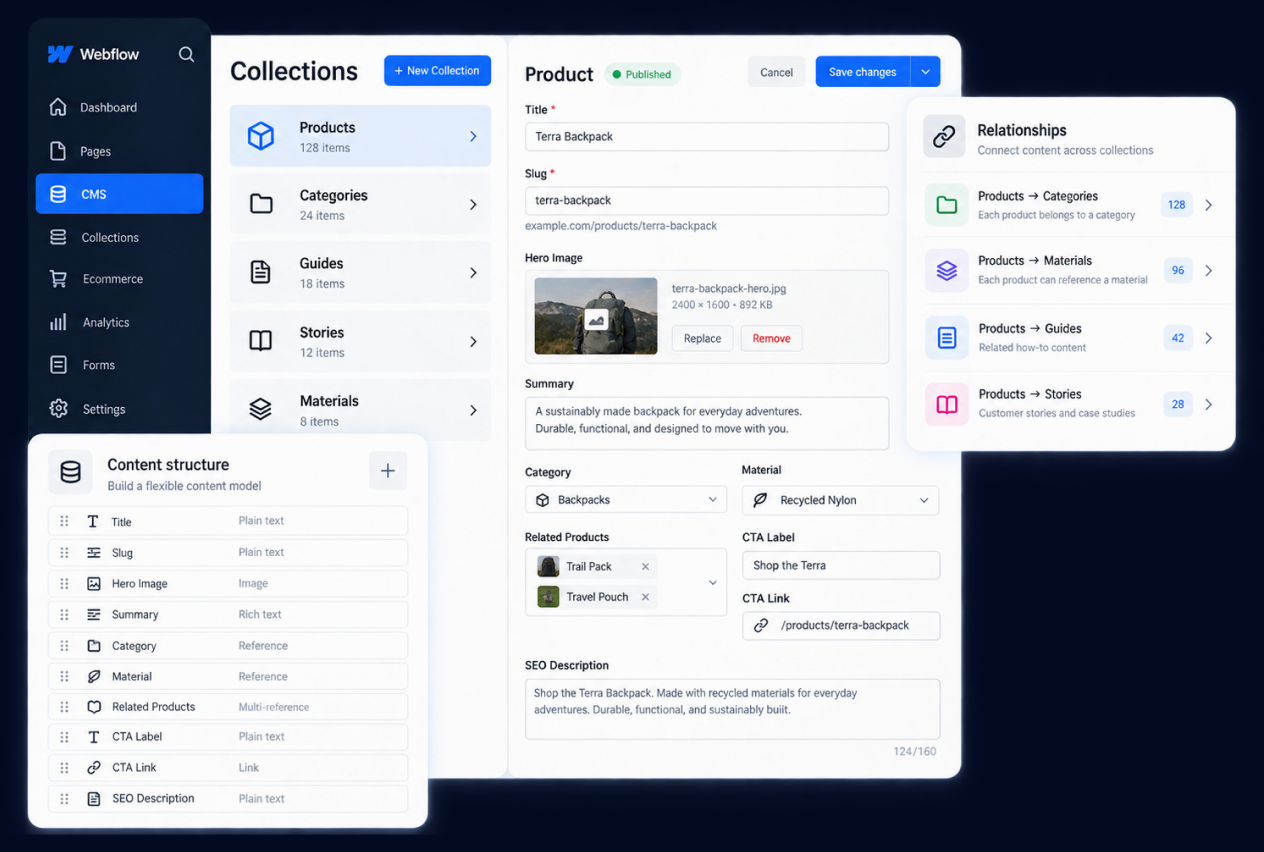
A website migration can fail even when the new pages look right if the underlying content structure is poorly planned. Webflow CMS organizes reusable content through Collections and fields, and its current platform also supports headless CMS APIs for content that needs to connect with other systems or channels.

We use the move to decide which source pages should become reusable CMS content, what relationships need to be preserved, and what no longer deserves to be carried forward. That can reduce page-by-page rebuilding and give the internal team a clearer way to manage products, resources, landing content, or other structured information after launch. The result should support both publishing and the buying experience instead of recreating the source site’s structure by default.

Webflow CMS content model illustration

Validate the Commerce Workflow Before You Rebuild the Storefront

Webflow Ecommerce can support a branded buying experience across products, cart, checkout, and order management, but the visual storefront is only one part of the migration decision. The required catalog structure, payments, shipping, fulfillment, customer workflows, and integrations still need to fit the way the business operates.

Before rebuilding the storefront, we help identify the commerce journeys that must work and the systems that support them. Some needs may fit Webflow Ecommerce directly, while others may require an integration, a connected commerce system, or another technical approach. Those decisions should be validated before the migration scope is committed.
Webflow commerce workflow illustration

1

Buyer and Company Workflows

Document registration, approval, account structure, buyer roles, reordering, quotes, purchasing permissions, and other paths that matter to the commercial model.

2

Pricing and Catalog Logic

Define customer-specific pricing, product visibility, catalogs, quantity rules, and the source of truth for the commercial data that feeds the storefront.

3

Storefront-Specific Requirements

Identify where content, products, pricing, navigation, domains, currencies, or customer experiences need to vary across storefronts, regions, brands, or buyer groups.

4

Plan and Capability Fit

BigCommerce capabilities and limits can vary by plan and implementation. The migration scope should confirm the current platform requirements instead of relying on an older feature assumption.

Webflow Migration Process

1

Assess

Review the source site, content model, catalog, commerce workflows, integrations, and decide what should live in Webflow versus remain connected elsewhere.

2

Map

Map pages, CMS Collections, products, URLs, storefront needs, and system connections into the Webflow structure.

3

Build and Transfer

Build the approved Webflow site, transfer in-scope CMS and commerce content, and configure Ecommerce or connected integrations within the confirmed approach.

4

Validate

Review migrated content, CMS behavior, buying journeys, connected systems, responsive behavior, redirects, and launch requirements.

5

Launch and Support

Coordinate the Webflow go-live plan and continue with post-launch validation or ongoing support when included in scope.

Webflow migration process illustration
Medical Device Brand migration case study

Migration

A Modern Shopify Migration That Elevates a Medical Device Brand’s Digital Credibility

Venabulum migration case study

Migration

Modernizing Venabulum’s Ecommerce Experience Through a Migration to BigCommerce

Webflow Migration FAQs

Is Webflow the right destination for every ecommerce store?

No. Webflow can be a strong fit when visual control, structured content, and a streamlined commerce experience are central, but catalog, checkout, payments, fulfillment, integrations, and ongoing operations still need to fit the destination before the move is committed.

Do we need to rebuild content in Webflow CMS?

Often, source content should be mapped into the Webflow CMS structure rather than copied page by page when reusable Collections and fields will make the site easier to manage. The right model depends on the content being moved.

How should URLs and SEO be handled during the move?

Important source URLs, Webflow destination paths, redirects, metadata, internal links, and launch checks should be mapped before go-live. This can reduce avoidable search risk, but it cannot guarantee rankings, traffic, or identical indexation.

What can be migrated into Webflow?

Migration scope can include pages, CMS content, media, products, variants, URLs, and other approved information when the destination supports it. What can move cleanly depends on the source system, data quality, and the Webflow structure being built.

What happens to source-platform apps and custom workflows?

Each app, integration, or custom workflow should be reviewed against the Webflow destination. Some needs may be handled in Webflow, while others may require a connected service, custom work, or a different approach.

Your Cart

Your cart is empty.

PHP Code Snippets Powered By : XYZScripts.com