















































WooCommerce Migration
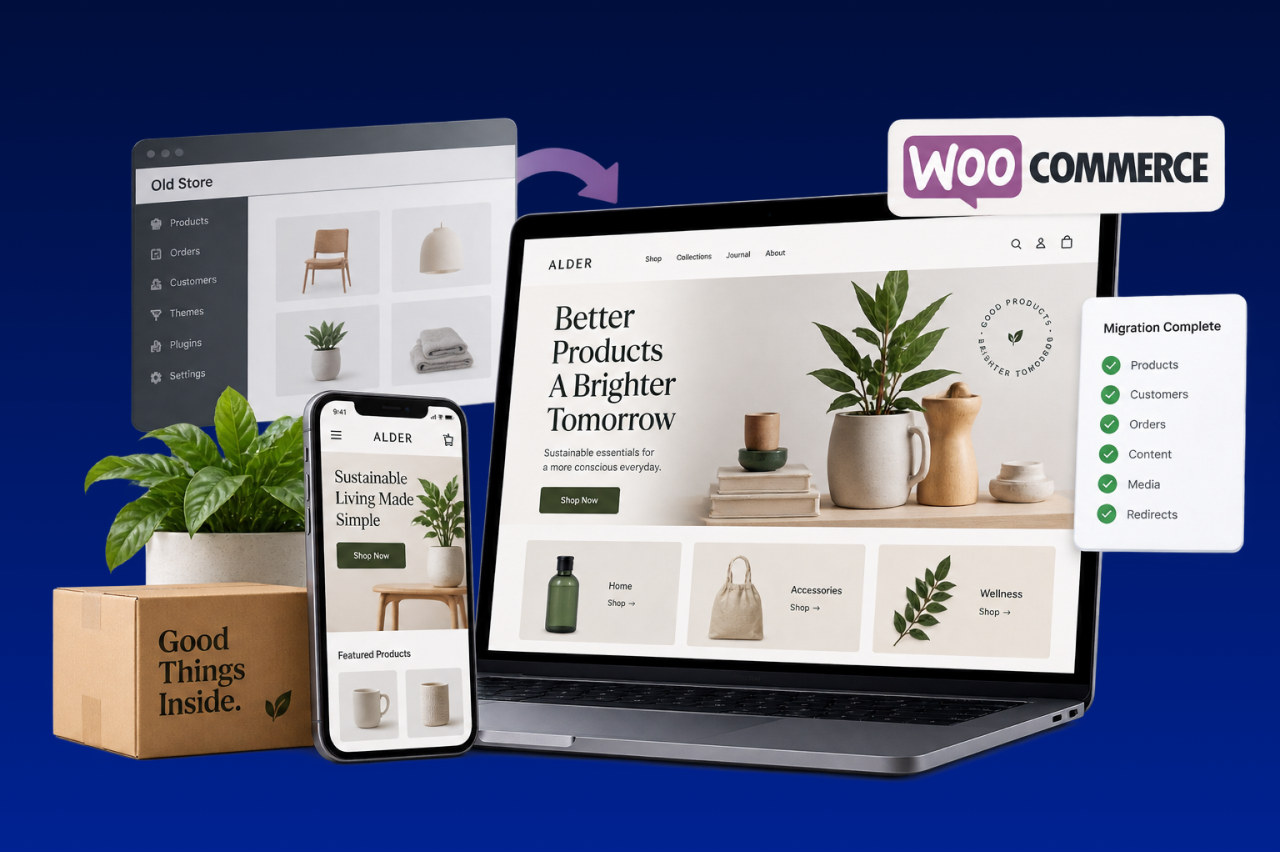
Moving to WooCommerce changes more than the commerce platform. It also changes how WordPress, hosting, extensions, and ongoing maintenance are handled. Always Open Commerce helps plan those decisions alongside the storefront, data, content, and launch.
Choose the WordPress Foundation Before You Move the Store
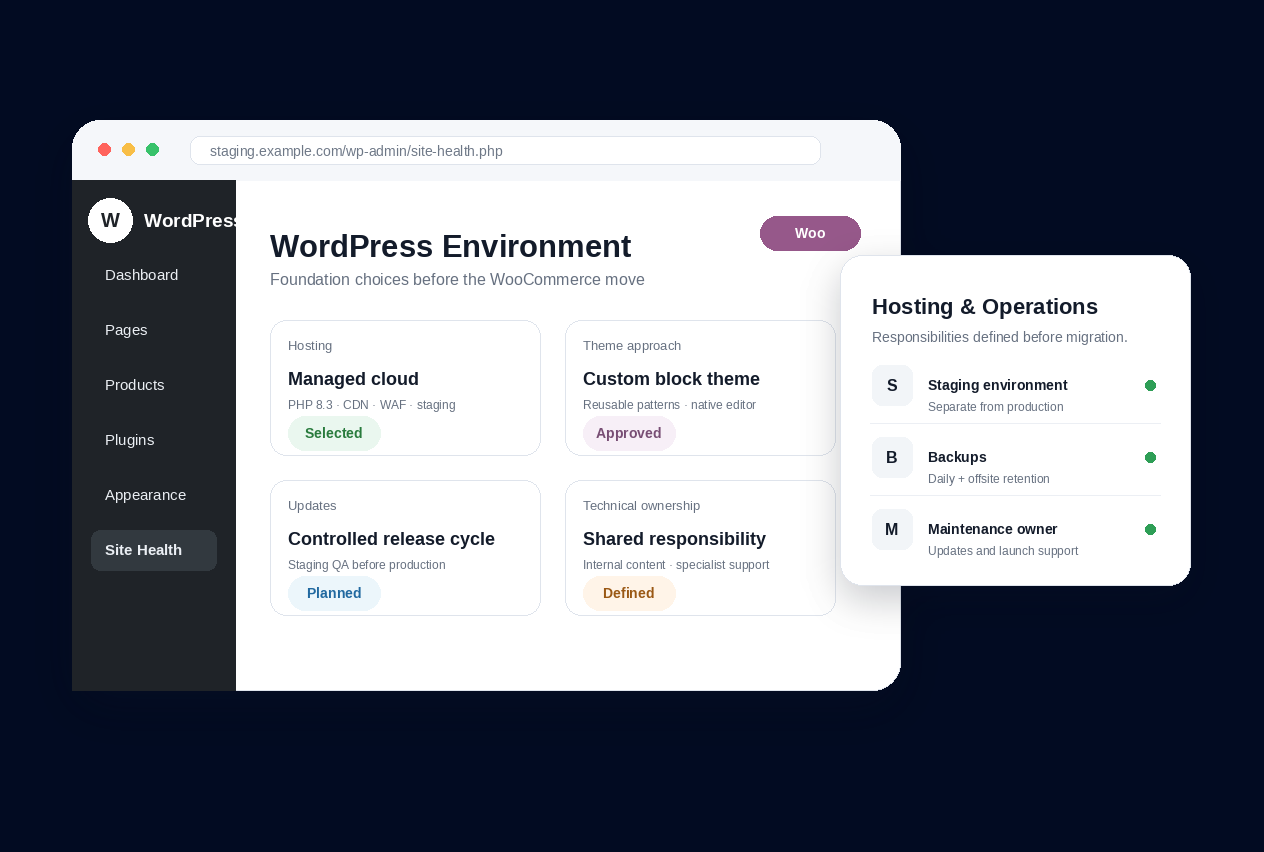
WooCommerce is open-source commerce built on WordPress, so moving into it also means choosing the foundation the store will run on. Hosting, the WordPress setup, theme approach, update responsibilities, and technical ownership are part of the destination rather than background details. For a team leaving a fully hosted platform, that can be a meaningful change in who controls and maintains the commerce environment.
We start by looking at how the business expects the site to operate after launch, not only at what exists on the source platform. That helps determine what the new WordPress environment needs to support, which responsibilities the internal team can reasonably own, and where ongoing specialist support may be needed.
Build Content and Commerce as One WordPress Site
A WooCommerce migration brings the storefront and the content-management system into the same WordPress environment. Product data, categories, attributes, customer information, order history, pages, media, navigation, and editorial content may all need to be mapped with both commerce and publishing in mind.
WooCommerce also gives teams broad control over storefront design and WordPress content, including block-based editing and extension-based functionality. We use the migration to decide how those pieces should work together instead of treating the store as a plugin bolted onto an existing site. The goal is a structure that supports the buying journey while remaining practical for the people who will update products and content after launch.

Treat Extensions and Maintenance as Part of the Migration
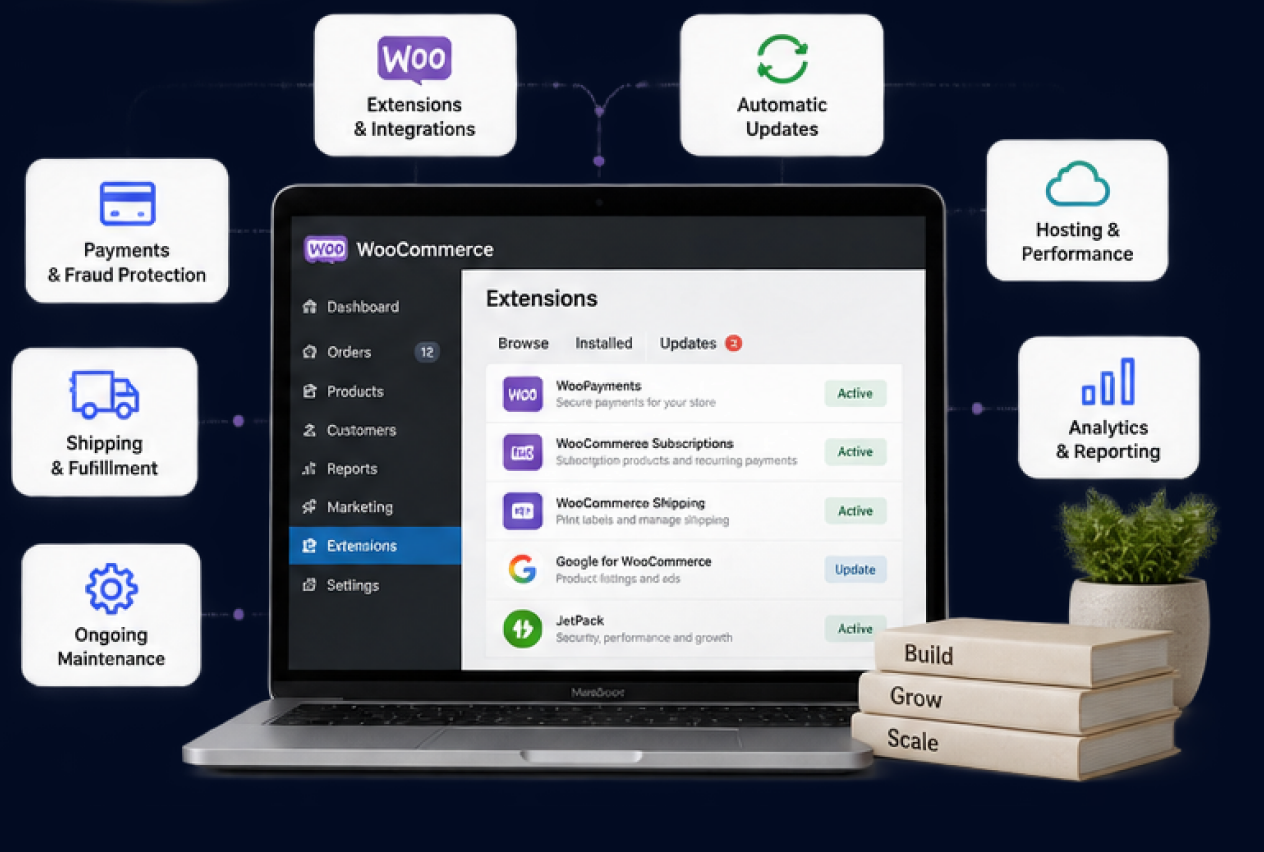
Source-platform functionality may arrive through built-in features, apps, custom code, or integrations. In WooCommerce, those needs can be handled through WooCommerce itself, WordPress, extensions, custom development, or connected systems. A one-for-one replacement strategy can quickly recreate the same complexity the business was trying to leave behind.
We review what each feature actually needs to do, then determine which parts should remain simple and which require a more specialized solution. That decision also has to account for the ongoing reality of a WordPress stack: extensions, themes, custom code, hosting, and updates can affect one another, so maintenance ownership should be understood before launch.
1
Buyer and Company Workflows
Document registration, approval, account structure, buyer roles, reordering, quotes, purchasing permissions, and other paths that matter to the commercial model.
2
Pricing and Catalog Logic
Define customer-specific pricing, product visibility, catalogs, quantity rules, and the source of truth for the commercial data that feeds the storefront.
3
Storefront-Specific Requirements
Identify where content, products, pricing, navigation, domains, currencies, or customer experiences need to vary across storefronts, regions, brands, or buyer groups.
4
Plan and Capability Fit
BigCommerce capabilities and limits can vary by plan and implementation. The migration scope should confirm the current platform requirements instead of relying on an older feature assumption.
WooCommerce Migration Process
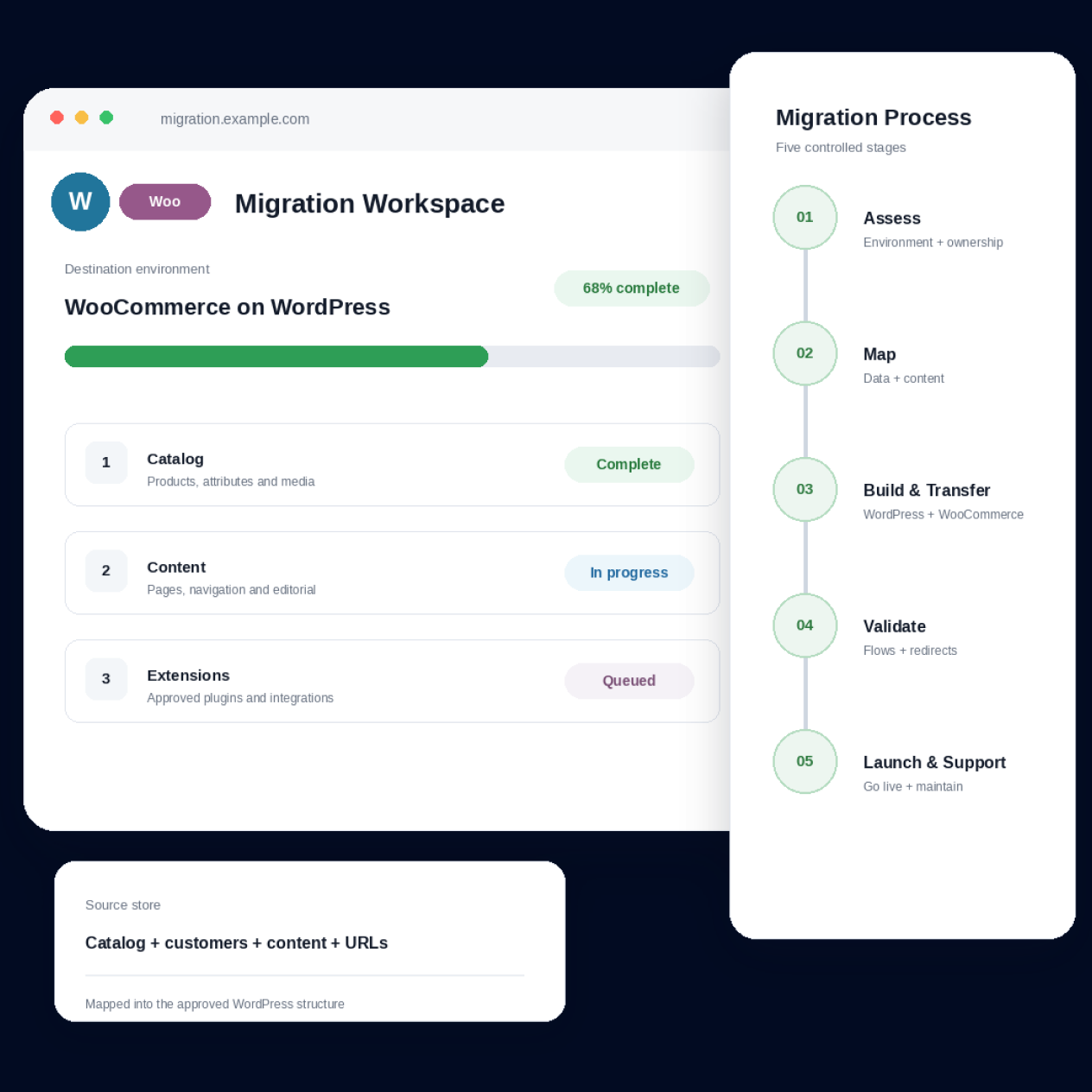
1
Assess
Review the source store and define the WordPress environment, hosting, theme, extension stack, and ownership model the WooCommerce site will need.
2
Map
Map products, customers, content, URLs, storefront behavior, and required functionality into the WordPress and WooCommerce structure.
3
Build and Transfer
Build the approved WordPress and WooCommerce environment, transfer in-scope data and content, and configure approved themes, extensions, or integrations.
4
Validate
Review migrated data and content, buying journeys, extensions, connected systems, responsive behavior, redirects, and launch readiness.
5
Launch and Support
Coordinate the WooCommerce go-live plan and continue with post-launch validation, maintenance, or support when included in scope.
WooCommerce Experience


Migration
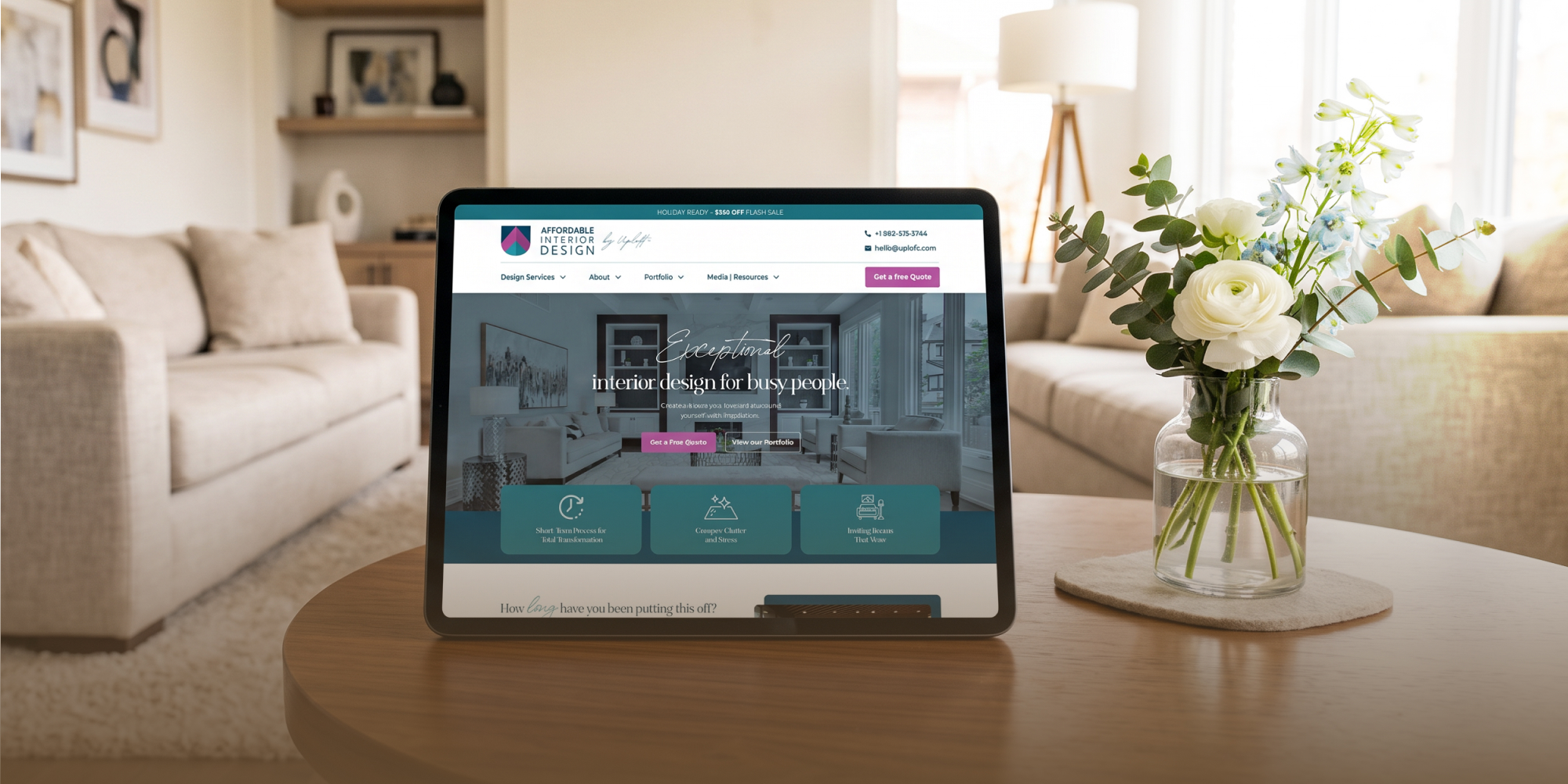
InGeneius – Ecommerce Experience Case Study

WooCommerce Migration FAQs
Migration scope can include products, variations, categories, customers, historical orders, content, media, URLs, and other approved records. What can move cleanly depends on the source platform, data quality, and the WooCommerce structure being built.
Each app, plugin, extension, integration, or custom feature should be reviewed for the WooCommerce destination. Some functionality may have a suitable WooCommerce option, while other needs may require different configuration, replacement, or approved custom work.
Important source URLs should be compared with the planned WordPress and WooCommerce paths before launch. Redirects, metadata, internal links, and content relationships should be mapped where relevant. This can reduce avoidable search risk, but it cannot guarantee rankings, traffic, or identical indexation.
Not necessarily. WooCommerce needs a suitable WordPress hosting environment, but that may be an existing setup or a new one. The store, catalog, traffic, integrations, performance needs, and maintenance model should be reviewed before the hosting approach is confirmed.
That should be decided before go-live. Hosting, WordPress updates, WooCommerce updates, themes, extensions, custom code, monitoring, and troubleshooting can affect one another, so the business needs a clear ownership model for ongoing maintenance and specialist support.

 USA
USA
 Philippines


